79 - iBook G4 (12-inch Mid 2005) Take Apart
AirPort Extreme/Bluetooth Card
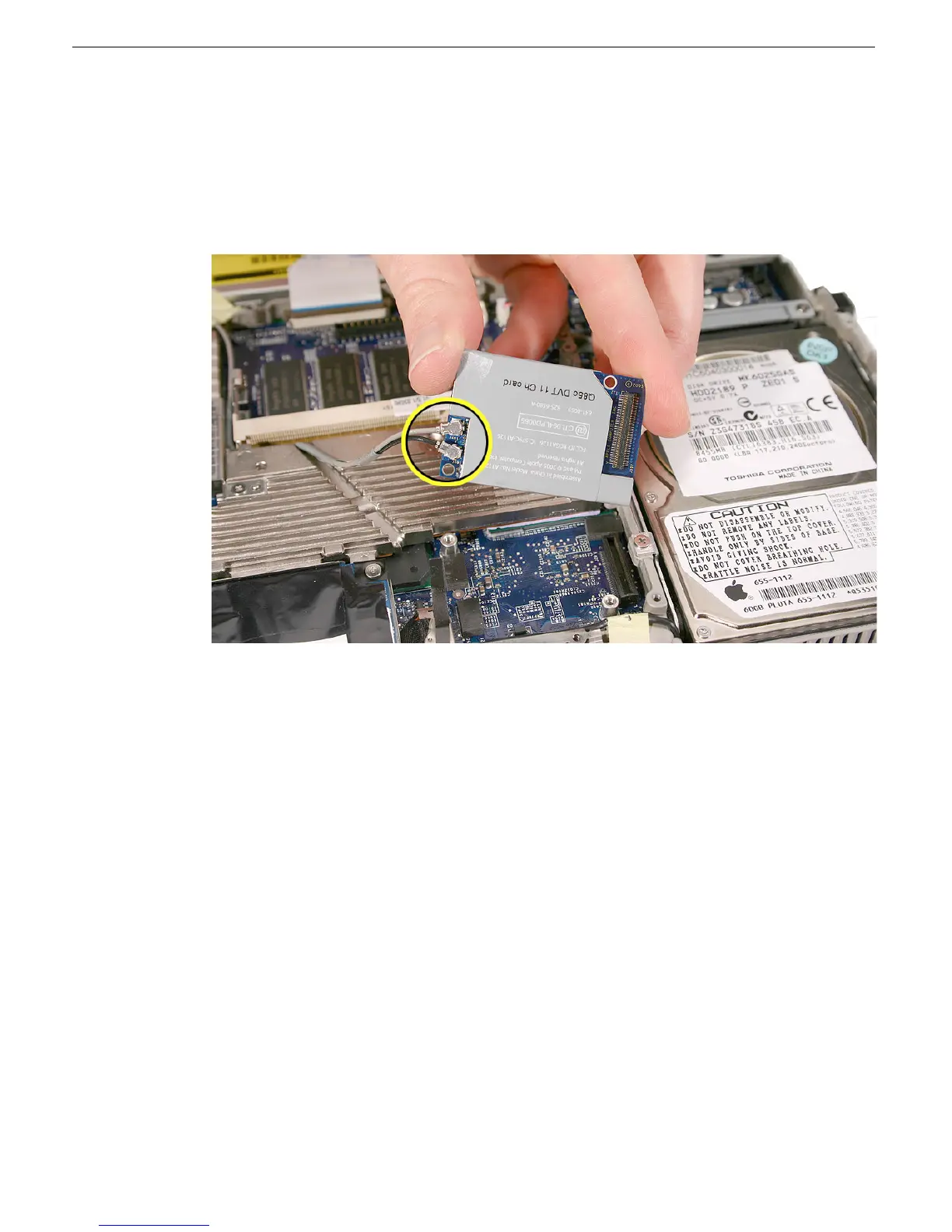
5. With the antenna cables still connected, turn over the card.
6. Note the location of the two cable connectors.
Replacement Caution: Although the cable connectors are identical, do not swap
the cables. Make sure that when the card is oriented as shown, the black cable is
positioned between the corner hole and the gray cable.



 To Next Page