iBook G4 (12-inch Mid 2005) Take Apart - 86
Modem
8. Install the replacement modem, and reassemble and test the computer.
Replacement Note: Before installing the replacement modem, make sure no cables
are blocking the modem connector on the logic board.
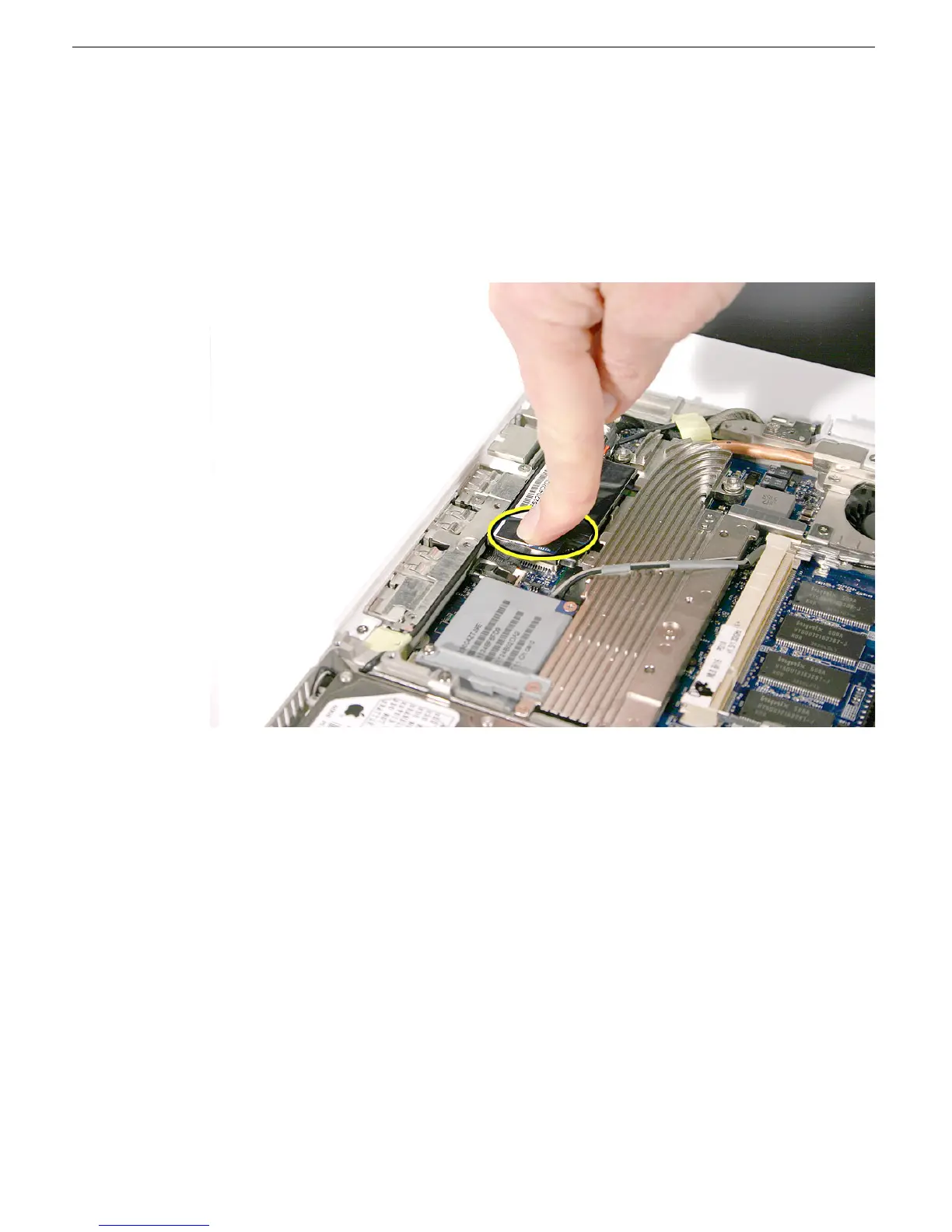
Replacement Caution: With the modem connector centered over the connector on
the logic board, press the modem onto the connector. Press only over the connector;
do not press elsewhere on the modem.



 To Next Page