87 - iBook G4 (12-inch Mid 2005) Take Apart
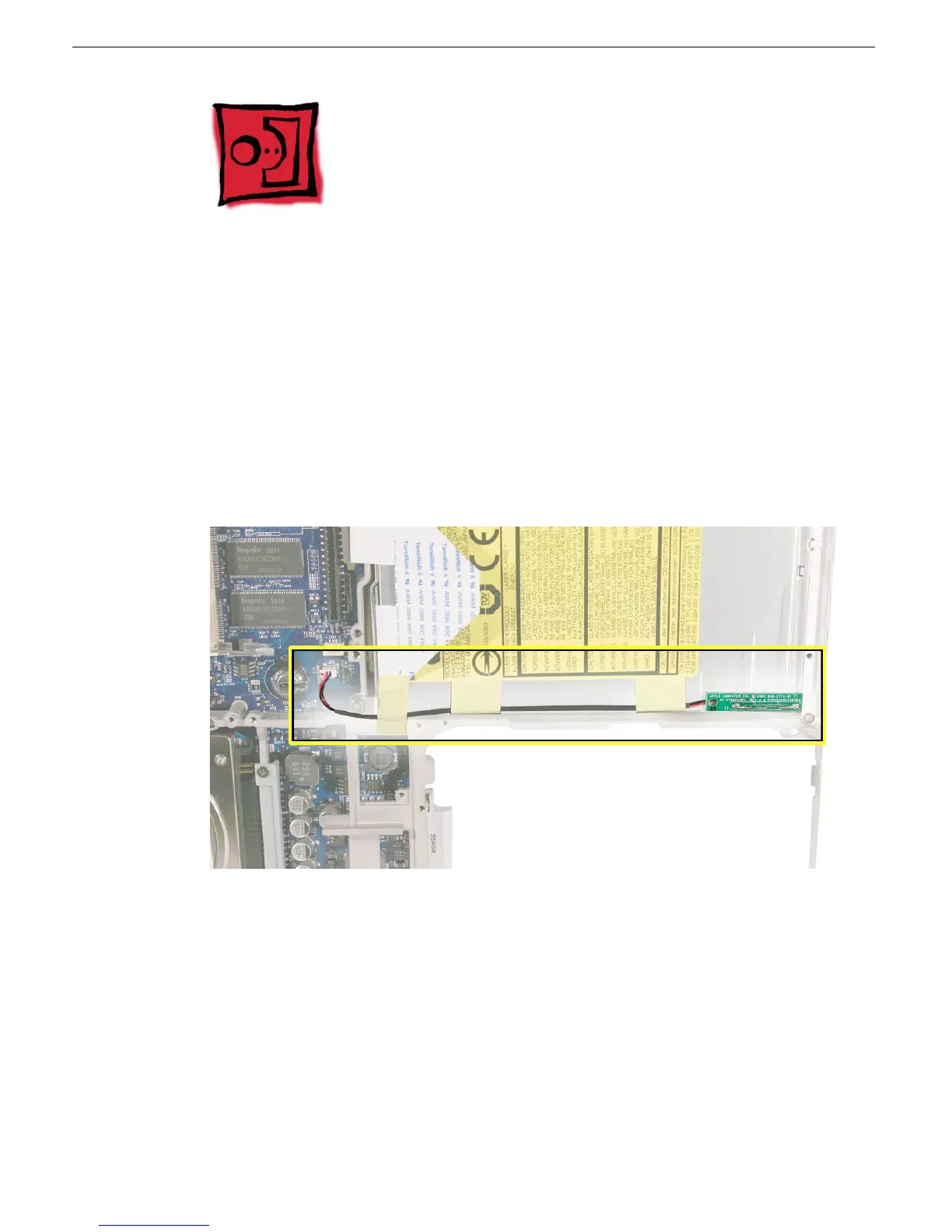
Reed Switch Board
Reed Switch Board
Tools
• Soft cloth
• Black stick (or other nonconductive nylon or plastic tool)
Replacement Note: If the tape you remove from this assembly is worn and cannot be
reused, use new Kapton tape (Apple part number 922-5025).
Part Location
Preliminary Steps
Before you begin, remove the following:
• Battery
• Keyboard and RAM shield
• Memory card
• Bottom case
• Bottom shield
• DC-in board
• Top case
• Top shield



 To Next Page