89 - iBook G4 (12-inch Mid 2005) Take Apart
Reed Switch Board
Procedure
Note: Although the images included in these steps show the original reed switch board
design, the steps are otherwise correct.
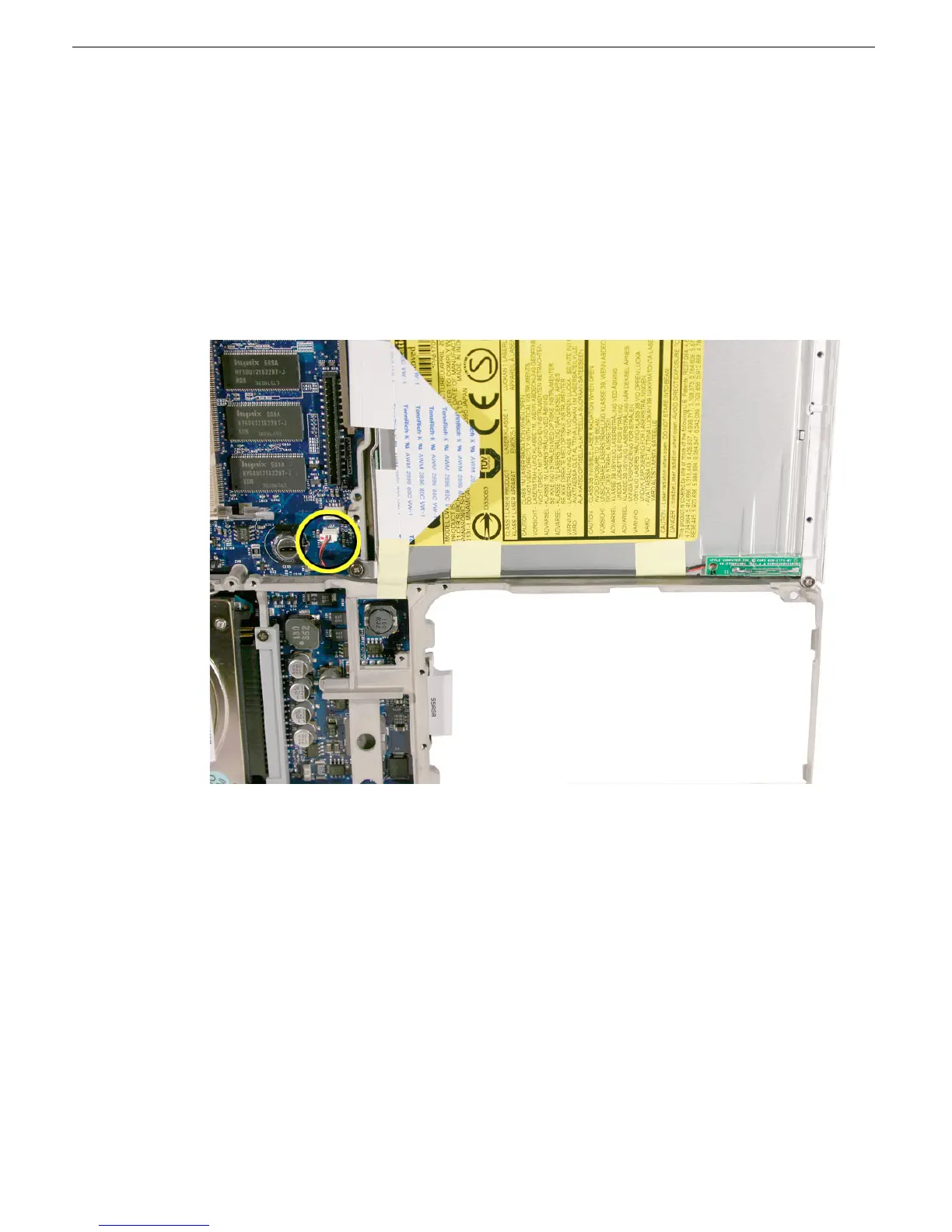
1. Note how the reed switch cable is routed along the lower edge of the optical drive and
connected to the logic board.
2. Disconnect the connector from the logic board.
3. Peel up or loosen the tape from the optical drive and frame.



 To Next Page