95 - iBook G4 (12-inch Mid 2005) Take Apart
Optical Drive
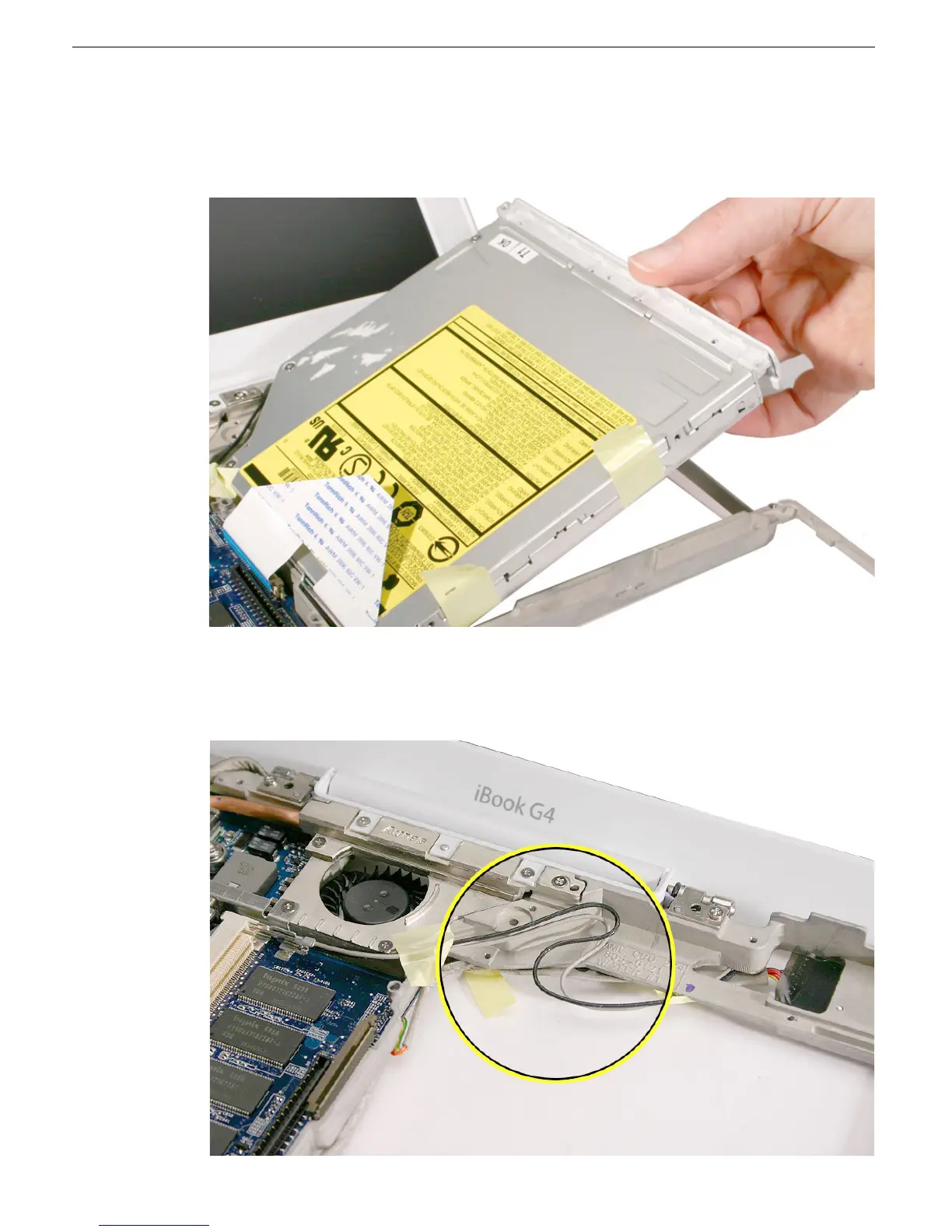
5. Warning: Handle the optical drive at the edges only. Do not touch or press
anywhere else on the drive.
Without pinching any cables, tilt up the optical drive and lift it out the drive.
6. When removing the drive, the bottom of the drive case might stick to tape on the
underside of the frame. If it does, use a black stick to release the drive.
Note the antenna cable routing after the drive has been removed.



 To Next Page