97 - iBook G4 (12-inch Mid 2005) Take Apart
Optical Drive
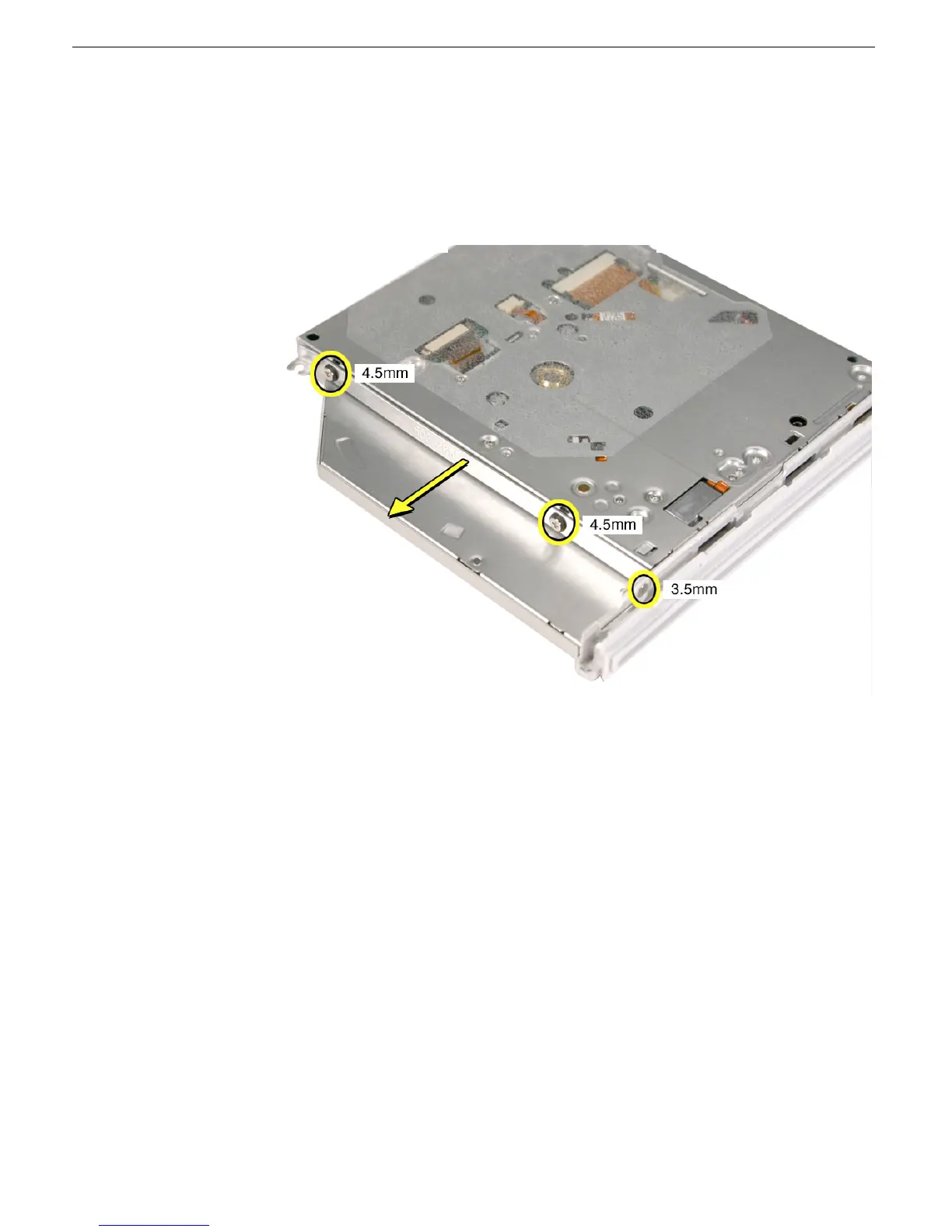
10. Remove the 4.5-mm long screws that hold the mounting bracket to the optical drive.
Although the three screws are the same length, the screw that secures the bracket to
the bezel is a different shape (no collar), while the other two have collars.
Important: When reassembling the computer, transfer the mounting bracket to the
replacement drive.



 To Next Page