31 - iBook (14.1 LCD 16 VRAM) Take Apart
Top Case
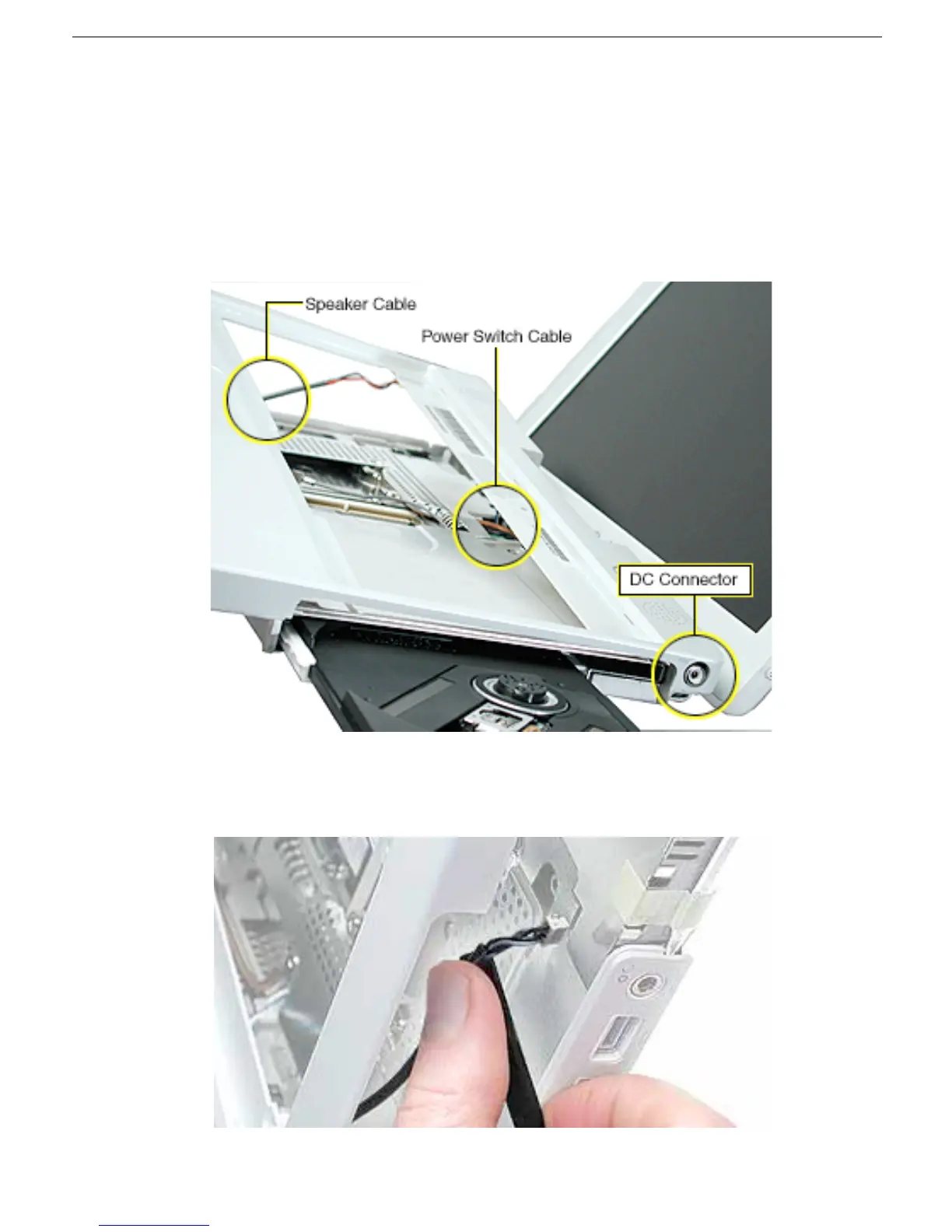
5. Warning: When performing this step, make sure the speaker cable and power
switch cable are not strained.
Starting near the left speaker end of the top case, lift up the top case near the front.
Tilt the top case so that it clears the DC connector.
Tilt the top case up away from the computer latch.
Use a black stick to loosen the top case from the optical drive.
6. With the top case loosened, disconnect the speaker cable from the logic board.
7. Disconnect the power switch cable from the logic board.



 To Next Page