iBook (14.1 LCD 16 VRAM) Take Apart - 32
Top Case
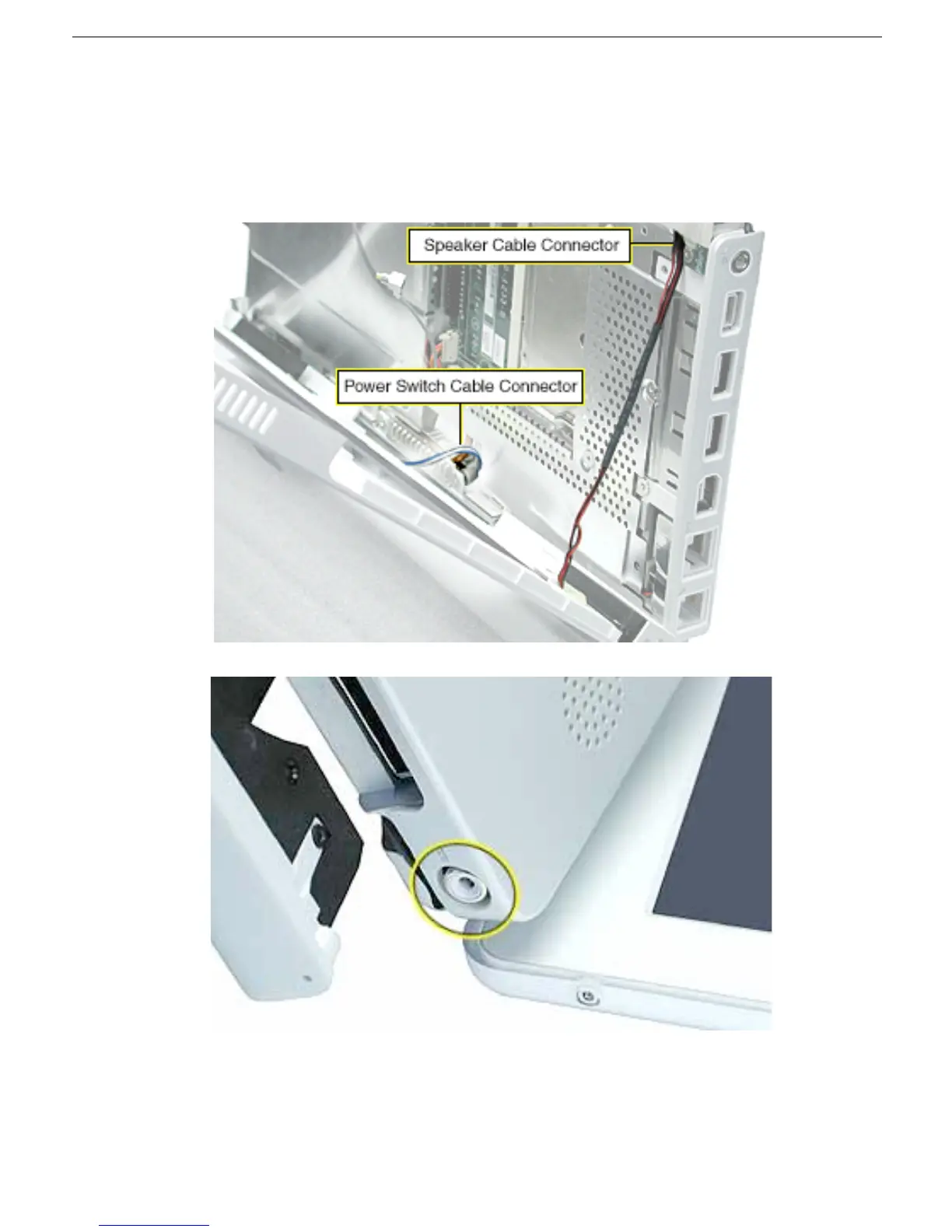
8. Remove the top case from the computer.
Note: When installing the replacement top case, first connect the power switch cable
connector followed by the speaker cable connector. Do not strain the cables. Then
make sure you attach the case over the DC connector.



 To Next Page