33 - iBook (14.1 LCD 16 VRAM) Take Apart
Top Case
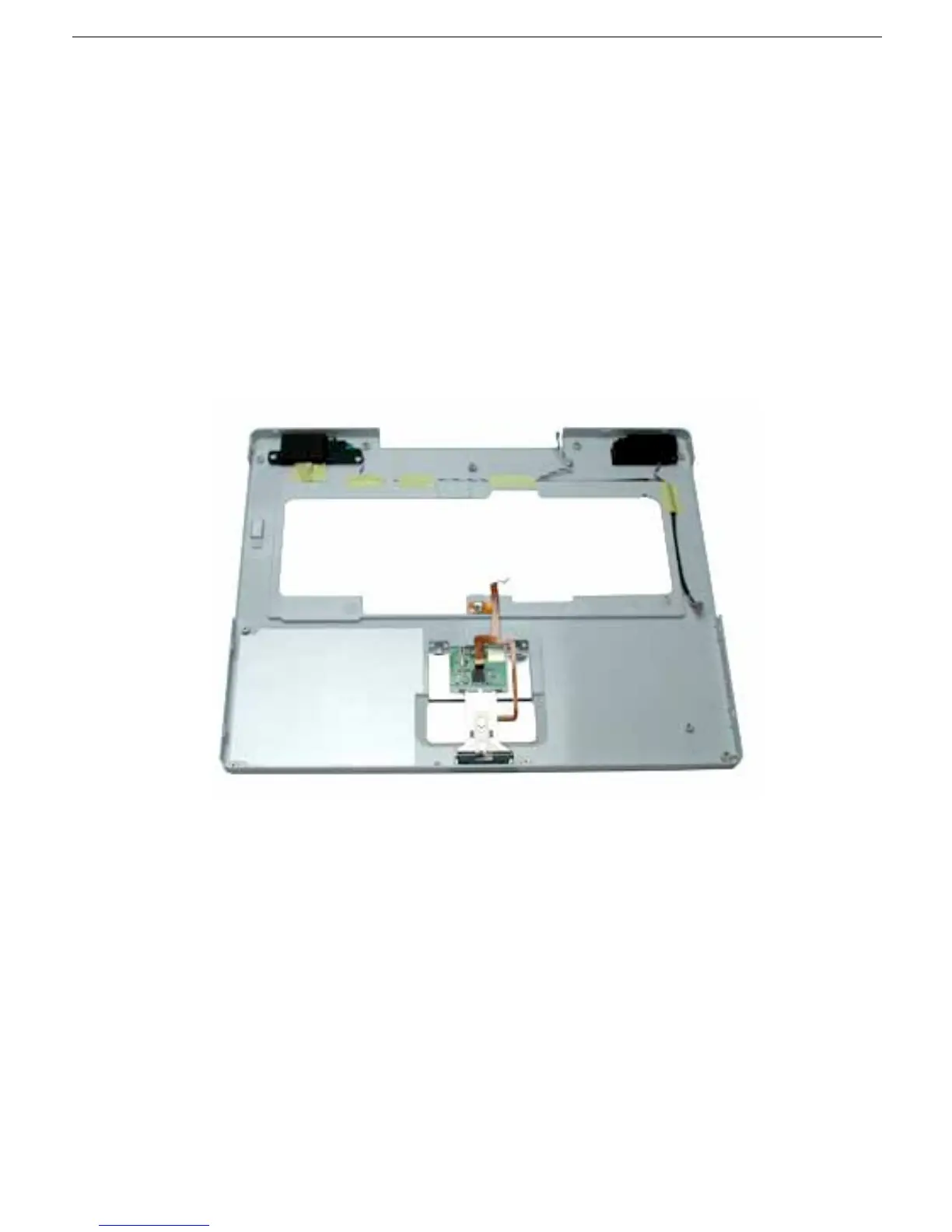
9. Before installing the replacement top case, make sure it includes the following:
• Speaker set
• Power button and board (under left speaker)
• Speaker cable and power switch cable
• Trackpad assembly with board and cable
• Display latch
• Battery magnet
10. Important: Make sure you transfer the original serial number label and Ethernet label
from the old top case to the replacement top case. You can use a black stick to
carefully peel up a corner of the label. Then peel off the label completely and apply it
to the replacement top case. Make sure that the labels lie completely flat so they do
not interfere with the battery compartment.
11. Install the replacement top case.
Warning: When reassembling the computer, be careful not to pinch any cables
as you press the top case back onto the computer. Check that the top case
shows no raised surfaces and is fully snapped into place before installing the
remaining screws.



 To Next Page