88
Chapter
6:
Peripheral
Devices
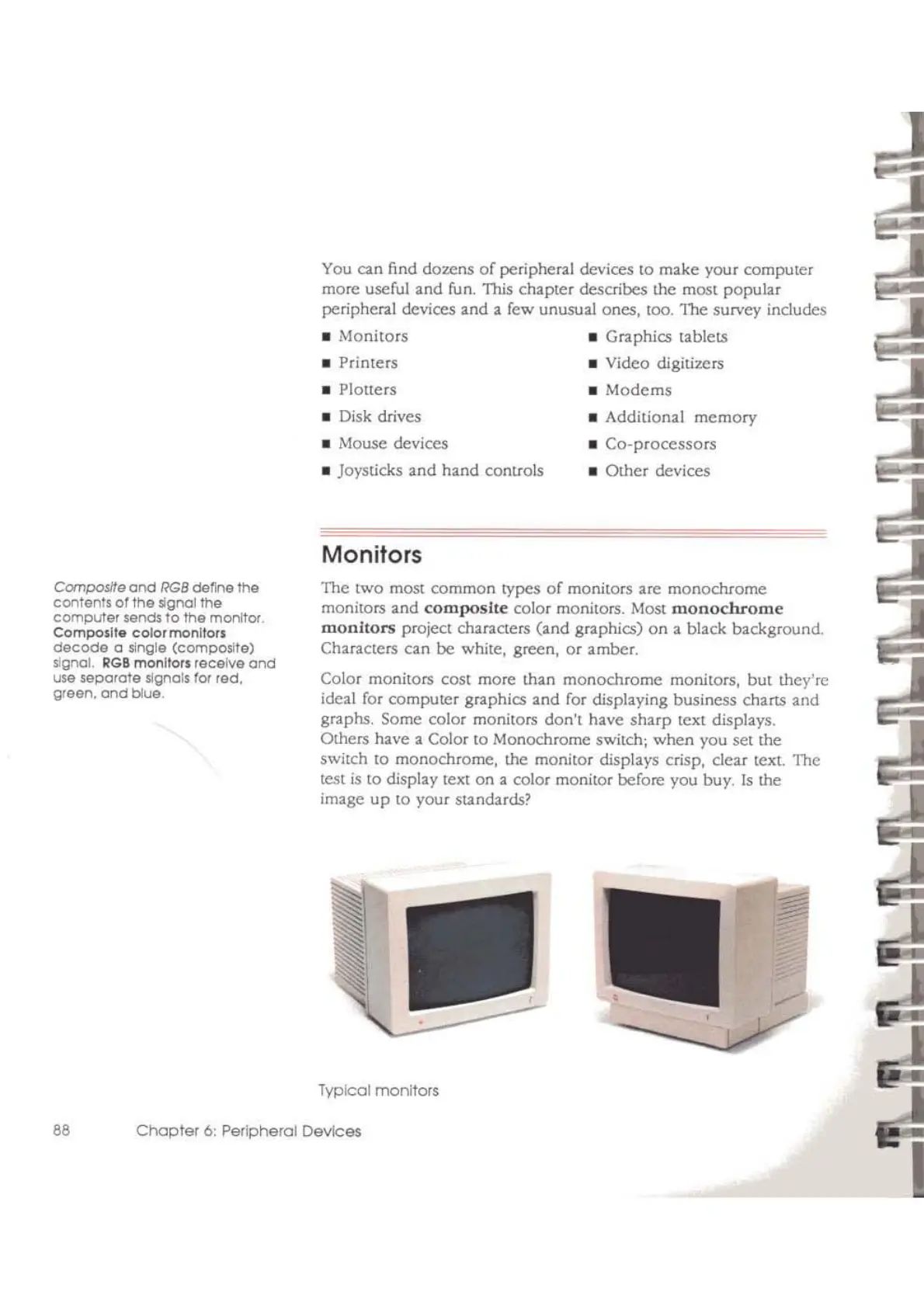
Typical
monlfors
_ Additional
memory
_
Co-processors
_
Other
devices
Monitors
_ Disk drives
_ Mouse devices
_ Joysticks
and
hand comrols
The two most common types
of
monitors are
monochrome
monitors
and
composite
color monitors. Most
monochrome
monitors
project characters (and graphics)
on
a black background.
Characters
can
be white, green,
or
amber.
Color monitors cost more than
monochrome
monitors,
but
they're
ideal for computer
graphics and for displaying business charts and
graphs. Some color monitors don'l have
sharp
text displays.
Others have a Color to Monochrome switch;
when
you set the
swilch
10
monochrome, the monitor displays crisp, clear text. The
lest
is
to display text
on
a color monitor before you buy.
Is
the
image
up
10
your standards?
You can find
dozens
of
peripheral devices to make your computer
more useful and fun. This chapter describes the most popular
peripheral devices and a few unusual ones,
100.
The survey includes
_ Monitors _
Graphics tablets
_ Printers _ Video digitizers
_ Plouers _
Modems
Composite
ond
RGB
dElfll'1e
the
contents
01
the s1gnalltle
computer sends
to
ltle
monitor.
Composite colormon1!ors
decode
0 slr)Qle (compo.slte)
.signal.
RG8
monitors receive
and
use seporate signals
ror
red.
green.
ond
blue



 To Next Page