EasyManua.ls Logo

Apple II - Chapter 1 Setting Up the Apple Ile; Getting started; Plugging in the power cord

Apple II
188 pages
Print Icon
To Next Page IconTo Next Page
To Previous Page IconTo Previous Page
Loading...
-
Chapter
1
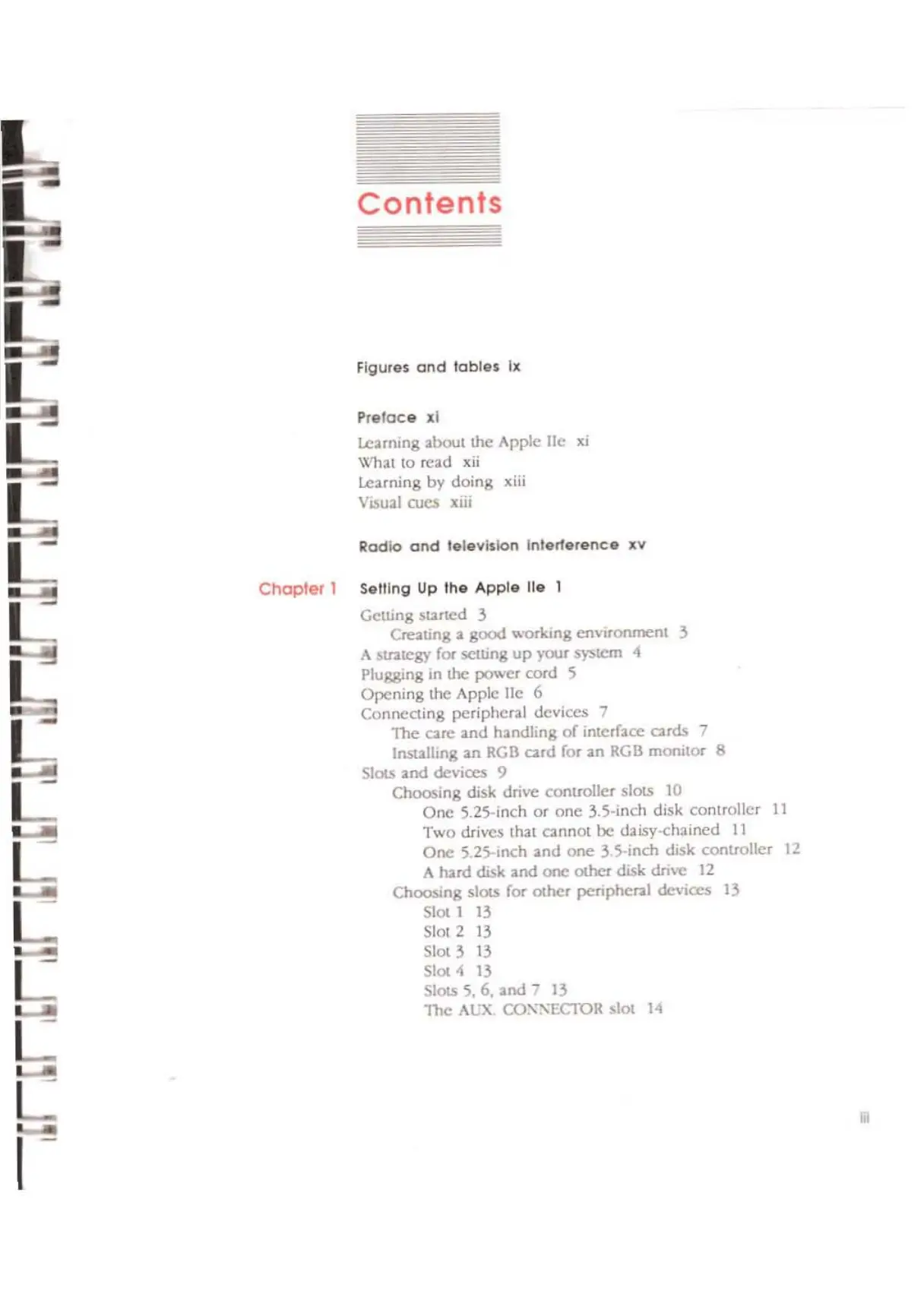
Contents
Figures
and
lables
Ix
Plelaee
xl
Learning
2bout
the Apple
lie
Xl
Wll3t 10
read
xii
learning
by
doing
xiii
Visual
OJCS
xiii
Radio
and
television
Inlerte,ence
xv
Seiling
Up
Ihe
Apple
lie
1
Gelling
sUIted
3
Creating a gcxx1
workmg
environment
3
A
stntcgy
for setLing
up
your
S)-stcm
-4
Plugging in the
JX)Wcr
cord
5
Opening
the Apple
l1c
6
Connecting
peripheral
devices
7
The
arc
and
h:mdling
of
interface cards 7
Installing
an RGB
cud
for:lIn
RGB
monitor
8
SlotS
and
devices 9
Choosing
disk drive
controller
slocs 10
One
S.2S-inch
or
onc
3.S·inch disk
controller
11
Two
drivcs lhat
cannot
be
daisy-chained
11
One
5.2S-inch 2nd
onc
3.5-inch disk
controller
12
A
turd
disk
and
one
Olhcr disk
drwc
12
Choosing
slotS for
other
peripheral devices
13
Slot 1
13
Slot 2
13
Slot 3 13
5101.4
13
Slots
5,
6, and -
13
The
ACX
CO:'\
....
ECIOR slot
14

Other manuals for Apple II

Related product manuals