76 ChapTer 5:
Sotlwore
You
an
also rco-ie\.·e information
based
on
specific
criteria-like
a
pan
number, a range
of
dates,
or
city
of
residence. You
can
also
have the data
base
program
do
cross-references
to
produce
lists-aU
OJSlomers "':ho
placed
orders
bst
month
or
all SlUdents
who
scored
100%
on
at 'cast
one
teSt.
Anything you
can
retrielo·e.
you
can
pnnt
in neatly formatted reports.
Uusmess data
bases
keep
track
of
OJSlomer records
and
inventory
You
an.set
up
data bases at
home
to
aulog
your
valuables
or
your
bubblegum
card
colleaion
You
can
also
keep
club
membership
records. statistics
on
a
sports
team,
or
favorite recipes.
Spreadsheets
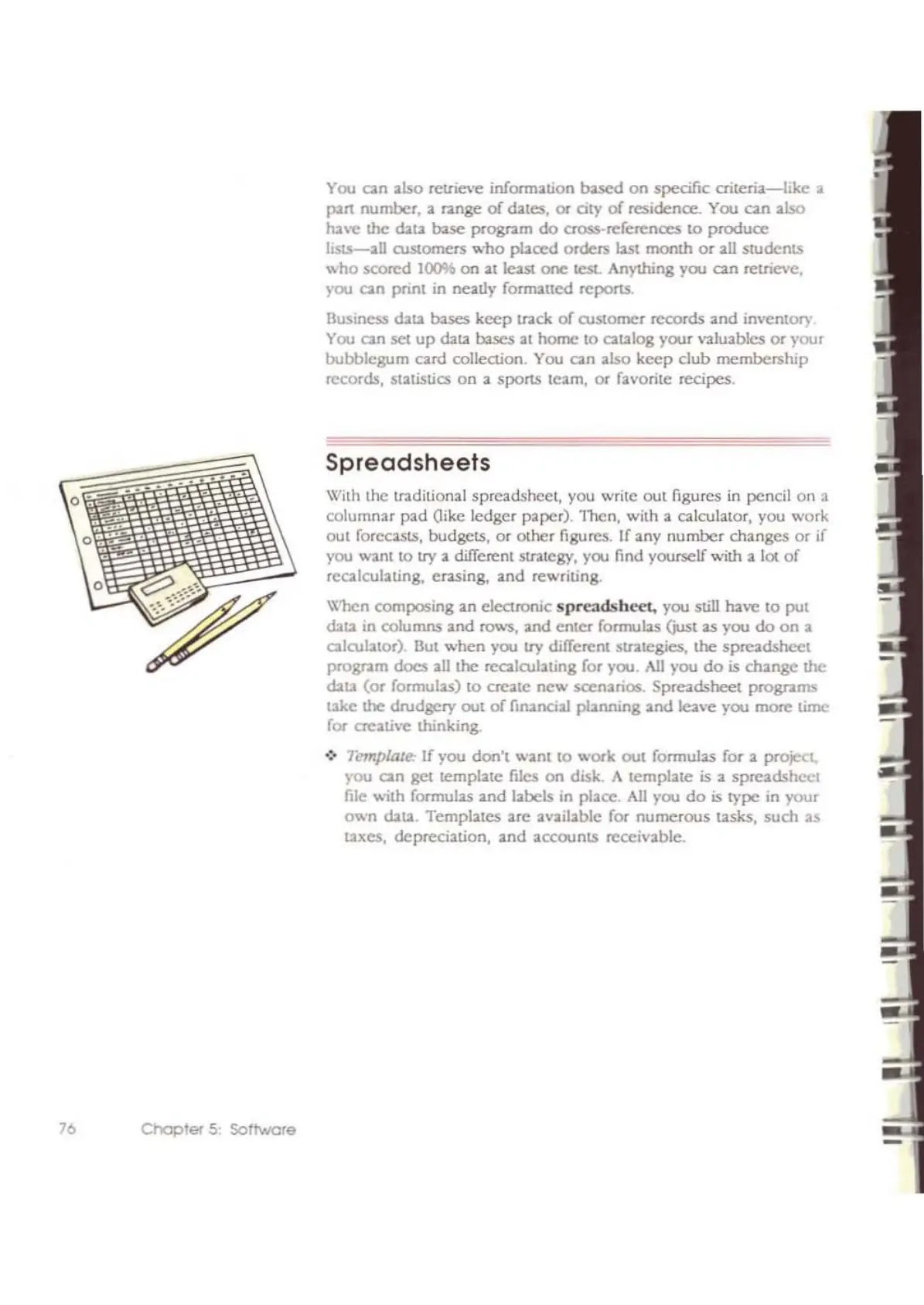
With the tr3.ditional spreadshcct, you write
out
figures in pencil
on
a
columnar
pad
Oike ledger paper).
l'hen,
with a c;l.!culator, you work
out
forecasts. budgets,
or
other
figures. If any
number
changes
or
if
you want to
try
a different strategy, you find yourself with a lot
of
rcalculating,
erasing,
and
rewriting.
W'hen
composing
an
electronic
spreadsheet,
you still
hne
to
put
dab
in columns
and
rows,
and
enter
formubs
(just as you
do
on
a
aIOJlator).
But
when
you
try
different strategies,
!.he
spreadsheet
progr<lm
does
all the rccalOJlating for you.
All
you
do
is
change
the
data
(or
formulas)
to
create
new
scenarios.
Spreadsheet
programs
take
\he drodgcry
out
of
financial
planning
and
leave you
more
time
for
creati\'e thinking.
.:. Templme
If
you
don't
want
to
wOfk
out
formulas for a projeCt,
)'ou
an
get template files on diSk. A
template
is a
spreadshcct
file with formulas
and
labels in place.
All
you
do
is
type
in
your
own
cbta Templates
are
available for
numerous
tasks. such as
taxes, depreciation.
and
accounts
receivable.
-



 To Next Page