EasyManua.ls Logo

Apple IIe - Page 117

Apple IIe
320 pages
Print Icon
To Next Page IconTo Next Page
To Previous Page IconTo Previous Page
Loading...
Apple
BASIC Reference
Guide
117
Configuration
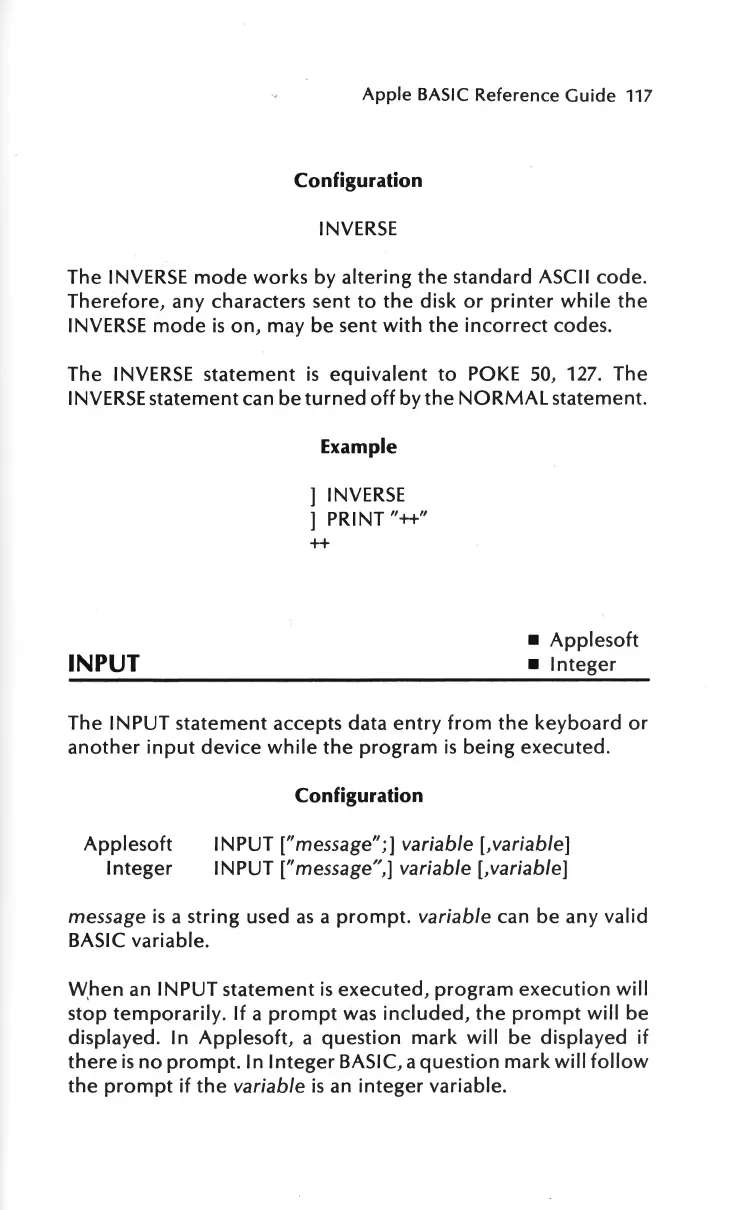
INVERSE
The
INVERSE
mode
works
by
altering
the
standard ASCII code.
Therefore,
any characters sent
to
the
disk
or
printer
while
the
INVERSE
mode
is
on,
may be sent
with
the
incorrect
codes.
The INVERSE
statement
is
equivalent
to
POKE
50,
127. The
INVERSE
statement can be
turned
off
by
the
NORMAL
statement.
INPUT
Example
]
INVERSE
] PRINT"++"
++
Applesoft
Integer
The
IN
PUT
statement
accepts data
entry
from
the
keyboard
or
another
input
device
while
the
program
is
being
executed.
Applesoft
Integer
Configuration
INPUT ["message";]
variable
[,variable]
INPUT ["message",]
variable
[,variable]
message
is
a
string
used
as
a
prompt.
variable
can
be
any valid
BASIC variable.
W,
hen
an INPUT
statement
is
executed,
program
execution
will
stop
temporarily.
If
a
prompt
was
included,
the
prompt
will
be
displayed. In
Applesoft,
a
question
mark
will
be displayed
if
there
is
no
prompt.
In
Integer
BASIC, a
question
mark
will
follow
the
prompt
if
the
variable
is
an
integer
variable.

Other manuals for Apple IIe

Related product manuals