EasyManua.ls Logo

Apple IIe - Page 131

Apple IIe
320 pages
Print Icon
To Next Page IconTo Next Page
To Previous Page IconTo Previous Page
Loading...
Apple
BASIC Reference
Guide
131
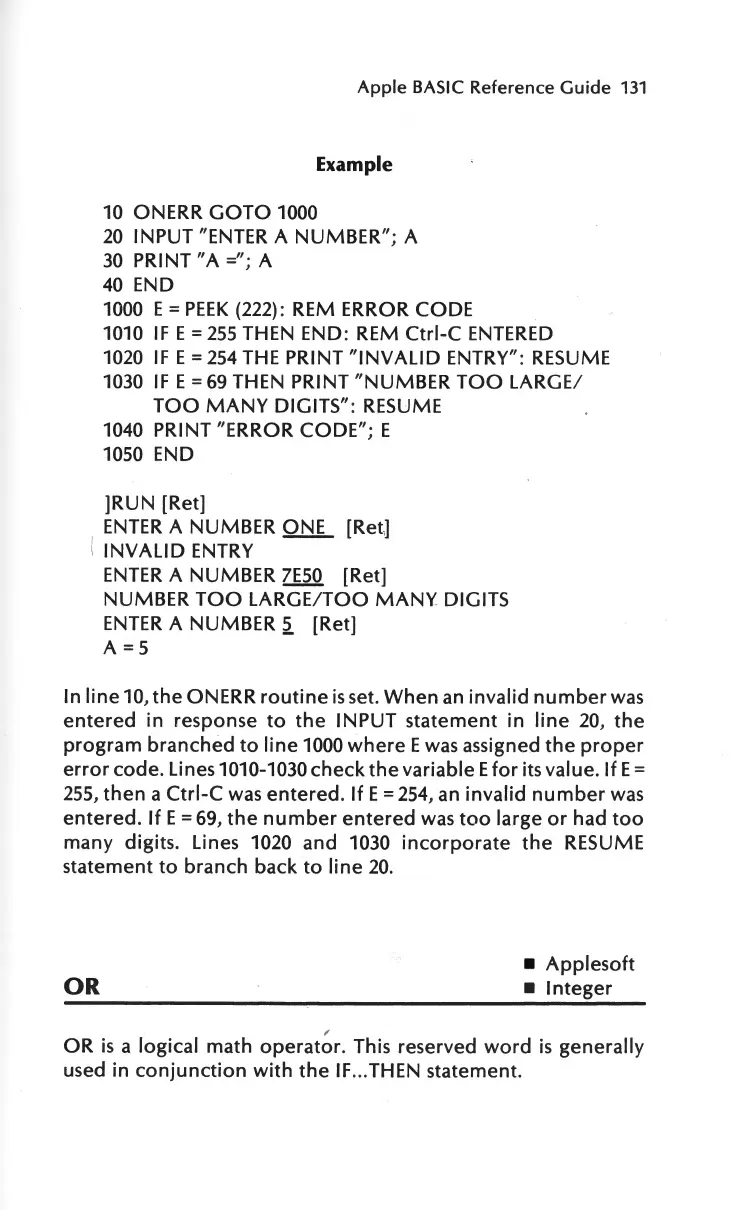
Example
10
ONERR
GOTO
1000
20
INPUT "ENTER A
NUMBER";
A
30
PRINT
"A=";
A
40
END
1000 E =
PEEK
(222): REM ERROR CODE
1010
IF
E =
255
THEN END: REM
Ctrl-C
ENTERED
1020
IF
E =
254
THE
PRINT
"INVALID
ENTRY":
RESUME
1030
IF
E =
69
THEN PRINT
"NUMBER
TOO
LARGE/
TOO
MANY
DIGITS":
RESUME
1040 PRINT "ERROR
CODE";
E
1050 END
]RUN
[Ret]
ENTER
A NUMBER ONE [Ret]
INVALID
ENTRY
ENTER
A NUMBER
7E50
[Ret]
NUMBER
TOO
LARGE/TOO
MANY
DIGITS
ENTER
A NUMBER
2.
[Ret]
A
=5
In
line
10,
the
ON
ERR
routine
is
set.
When
an
invalid
number
was
entered
in
response
to
the
INPUT
statement
in
line
20,
the
program
branched
to
line
1000
where
E
was
assigned
the
proper
error
code. Lines 1010-1030
check
the
variable E
for
its value.
If
E =
255,
then
a
Ctrl-C
was
entered.
If E =
254,
an
invalid
number
was
entered.
If
E = 69,
the
number
entered
was
too
large
or
had
too
many digits. Lines 1020 and 1030
incorporate
the
RESUME
statement
to
branch back
to
line
20.
Applesoft
OR
Integer
OR
is
a logical math
operat~r.
This reserved
word
is
generally
used in
conjunction
with
the
IF
... THEN statement.

Other manuals for Apple IIe

Related product manuals