EasyManua.ls Logo

Apple IIe - Page 186

Apple IIe
320 pages
Print Icon
To Next Page IconTo Next Page
To Previous Page IconTo Previous Page
Loading...
186
Apple
lie
Users
Handbook
Booting from Integer or Applesoft BASIC
The
prompt
character
for
Integer
BASIC
is
the
greater
than
sign
()).The
prompt
for
Applesoft
BASIC
is
the
left
bracket
(]).The
same
commands
can be used
to
boot
DOS
from
either
Integer
or
Applesoft
BASIC. This
command
consists
of
the
letters
IN
or
PR
followed
by
the
pound
sign(#)
and
the
slot
number
containing
the
controller
card (generally (6). The
boot
command
should
resemble
one
of
the
following
:
PR#6
IN#6
Once
the
boot
command
has
been
entered,
press
the
return
key.
Again,
the
drive
will
spin
for
several seconds,
afterwhich
the
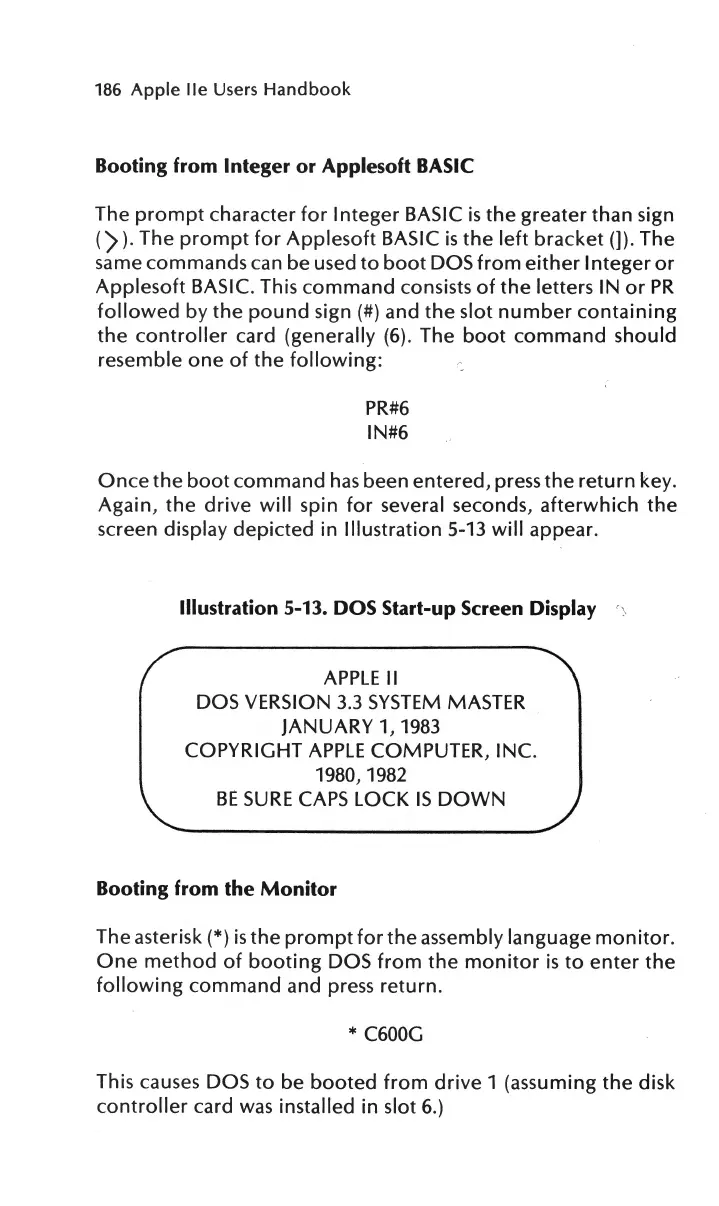
screen display
depicted
in
Illustration
5-13
will
appear.
Illustration
5-13. DOS Start-up Screen Display
APPLE
II
DOS VERSION
3.3
SYSTEM
MASTER
JANUARY 1,
1983
COPYRIGHT
APPLE
COMPUTER, INC.
1980, 1982
BE
SURE
CAPS
LOCK
IS
DOWN
Booting from the
Monitor
The asterisk(*)
is
the
prompt
for
the
assembly language
monitor.
One
method
of
booting
DOS
from
the
monitor
is
to
enter
the
following
command
and press
return.
* C600G
This causes DOS
to
be
booted
from
drive
1 (assuming
the
disk
controller
card
was
installed
in
slot 6.)

Other manuals for Apple IIe

Related product manuals