EasyManua.ls Logo

Apple IIe - Page 222

Apple IIe
320 pages
Print Icon
To Next Page IconTo Next Page
To Previous Page IconTo Previous Page
Loading...
222
Apple lie Users
Handbook
This
situation
arises because
of
the
format
in
which
information
is
stored
on
disk
files.
When
a PRINT
statement
is
directed
to
the
display,
if
commas
are
used
to
delimit
parameters,
each
parameter
is
displayed at
the
next
tab
position
on
the
screen.
However,
when
PRINT
statement
output
is
sent
to
a
disk
file,
the
commas are
ignored.
Therefore,
all parameters are
concatenated
until
the
carriage
return
character
(ASCII 13)
is
encountered.
In
DOS,
the
carriage
return
character
is
the
only
character
which
can
be
.used
to
separate values.
In
Integer
BASIC, a
carriage
return
character
is
output
after
the
fifth
tab
stop. In
Applesoft
BASIC, a carriage
return
character
is
output
after
the
third
tab
stop
.
In
our
Applesoft
program
example
, a carriage
return
was
inserted
as
indicated.
This caused
the
PRINT
statement
output
in
line
130
to
be
concatenated
as
two
separate
numeric
values.
Whenever
you
wish
to
output
a
number
of
items
via
the
PRINT
statement
to
different
fields
in
the
disk
file,
either
separate
PRINT statements
should
be
used
or
each PRINT
statement
parameter
should
be
delimited
with
the
return
code
character.
This
is
illustrated
in
the
following
program
lines:
130 PRINT 1 :PRINT 2:PRINT 3:PRINT 4:PRINT 5
or
100 D$ = CHR$ (4):E$ = CHR$
(13)
:REM CTRL-D
IS
ASCII 4; RETURN
IS
ASCII
13
130 PRINT
1;
E$;
2;
E$;
3;
E$;
4;
E$;
5
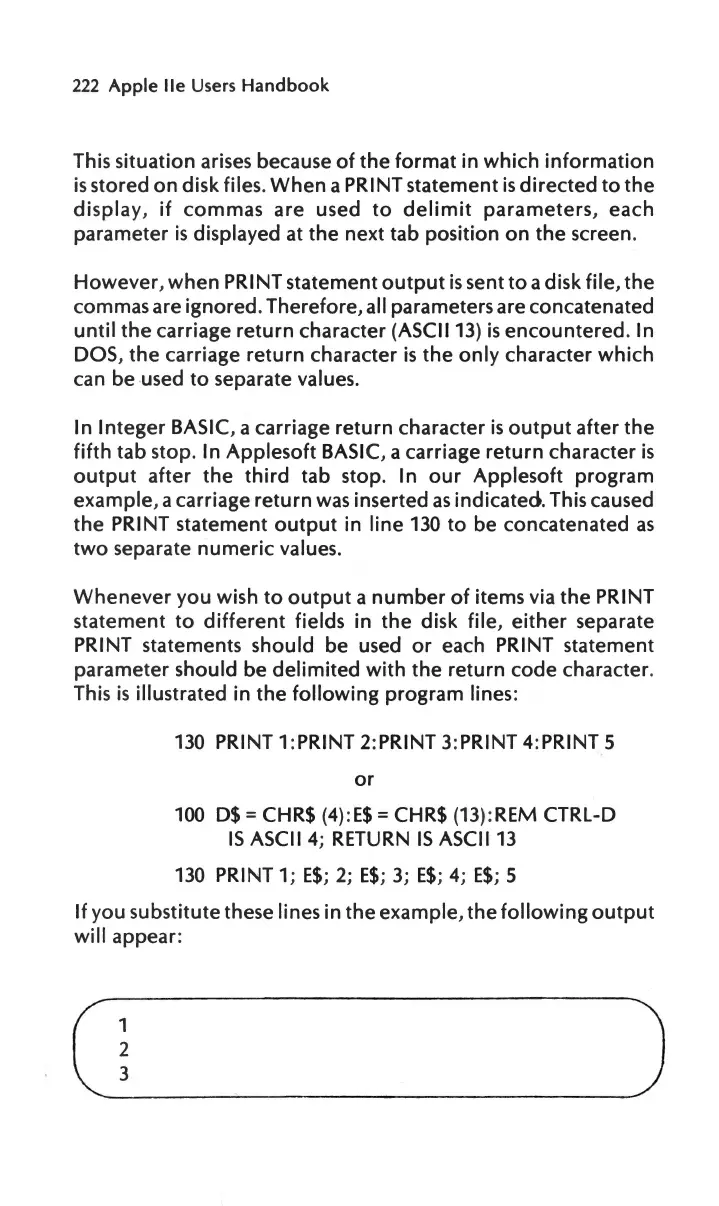
If
you substitute
these lines
in
the
example,
the
following
output
will
appear
:
(_~
__
)

Other manuals for Apple IIe

Related product manuals