EasyManua.ls Logo

Apple IIe - Page 233

Apple IIe
320 pages
Print Icon
To Next Page IconTo Next Page
To Previous Page IconTo Previous Page
Loading...
Apple
lie
Graphics
233
be
replaced
with
32
more
rows
of
the
graphics
mode
to
increase
the
display
resolution
to
280x192
pixels. This
is
accomplished
in
the
same
manner
as was a similar
switch
using
low
resolution
graphics.
POKE 49234,0
POKE 49235,0
full
screen
graphics
graphics+
text
(no
erase)
A
second
high
resolution
command
is:
HGR2
set
high
resolution
graphics
only.
This
command
clears
then
displays high
resolution
page
2. Page 2
is
located
at
memory
addresses
4000-6000 Hex. Use
of
this
com-
mand
has
one
advantage
over
HGR -
more
memory
space
is
available for
program
use. HGR2 has
the
disadvantage
that
it
does
not
easily
support
a
graphics
plus
text
display.
As
a
side
note
-
if
the
command
GR
is
issued
while
HGR2
is
in
effect
,
low
resolution
page
2 will
be
displayed.
BASIC
does
not
support
this
display
mode.
Enter
TEXT
to
recover
from
this
error.
An HCOLOR
command
must
be
used
before
any
graphics
may
be
output
to
the
high
resolution
display. This
command
selects
the
color
that
will
be
displayed
next.
The
correct
syntax
of
this
command
is
as follows:
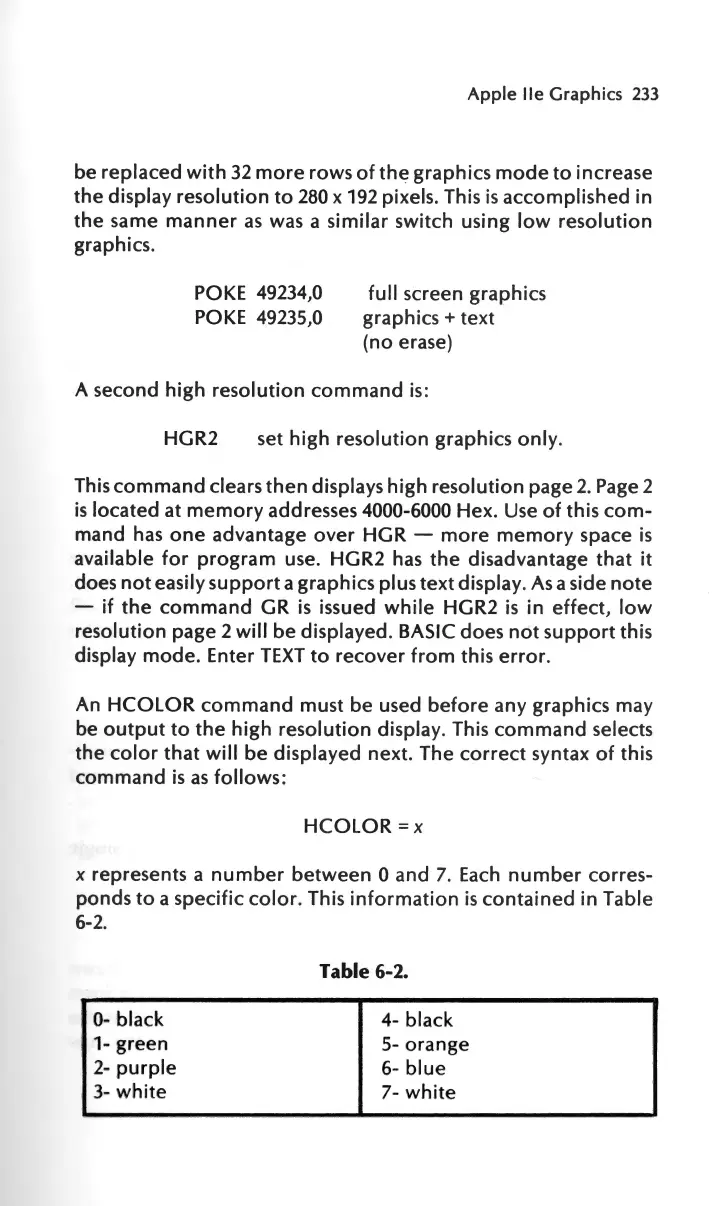
HCOLOR
=x
x
represents
a
number
between
0
and
7. Each
number
corres
-
ponds
to
a
specific
color.
This
information
is
contained
in
Table
6-2.
0-
black
1-
green
2-
purple
3-
white
Table 6-2.
4- black
5-
orange
6-
blue
7-
white

Other manuals for Apple IIe

Related product manuals