EasyManua.ls Logo

Apple IIe - Page 269

Apple IIe
320 pages
Print Icon
To Next Page IconTo Next Page
To Previous Page IconTo Previous Page
Loading...
The System
Monitor
269
After
this
entry
has
been
made
,
upon
power-up
,
the
command
to
start
the
assembler
will
be
resident
in
location
3F8-3FA. Ctrl-Y
could
then
be
used
to
automatically
activate
the
monitor.
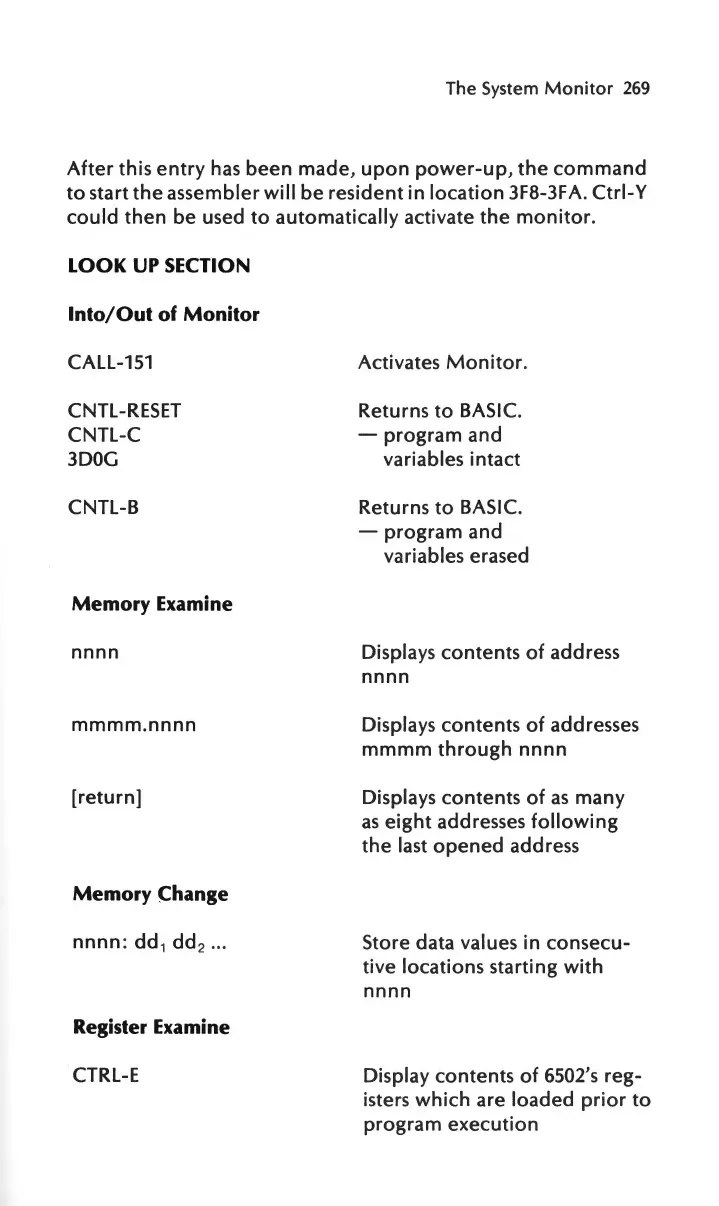
LOOK
UP SECTION
Into/Out
of
Monitor
CALL-151
CNTL-RESET
CNTL-C
3DOG
CNTL-B
Memory
Examine
nnnn
mmmm
.
nnnn
[return]
Memory
~hange
nnnn:
dd
1
dd
2
...
Register Examine
CTRL-E
Activates
Monitor.
Returns
to
BASIC.
-
program
and
variables
intact
Returns
to
BASIC.
-
program
and
variables
erased
Displays
contents
of
address
nnnn
Displays
contents
of
addresses
mmmm
through
nnnn
Displays
contents
of
as
many
as
eight
addresses
following
the
last
opened
address
Store
data
values in
consecu-
tive
locations
starting
with
nnnn
Display
contents
of
6502's
reg-
isters
which
are
loaded
prior
to
program
execution

Other manuals for Apple IIe

Related product manuals