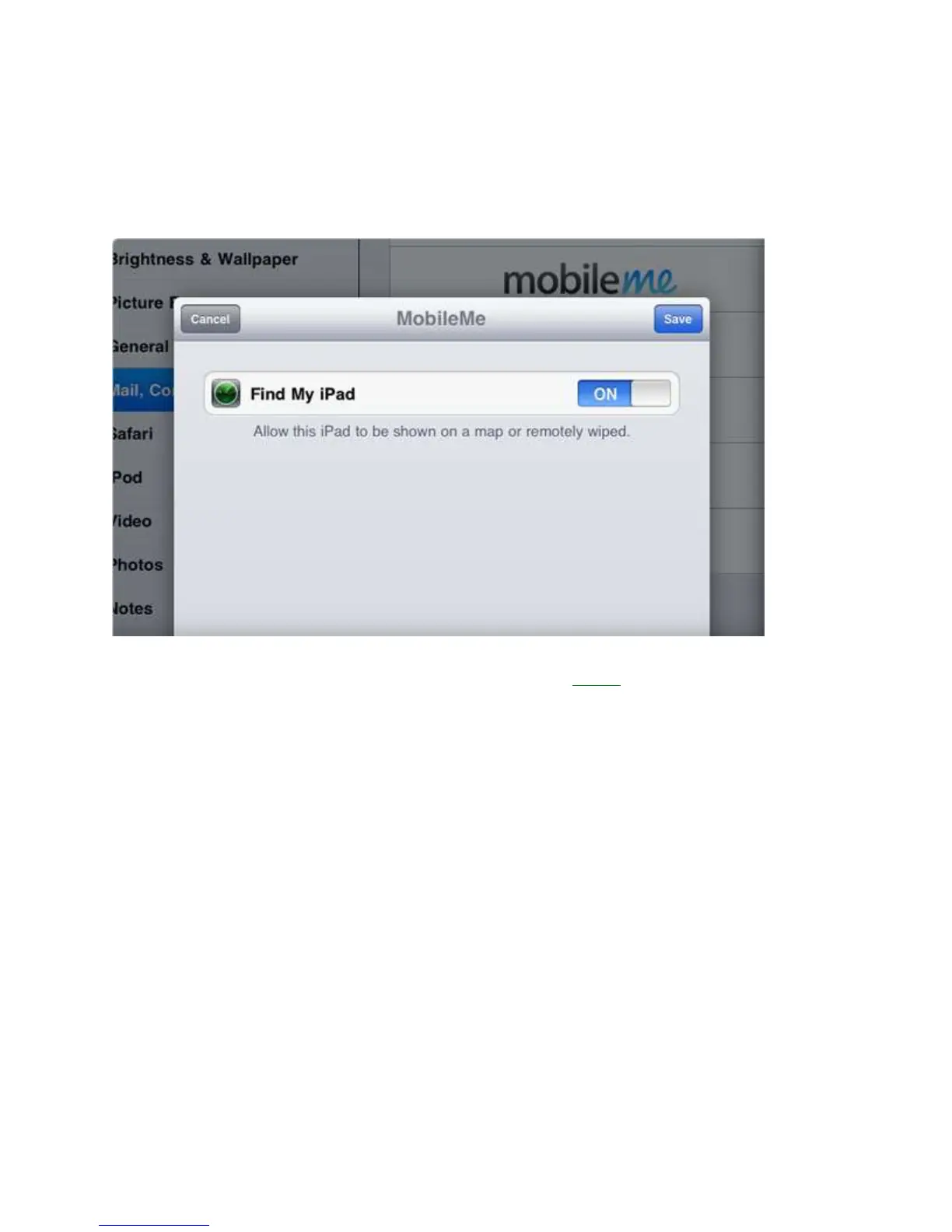
Set up Find My iPad – 3 minutes
If you skipped past this when you first connected your iPad to iTunes, make sure you enable
the free Find My iPad feature. This requires you to set oil a MobileMe account, but is
completely free and will help you find your iPad if it is lost or stolen.
1. To setup Find My iPad, tap the settings icon on your iPad 2.
2. Tap on Mail, contacts and Calendars.
3. Add a MobileMe account.
4. Enter your Apple user ID, the same one you use to buy in iTunes. If you do not have
an account the tool will walk you through creating one for free.
5. Verify your email by clicking on the link Apple sends you.
6. Go back to the MobileMe screen in Settings, and click the switch to “ON”



 To Next Page