Quickly end a sentence with a period and a space. Double-tap the space bar.
Correct spelling. If you see a word underlined in red, tap it to see suggested
corrections. If the word you want doesnʼt appear, type the correction.
Hide the onscreen keyboard. Tap the Keyboard key .
Set options for typing or add keyboards. Go to Settings > General > Keyboard.
You can also use an Apple Wireless Keyboard to enter text. See
. To dictate instead of typing, see .
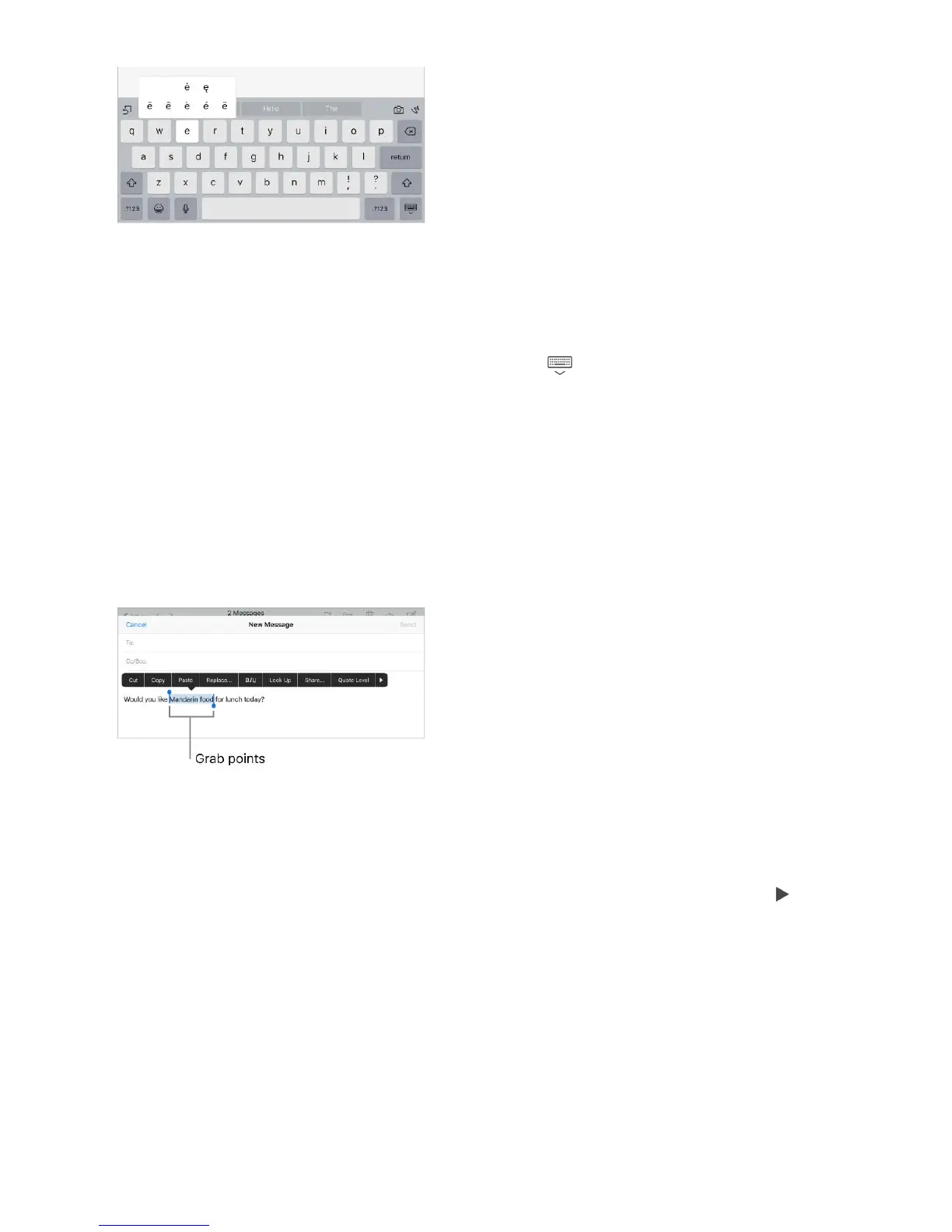
Select text. Tap the insertion point to display the selection options. Or double-tap a
word to select it. Drag the grab points to select more or less text. In read-only
documents, such as webpages, touch and hold to select a word.
You can cut, copy, or paste over selected text. With Universal Clipboard, you can also
.
With some apps, you can also get bold, italic, or underlined text (tap B/I/U); see
suggestions in Look Up; or have iPad suggest an alternative. You may need to tap to
see all the options. If you choose Look Up, you see suggested information from the web
and different apps. To turn off Suggestions in Look Up, go to Settings > General >
Spotlight Search.
Revise text. Touch and hold the text to show the magnifying glass, then drag to position
the insertion point.
Use an Apple Wireless
Keyboard Dictate
cut
or copy something on one Apple device, and paste it on another



 To Next Page