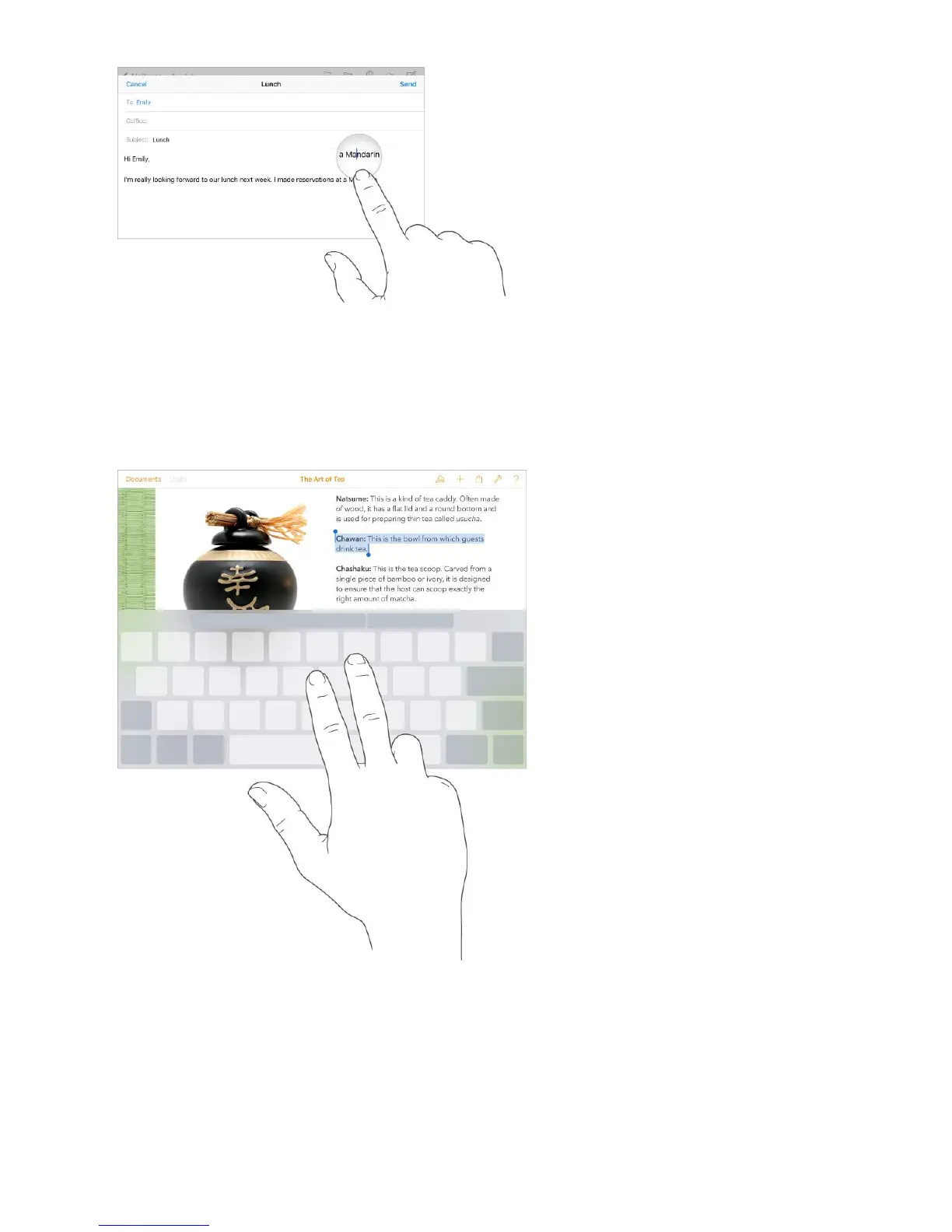
Turn your keyboard into a trackpad. Touch and hold the keyboard with two fingers until
it turns light gray. Drag around the keyboard to position the insertion point. Lift, then
touch and hold with two fingers to reveal the drag points. Move your fingers to select
text. Tap with two fingers to select a word. Double-tap with two fingers to select a
sentence. Tap three times with two fingers to select a paragraph.
Use the Shortcut Bar. Copy and paste selected text, or style your text to be bold, italic,
or underline—right from the Shortcut Bar at the top of your keyboard.
Note: The Shortcut Bar differs from app to app. The features described here may not be
available with all apps.



 To Next Page