90
|
Chapter 12
Searching in Safari
Typing a website address can be cumbersome, so a faster way to find a website is
to use a search engine. Safari displays a Search field in the upper-right corner of
the screen, which lets you search using Google, Bing, or Yahoo!.
To search the Web, follow these steps:
1. From the Home screen, tap Safari. The Safari screen appears.
2. Tap the Search field that appears in the upper-right corner of the screen.
The virtual keyboard appears at the bottom of the screen.
3. Tap the Backspace key, or tap the X that appears to the far right of the
Search field to clear the contents of the Search field.
4. Type a word or phrase that you want to find, and tap the Search key on the
virtual keyboard. (While you’re typing, a list of possible words or phrases
appears, which you can select by tapping.) Safari displays the results from
your search.
Safari’s default search engine is Google. You can change your search engine
by tapping the Settings icon from the Home screen, tapping the Safari section,
tapping the Search Engine button, and then tapping the search engine you want
touse, such as Google, Bing, or Yahoo!.
Opening a Link in a New Tab
Normally if you tap a link on a web page, the linked web page replaces the cur-
rently displayed web page. If you don’t want to lose track of a website, you might
prefer having a linked web page appear in a new browser tab.
To see how to open a link as a separate browser tab follow these steps:
1. From the Home screen, tap Safari. The Safari screen appears.
2. Tap the Address field. The virtual keyboard appears.
3. Tap the Backspace key, or tap the X that appears to the far right of the
Address field to clear the contents of the Address field.
4. Type a website address such as
www.nostarch.com, and tap the
Go key on the virtual keyboard.
Your chosen website appears.
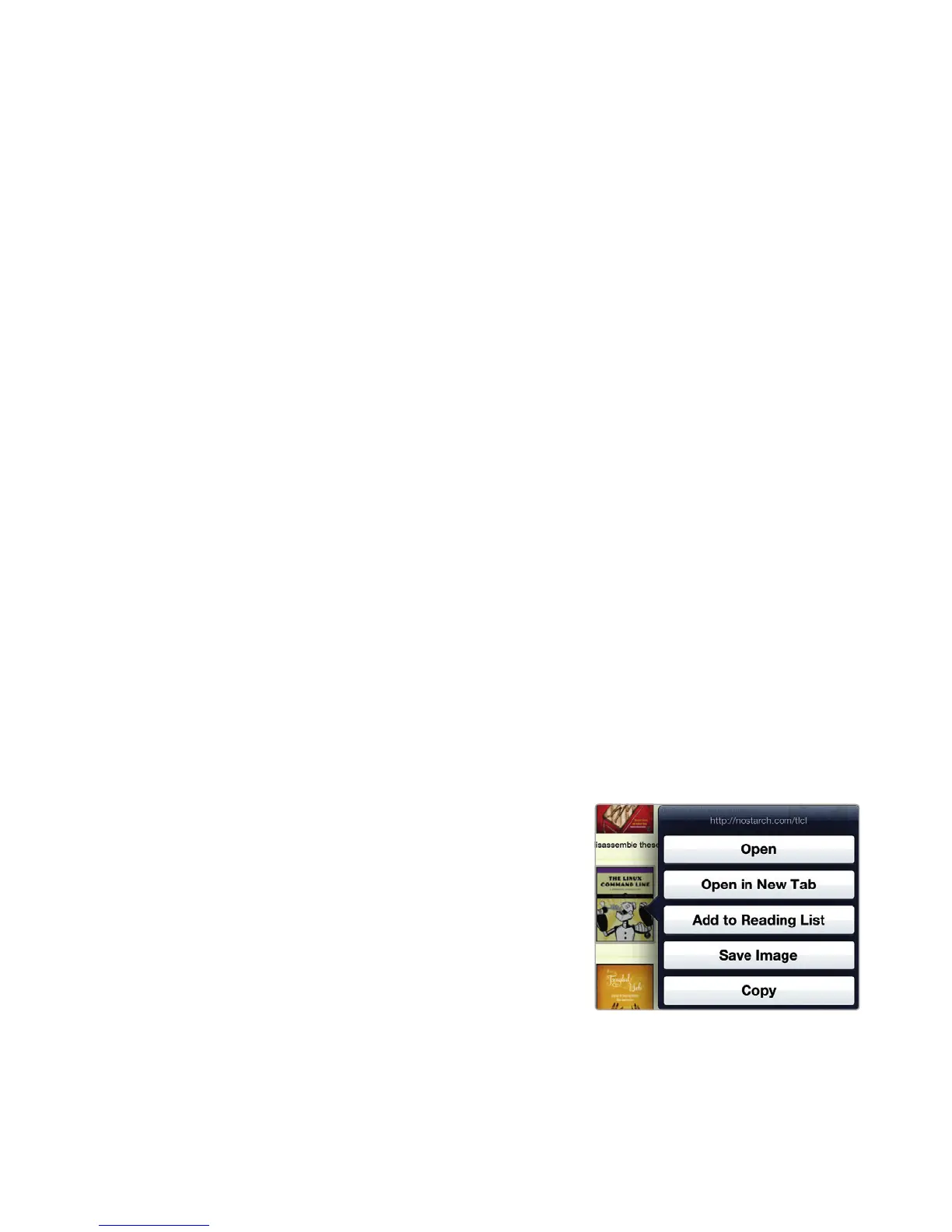
5. Tap and hold your finger over any
link on the web page. After a few
seconds, a menu appears, as shown
in Figure 12-3.
6. Tap the Open in New Tab button.
Safari creates a new tab.
7. Tap this tab to view the website.
FIGURE 12-3: A menu appears to
let you open alink in a newtab.



 To Next Page