112
|
Chapter 15
3. Tap the Inbox folder to view a list of messages.
4. Tap the message you want to move.
5. Tap the Move icon that appears in the upper-right corner of the screen. The
top of the screen tells you to “Tap on a mailbox to move this message,” as
shown in Figure 15-4.
6. Tap a folder where you want to store the currently displayed message, or tap
Cancel.
Deleting a Message
To delete a single message, follow these steps:
1. Follow all the steps in “Reading Email” on page 110 to view the message
you want to delete.
2. Tap the Delete icon at the top of the screen. The currently displayed mes-
sage gets moved to the Trash folder.
Q NOTE: Want to clean up your Inbox quickly? Swipe a message’s subject line
left or right and then tap the red Archive or Delete button that appears.
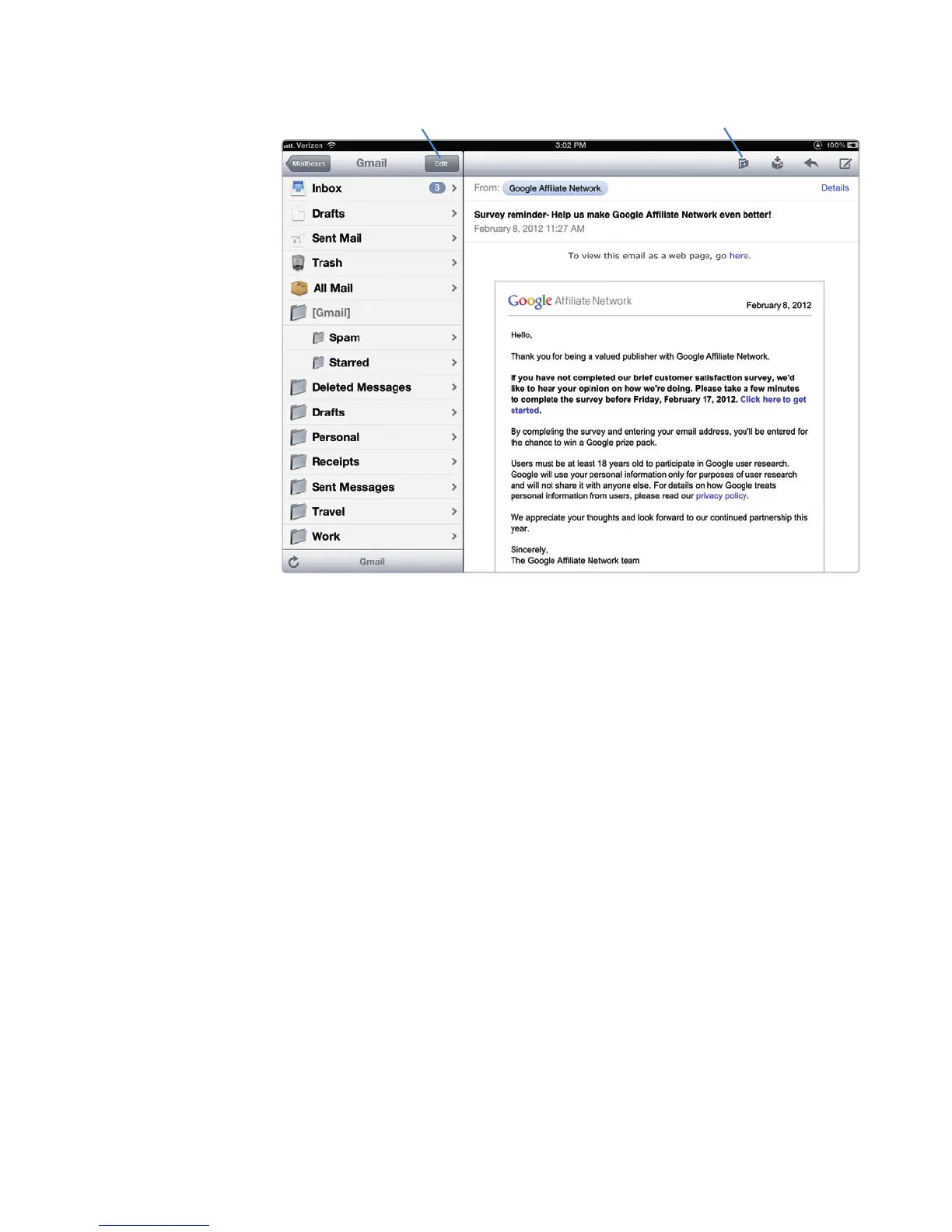
FIGURE 15-3: The Edit and Move buttons appear at the top of the Mail
screen.
Move
(singlemessage)
Edit
(groupactions)



 To Next Page