158
|
Chapter 19
3. Tap Top Rated at the bottom of the screen. Thumbnail images of the
highest-rated videos appear.
4. Tap the Today, This Week, or All tab at the top of the screen to view just
today’s top-rated videos, the past week’s top-rated videos, or all top-rated
videos.
5. Tap Most Viewed at the bottom of the screen. Thumbnail images of the
most viewed videos appear.
6. Tap the Today, This Week, or All tab at the top of the screen to view just
today’s most viewed videos, the past week’s most viewed videos, or all of the
most viewed videos.
7. Tap History at the bottom of the screen. Thumbnail images of the last vid-
eos you’ve seen appear.
8. (Optional) Tap Clear in the upper-left corner of the screen to remove this list
of videos you’ve watched.
Viewing a YouTube Video
When you’re watching a video file, you can display controls by tapping the
screen once to display controls at the top and bottom of the screen, as shown
inFigure19-6.
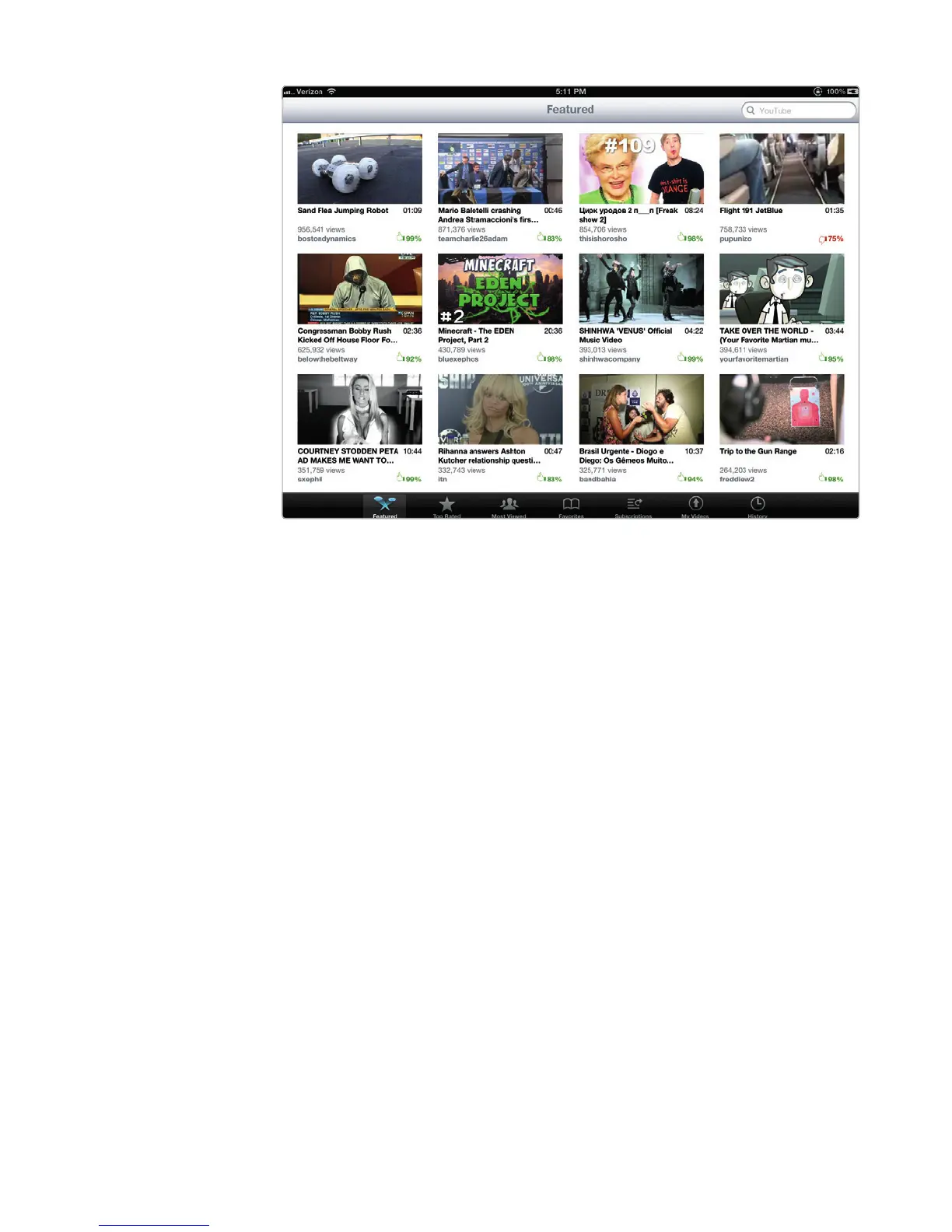
FIGURE 19-5: Tapping the Featured icon displays the latest featured
YouTube videos.



 To Next Page