Reading Ebooks
|
173
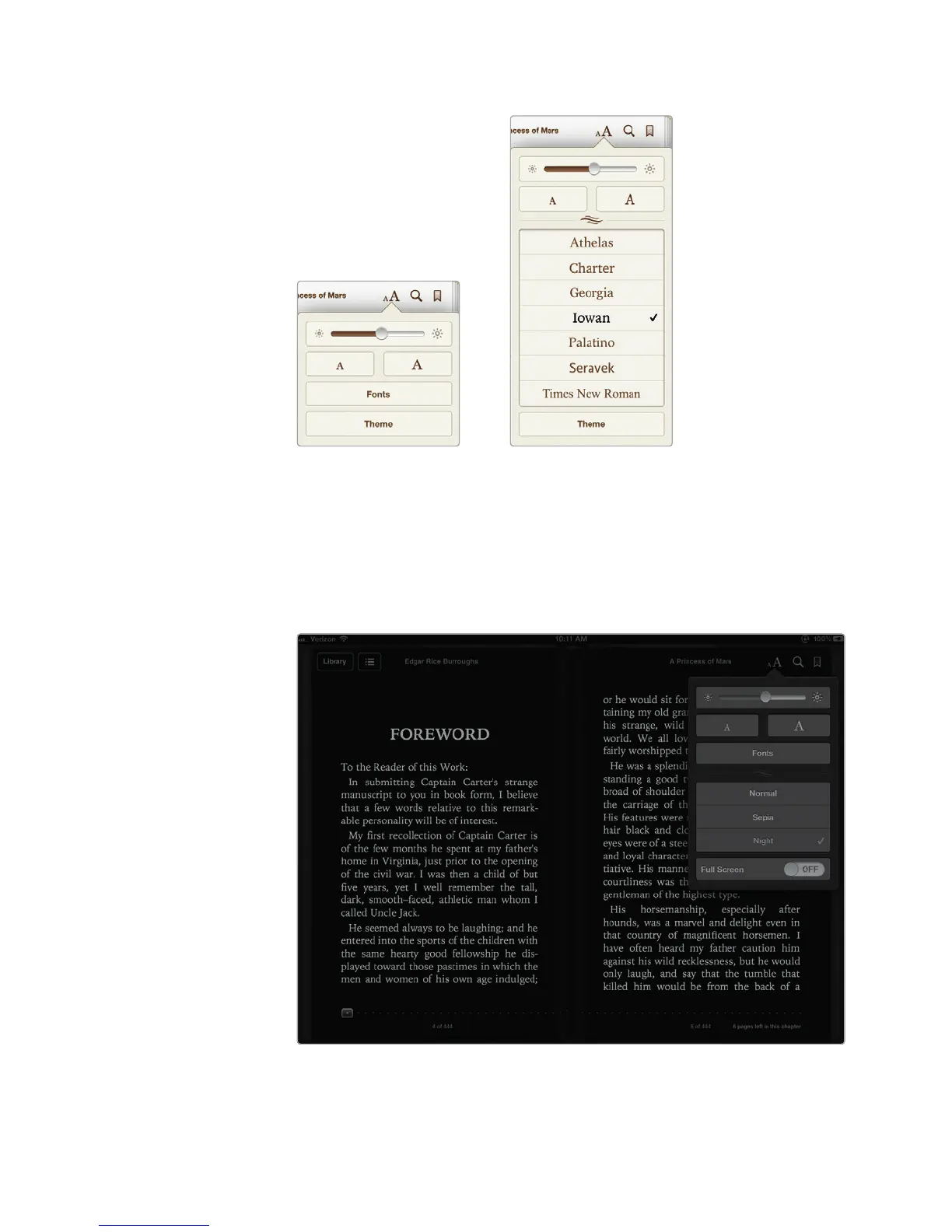
7. Tap the Fonts button. A list of fonts appears, as shown in Figure20-14.
8. Tap a different font, such as Charter or Iowan. Your ebook text changes to
your chosen font.
9. Tap the Theme button. A list of different themes appears, such as Normal,
Sepia, and Night, as shown in Figure 20-15.
FIGURE 20-13: The
Font menu
FIGURE 20-14: The
list of fonts
FIGURE 20-15: The Night and Sepia themes provide different read-
ing experiences. You may find the Night theme easier on your
eyes for long periods of reading.



 To Next Page