Staying on Track with Reminders
|
209
Searching for a Reminder
If you created a reminder on a specific date but
can’t remember that date, you can also search for
the text of that reminder. To search for a reminder,
follow these steps:
1. From the Home screen, tap Reminders. The
Reminders screen appears.
2. Tap the Search Reminders field at the top
of the left side of the Reminders screen. The
virtual keyboard appears.
3. Type part of a word that you want to find. The
left side of the Reminders screen displaysall
reminders that match what you’ve typed, as
shown in Figure 24-11.
4. Tap the reminder on the left side of the Remind-
ers screen that you want toview.
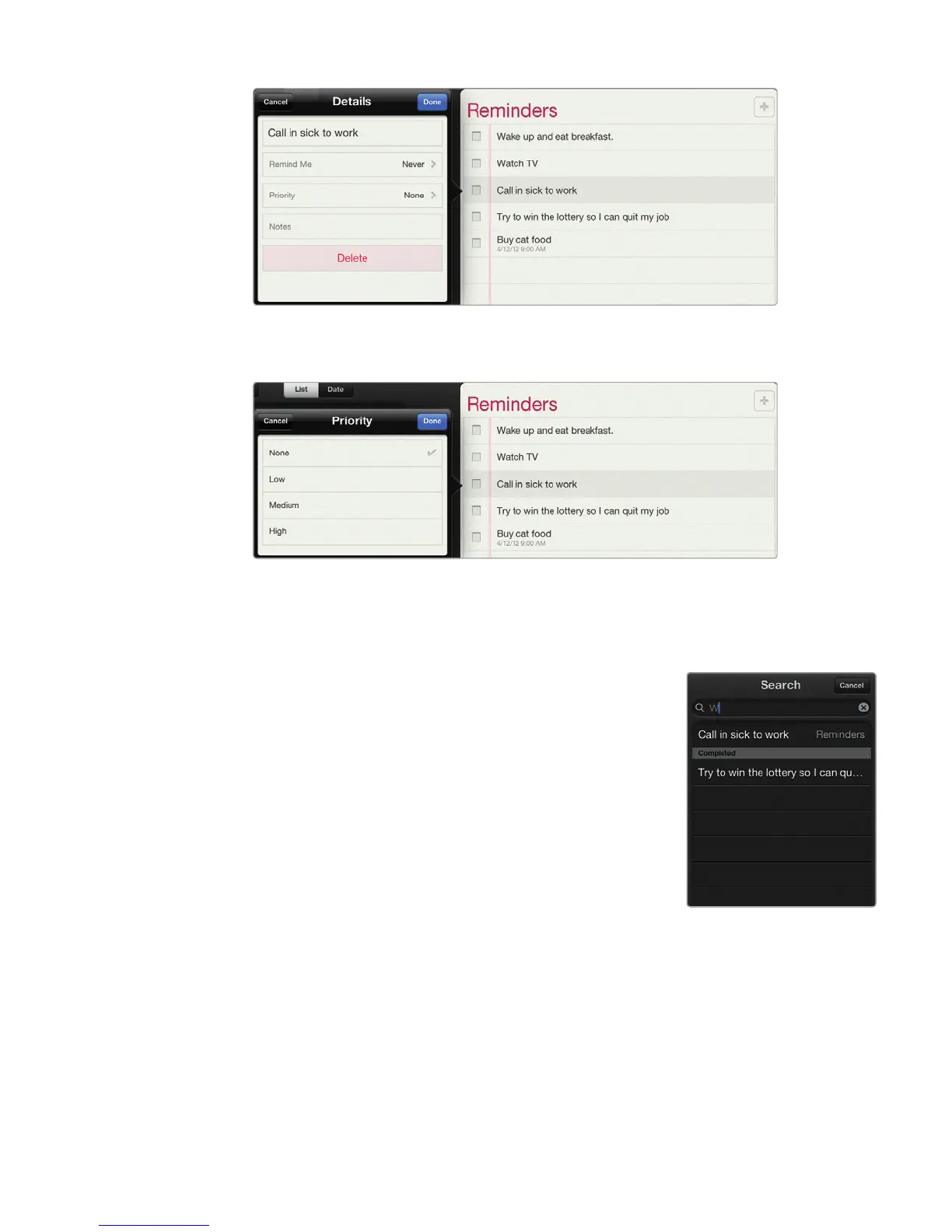
FIGURE 24-9: You can even add notes to your reminder.
FIGURE 24-10: You can choose a priority for your reminder.
FIGURE 24-11: Search
for a reminder, and
it appears in the list
below. Tap X to show
all your reminder lists
again.



 To Next Page