Using the Calendar
|
223
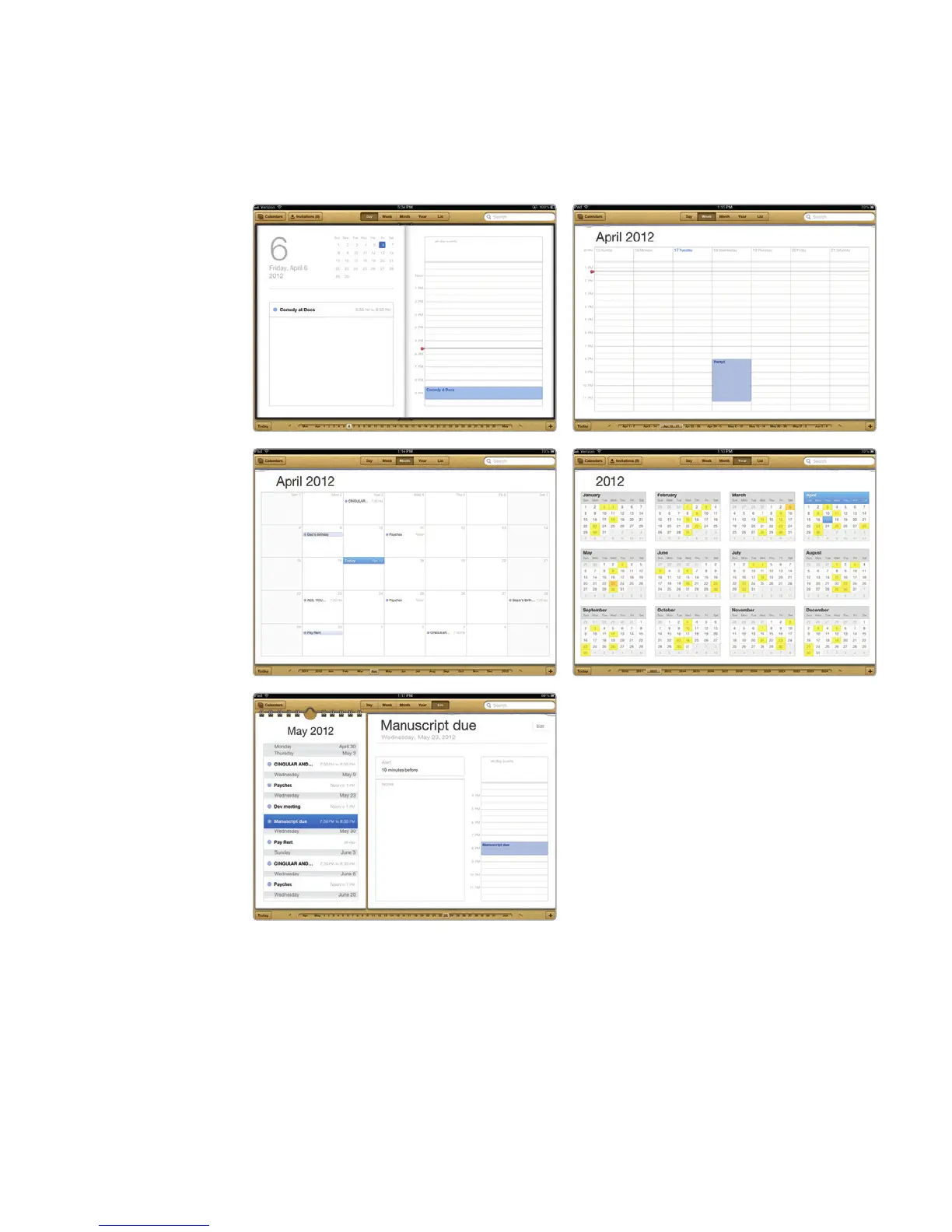
10. Tap the Year tab. Dates with appointments are highlighted.
11. Tap the List tab. The List view displays all your appointments (regardless of
when they’re scheduled), as shown in Figure 26-1.
12. Tap any appointment on the left side of the screen. The right side of the
screen displays the date for your chosen appointment.
Setting an Appointment
When you want to set an appointment, you can define the following items:
> A description of the event
> A location
> Start time
FIGURE 26-1: The Day, Week, Month,
Year, and List views



 To Next Page