Using Maps
|
235
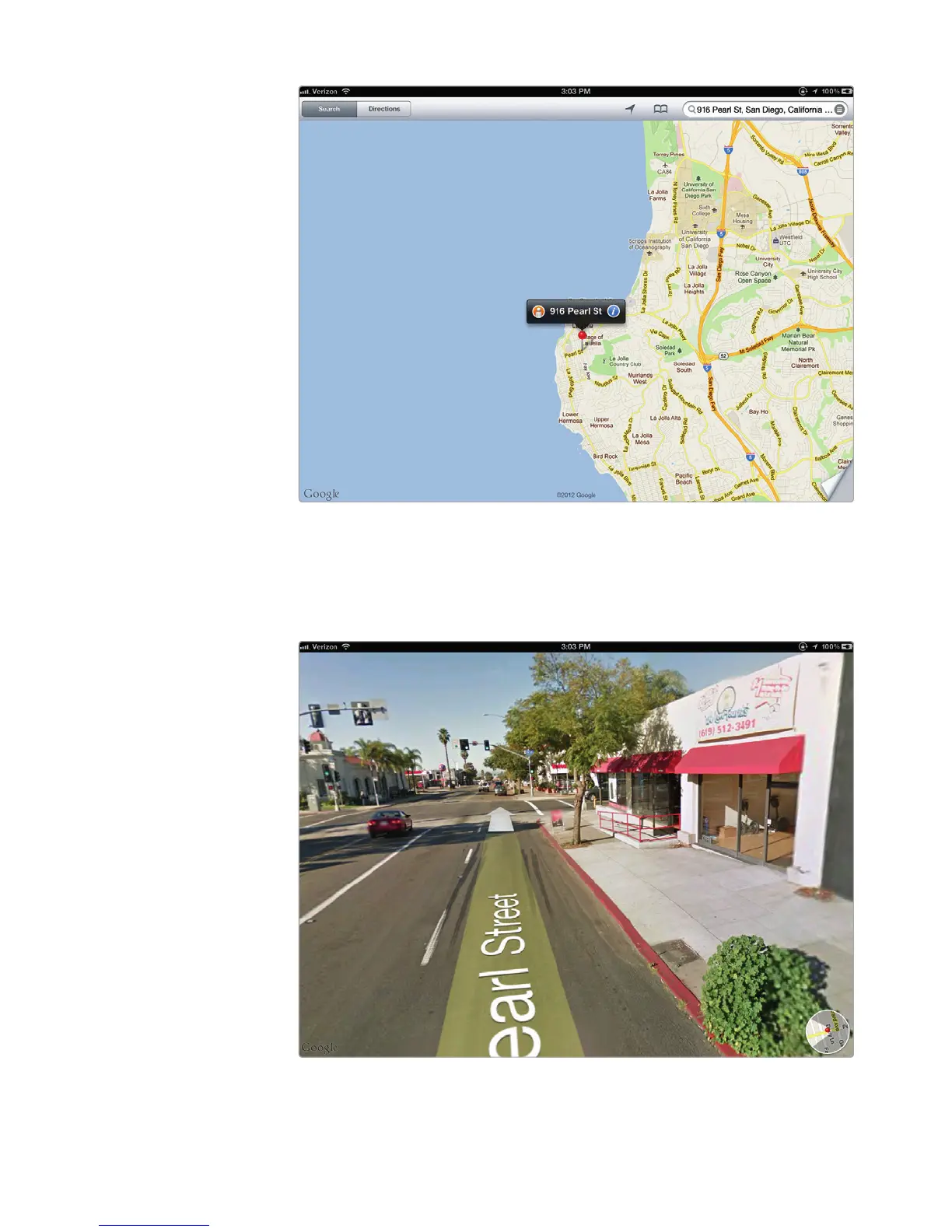
5. Tap the orange circle with the white silhouette of a person in it. (Not all
addresses will display this orange circle icon.) The screen shows you a
photograph of the area around the address, as shown in Figure27-7.
FIGURE 27-6: The map identifies an address with a red pin.
FIGURE 27-7: Drag your finger across the picture for a 360-degree
view of the surrounding area.



 To Next Page