iPad General Troubleshooting — Eective iPad Troubleshooting 37
2010-04-30
Reset Settings
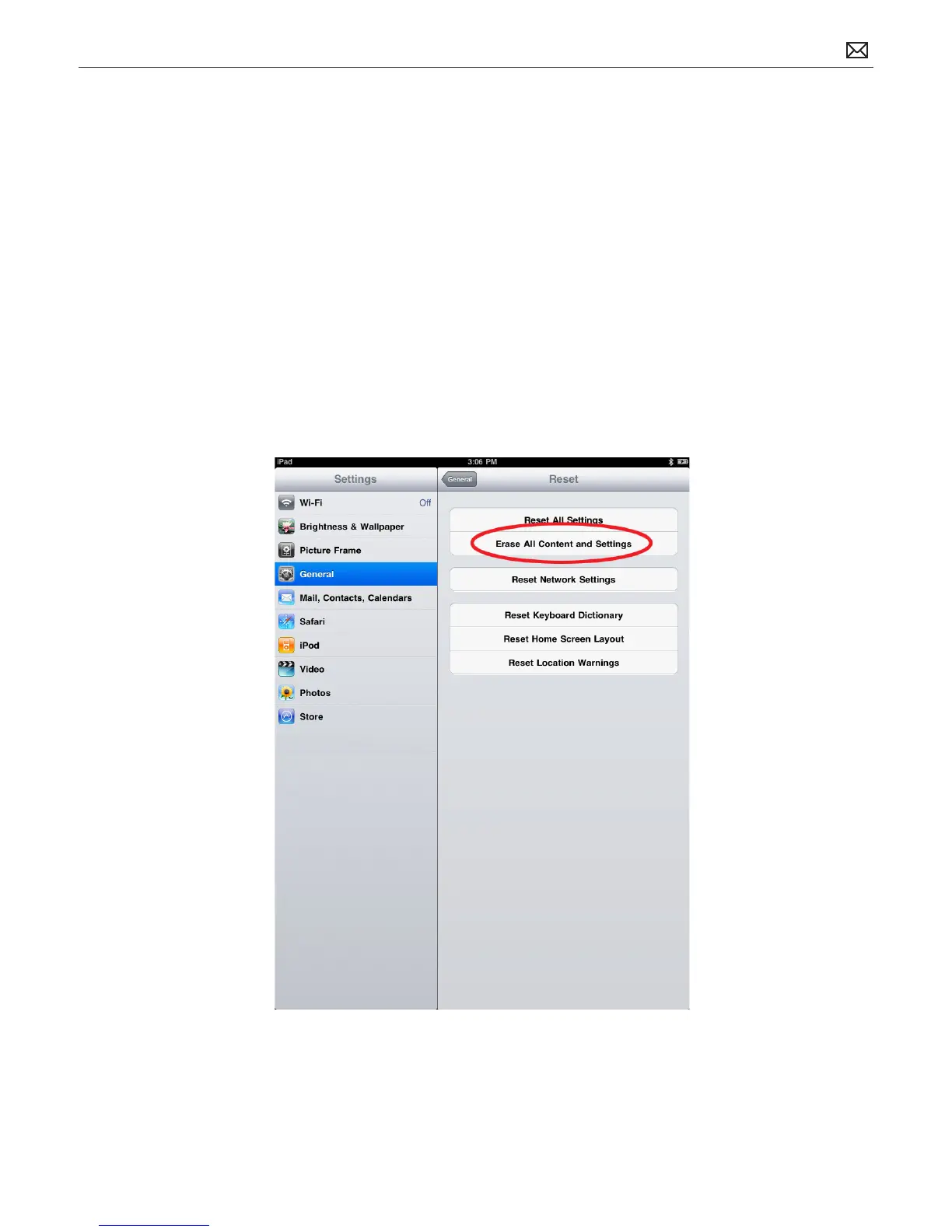
Resetting device settings using Settings > General > Reset > Reset All Settings, does not reset
all interface and application settings. This step is eective only for settings involving the device
interface and built-in applications, including:
• Wi-Fi network settings
• Location warnings
• Home screen layout
• Passcode/restrictions
• Fetch New Data settings
• Built-in application settings
• Keyboards and dictionaries
• Brightness, sound, auto-lock and volume levels
To Reset iPad Settings:
From the Home screen choose Settings > General > Reset > Reset All Settings. All the
preferences are reset, but no data or media is deleted.



 To Next Page