iPad Symptom Charts — Connectivity Issues 71
2010-04-30
Photos and Videos Not Importing
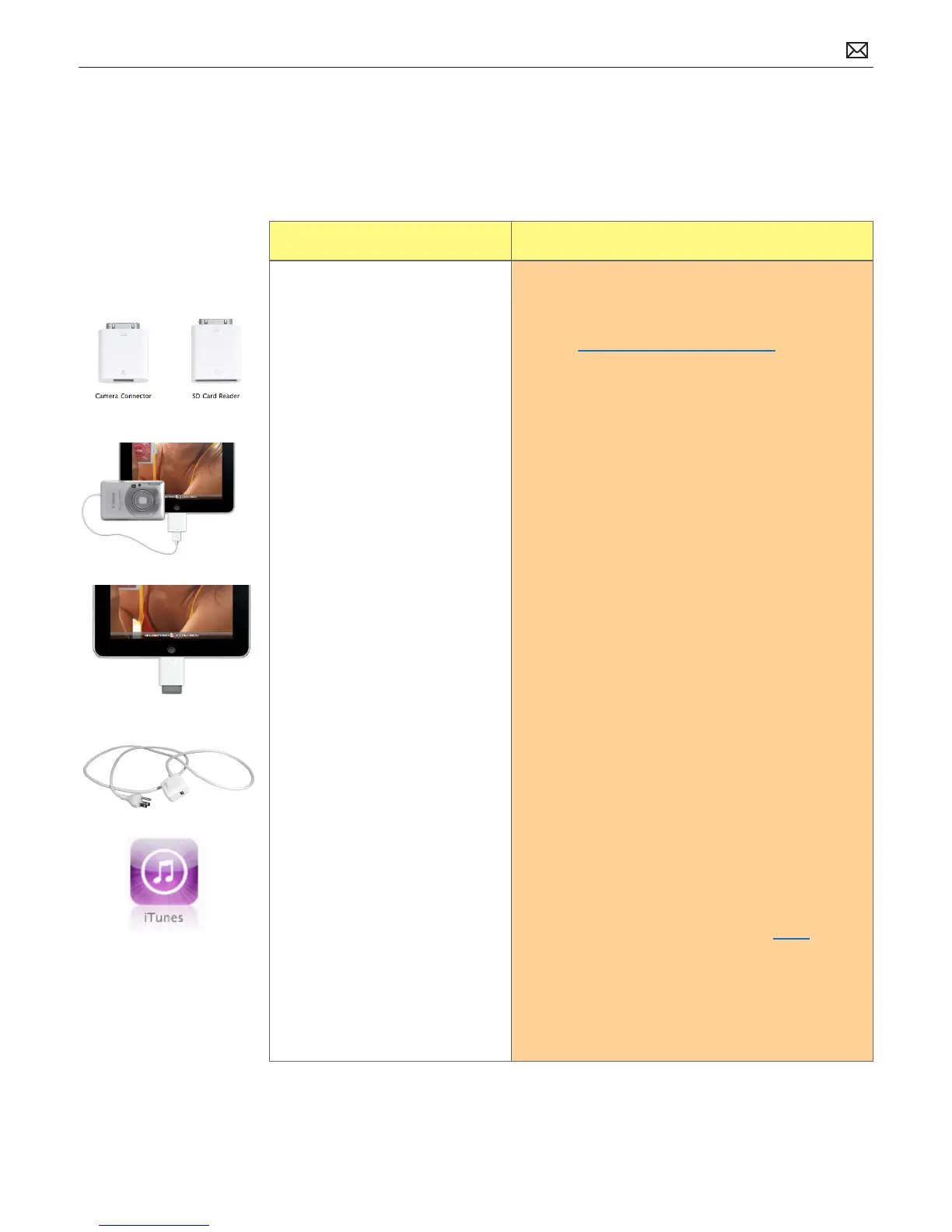
Important: To some users, the Camera Connector’s USB port may suggest the capability to
import media from other devices, such as USB compatible mobile devices or printers with
integrated SD card readers. iPad supports importing photos and videos from these devices.
Symptom Quick Check
• Photos not importing
• Videos not importing
1. Check iPad has the latest software updates
• Use iTunes to install the latest version of the
iPhone OS software
• Use iTunes version 9.1 or later
2. Ensure camera and/or video camera is turned on
and supports Picture Transfer Protocol (PTP 1.0).
3. Test again with known good SD card/camera/
cable/SD Card Reader. Verify SD card be read on
another device.
4. Check Camera Connector or SD Card reader
connections to the iPad dock connector. Note: The
original iPod Camera Connector is not compatible
with the iPad.
5. Check USB cable connection to camera or if using
SD Card reader; remove and reinsert SD card into
SD Card reader.
6. Restart computer.
7. Charge iPad battery. Connect to a power outlet
and charge with iPad 10W USB Power Adapter for
10 minutes.
8. Restart:
• Press and hold the Sleep/Wake button until
a red slider appears. Slide your nger across
the slider to turn o iPad.
• Turn iPad on by pressing and holding the
Sleep/Wake button until the Apple logo
appears
• If you can’t restart the device - Reset iPad.
Press and hold the Sleep/Wake button
and the Home button at the same time for
at least 10 seconds, until the Apple logo
appears.
9. Go to Deep Dive
Possible Causes:



 To Next Page