© Computer Coaching Services | www.computercoach.co.nz | 027 637 0413 | info@computercoach.co.nz P a g e | 14
Ensure that you are positioned at the Home screen. Press the Home
button and the search screen will appear. Eg. This could be a built-in app
including mail, calendar, iPod, Video, Notes and Contacts.
View the most
recently used
apps
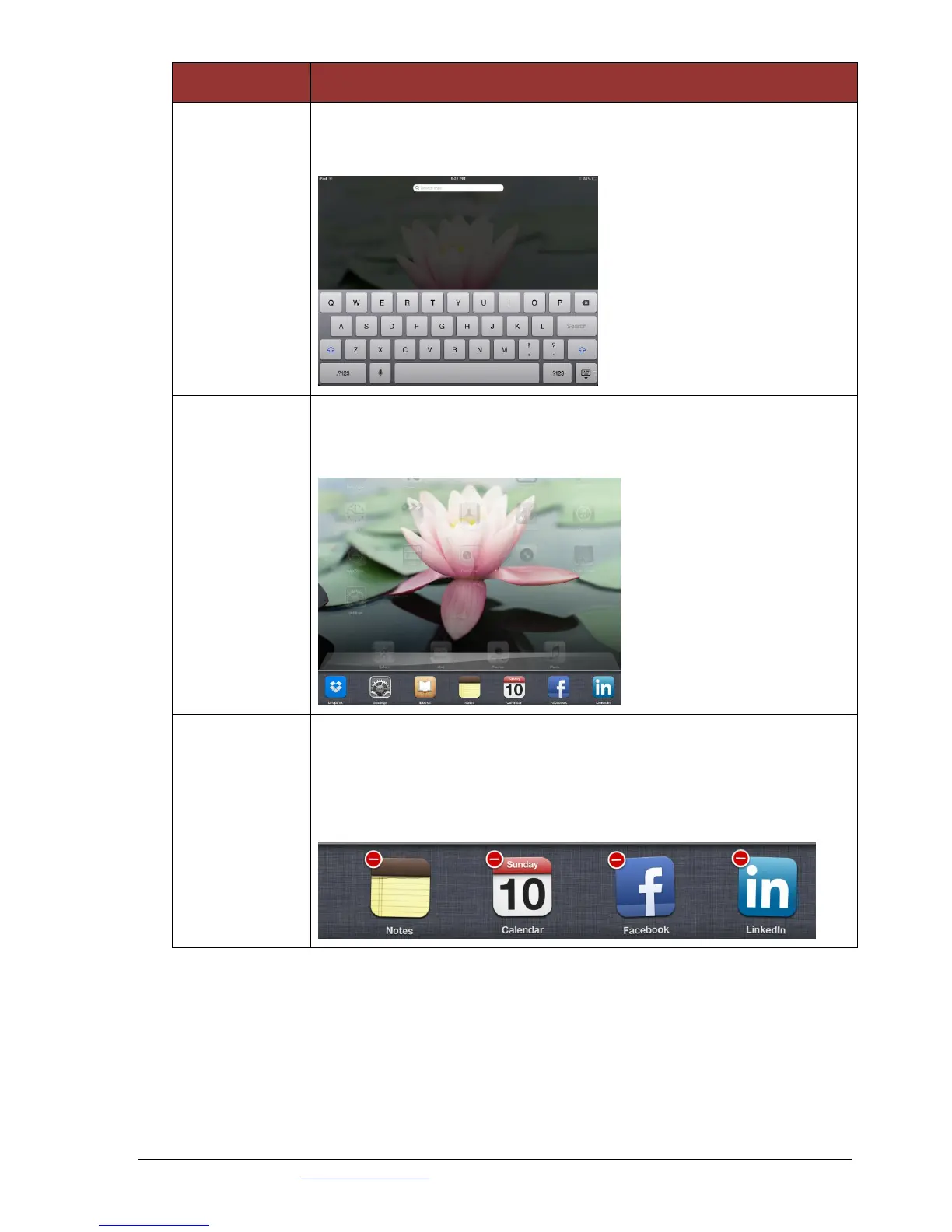
Double-click the Home button. This opens the multitask bar. The most
recently used apps appear in the recents list at the bottom of the screen.
Flick left to see more apps.
Tap the home button twice to view the multitask area.
Press down on one of the visible apps until the red circle with a
dash in it appears.
Click the dash symbol on the top left of the icons displayed. This
will close them.



 To Next Page