iPad for Learning Trial – iPad Quick Start Guide Page 7
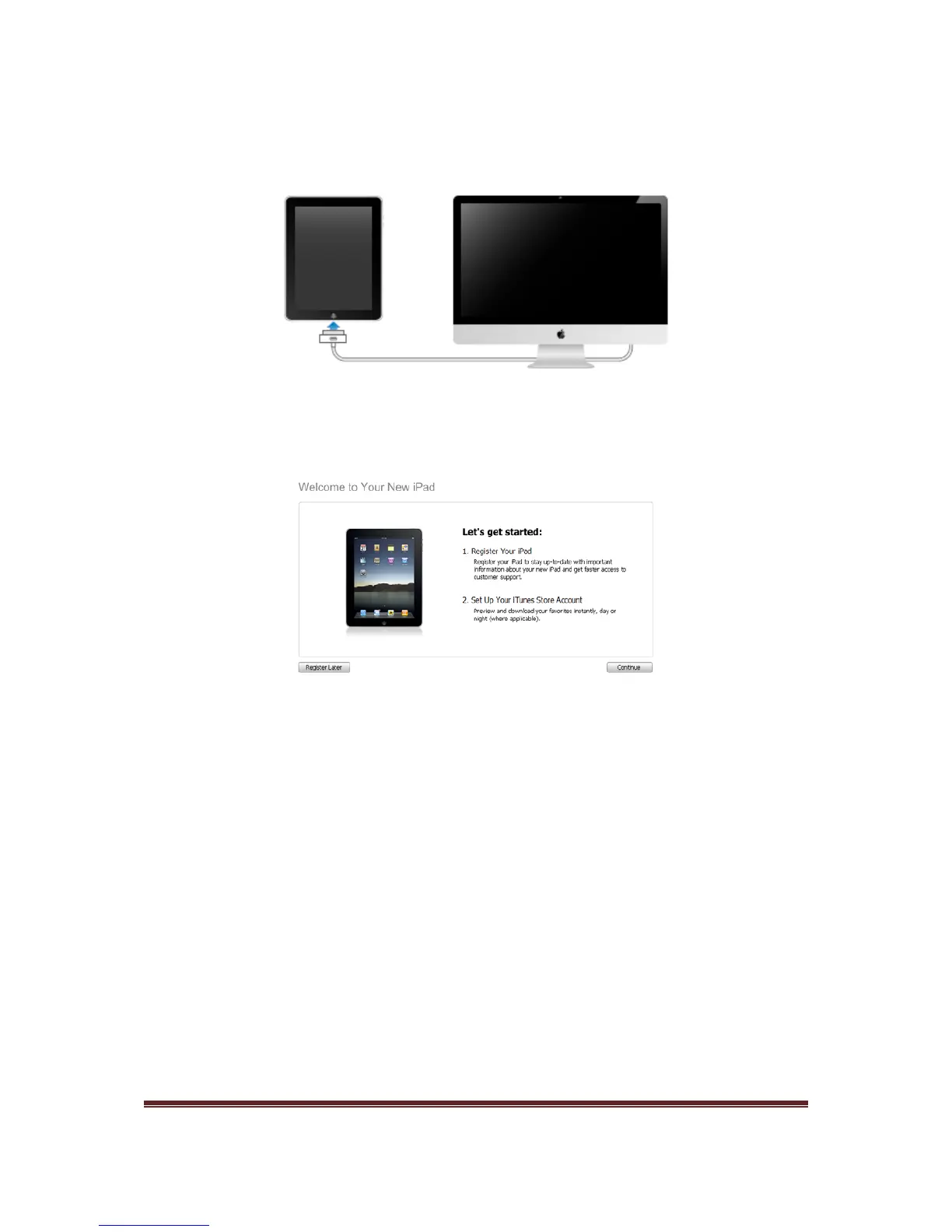
2. To connect to iTunes, connect your iPad to a USB 2.0 port on your Mac or PC, using
the cable provided with your iPad.
3. Once you have connected your iPad to your computer, the following screen will be
displayed in iTunes.
4. Click Continue
5. The next screen displayed is the iPad Software Licence Agreement. Make sure you
read the iPad Software Licence Agreement, if you are comfortable with this
agreement, select the I have read and agree to the iPad Software License
Agreement check box and press Continue.
6. Enter the email address and password you used to create your iTunes store account
(the account you redeemed the iTunes gift card against) and click Continue.
7. Review your account details and click Submit.
8. Click No Thanks for the trial offer of MobileMe.
9. Enter a name for your iPad. Ensure the automatically sync applications to my iPad
is selected and click Done.



 To Next Page