iPad for Learning Trial – iPad Quick Start Guide Page 8
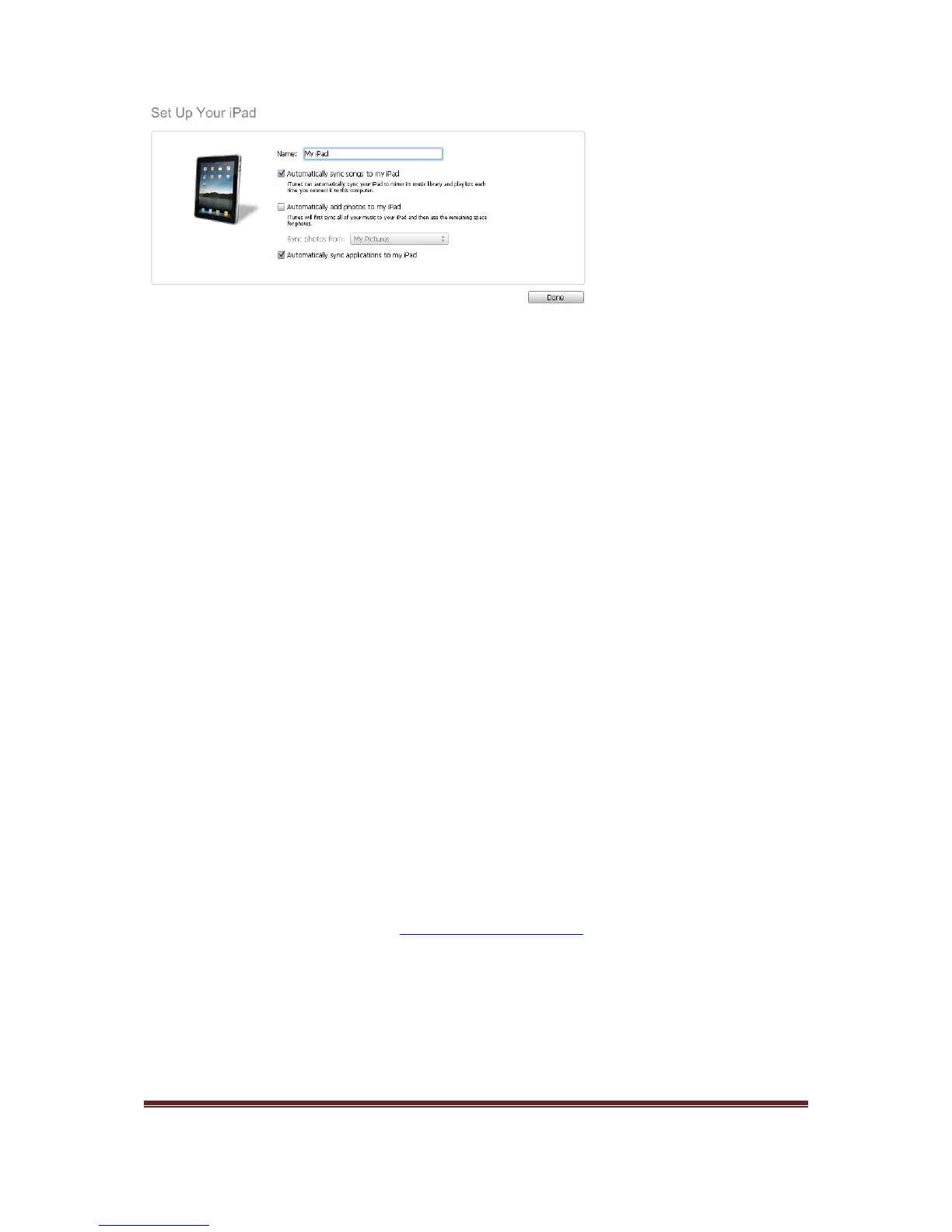
Congratulations, you have now completed all the steps to configure your iPad. You are now
ready to install applications onto your iPad.
4. Installing applications on to your iPad
As part of the iPad for Learning Trial, the DEECD selected apps will be explored to
determine their teaching and learning potential. In addition, the Trial will investigate
their accessibility in a range of learning environments.
You have been provided with iTunes gift cards to the value of $100 as part of the iPad for
Learning Trial. These gift cards are to be used to install the DEECD selected apps on to your
iPad.
Important: As part of the Acceptable Use Agreement, you agreed to use the iTunes gift
cards to purchase the DEECD selected apps It is important that the iTunes gift cards are not
used to download music, videos or non-DEECD selected apps.
Installing DEECD selected applications on to your iPad
To support the iPad for Learning Trial, a website has been created to assist in the installation
of DEECD selected applications. To install the DEECD selected applications, please follow
the below steps.
1. Open iTunes
2. Ensure you are currently logged into the iTunes store.
3. Go to the following website,
http://www.vicipadtrial.org and follow the instructions on
screen to complete the installation of the DEECD selected applications.



 To Next Page