movies, and TV shows.
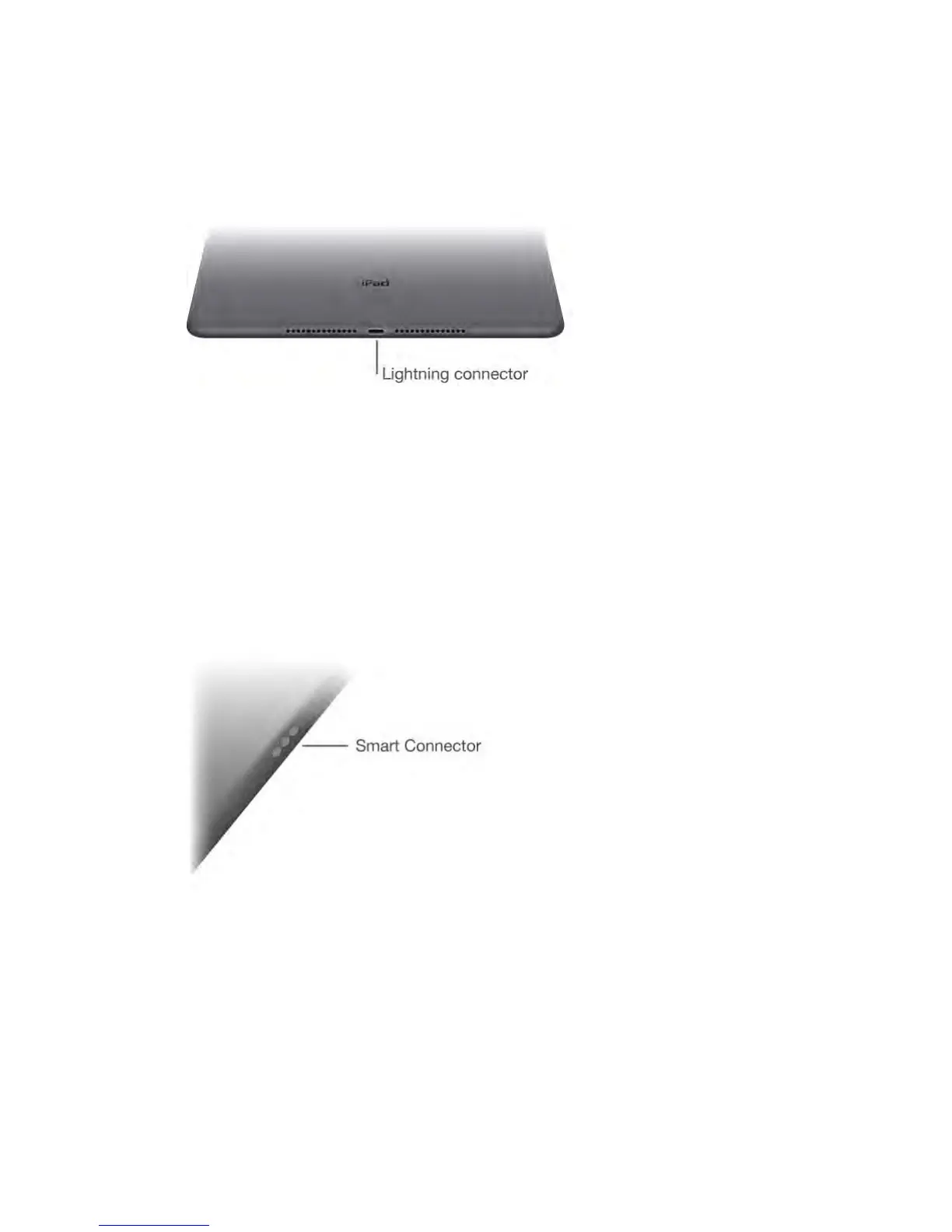
Lightning connector
Connect your Lightning to USB Cable to the Lightning connector to charge or
sync your iPad. For more information about charging, see Charge and monitor
the battery (on page) . For more information about syncing, see Sync with iTunes
(on page) .
If you have Apple Pencil, plug it into the Lightning connector to pair or charge it
with iPad Pro. For more information about Apple Pencil, see
support.apple.com/HT205236.
Note: Some iPad models (3rd generation and earlier), have a 30-pin connector
instead of a Lightning connector.
Smart Connector for iPad Pro
Magnetically attach an accessory, such as iPad Pro Smart Keyboard, to
iPad Pro with the Smart Connector. For more information about iPad Pro
Smart Keyboard, see support.apple.com/HT205237.
SIM card tray
The SIM card in iPad Wi-Fi + Cellular models is used for your cellular data



 To Next Page