Basics
3
Using Multi-Touch
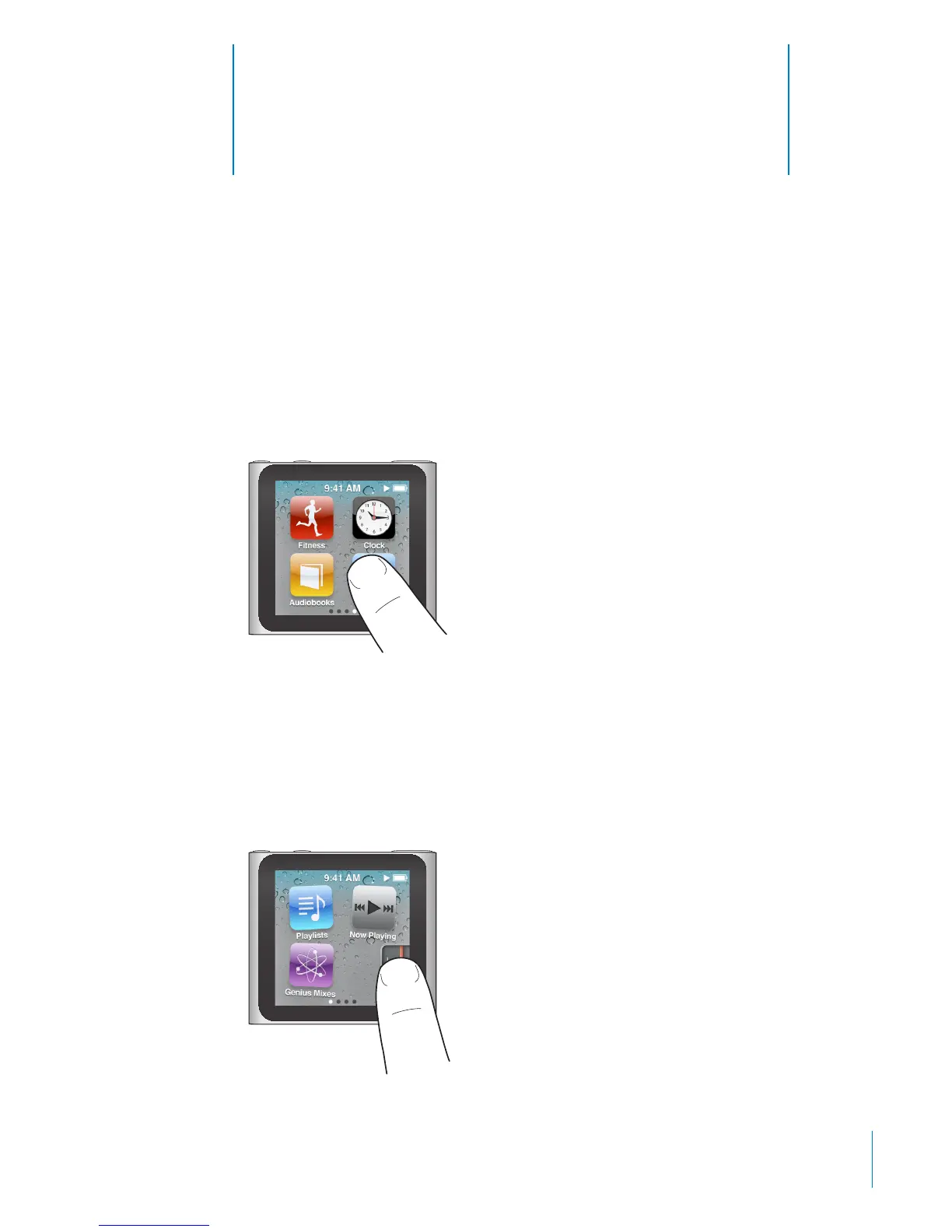
The Multi-Touch screen and simple nger gestures make it easy to use iPod nano.
Tap and Double-tap
Tap an icon to open it, or to select an item in a menu or list.
Tap a photo twice quickly to zoom in, then double-tap again to quickly zoom out.
Touch and Hold
Touch and hold anywhere on the screen (except on an icon or control) to return to
the Home screen. Touch and hold an icon to rearrange icons on Home screens—when
the icons begin to jiggle, drag them into a new order, then press the Sleep/Wake
button to save.
11



 To Next Page