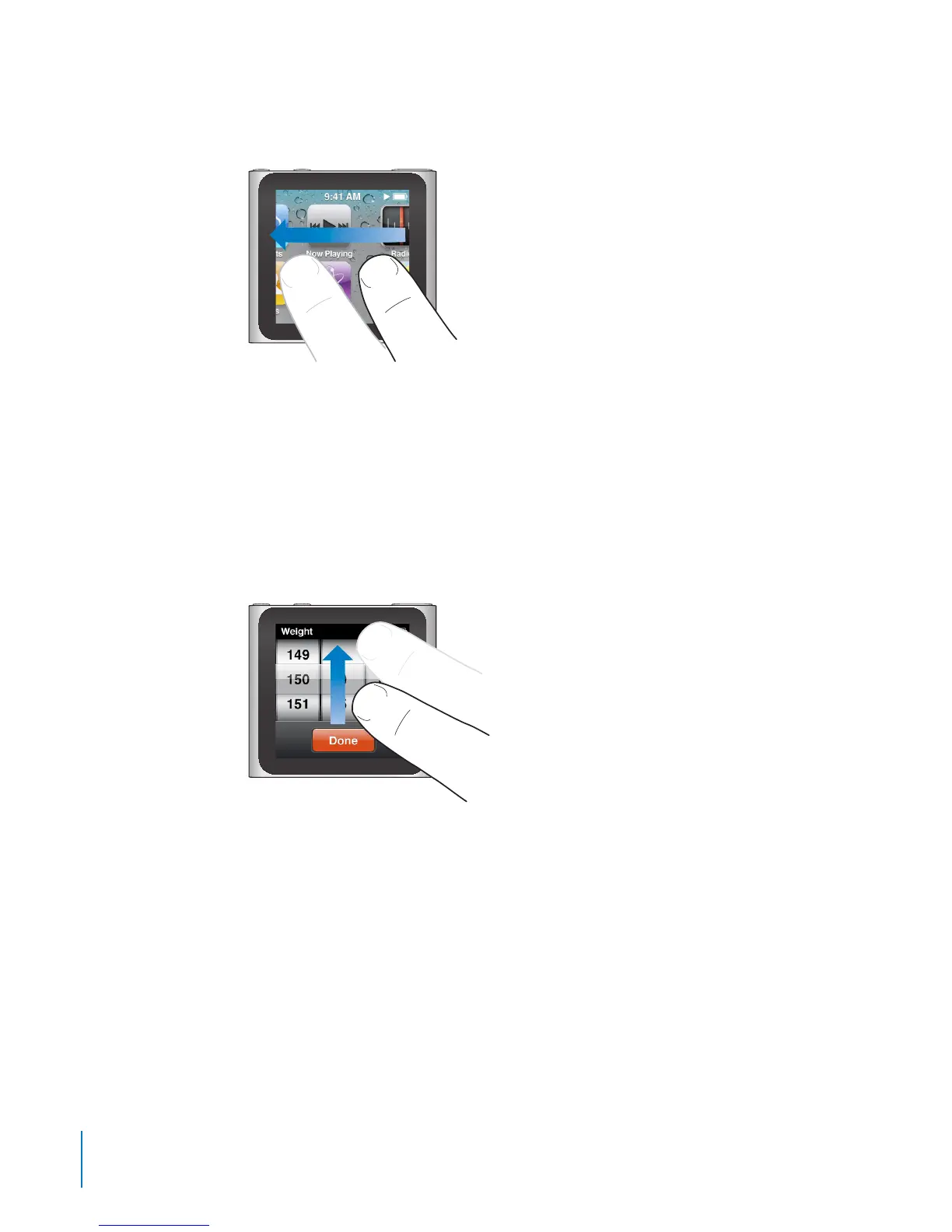
Swipe
Swipe sideways to move to the next or previous screen.
Drag
Drag over scrubber bars or sliders to move their controls.
Flick
Flick your nger quickly up or down to scroll rapidly. You can wait for scrolling to stop,
or touch anywhere on the screen to stop it immediately. Touching the screen won’t
choose or activate anything.
In some lists, such as Playlists, you can ick down to show editing controls at the top.
12
Chapter 3 Basics



 To Next Page