Shuing Songs
You can play songs, albums, or playlists in random order, and set iPod nano to shue
songs when you give it a quick shake.
To set iPod nano to shue and play all your songs:
Tap Songs on the iPod nano Home screen, and then tap Shue at the top of the B
Songs list.
iPod nano begins playing songs from your entire iPod nano music library in random
order, skipping audiobooks, podcasts, and iTunes U collections.
To set iPod nano to shue songs from the Now Playing screen:
1 On the Home screen, tap Now Playing, then tap the album artwork.
2 Swipe left along the bottom of the screen, and then tap
.
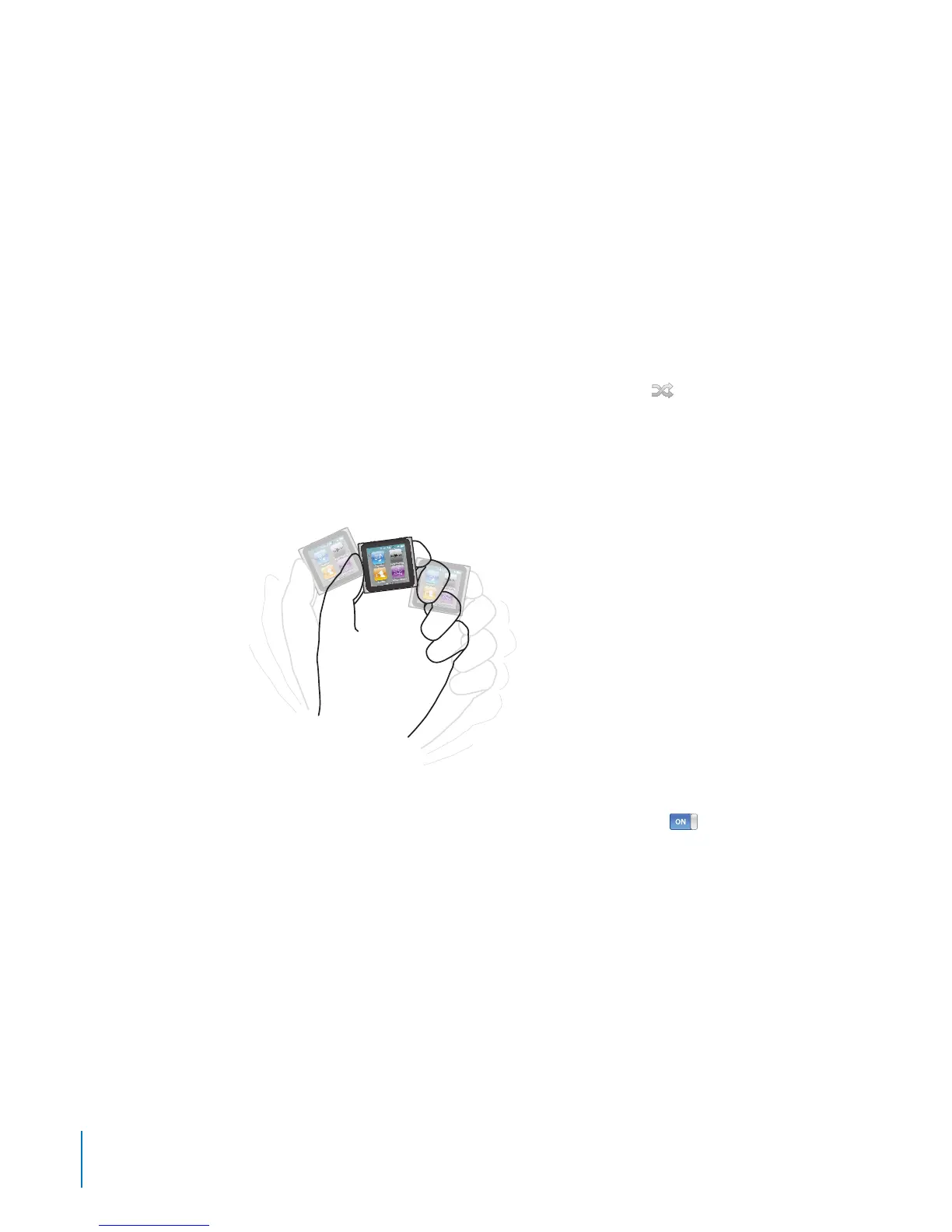
Shake to Shue
When the screen is on, you can give iPod nano a quick shake to skip to a random song.
If the screen is o, press the Sleep/Wake button before you shake. “Shake to Shue” is
on by default, but you can turn it o in Settings.
To turn “Shake to Shue” o:
On the Home screen, tap Settings, tap Music, and then tap B
next to “Shake to
Shue.”
28
Chapter 5 Music and Other Audio



 To Next Page