Use the Apple Dock Connector to USB Cable to connect iPod nano to your computer,
sync content, and charge the battery. You can also use the cable with the Apple USB
Power Adapter (sold separately).
Use the Apple Earphones to listen to music, audiobooks, and podcasts. They also
double as an antenna for listening to radio broadcasts.
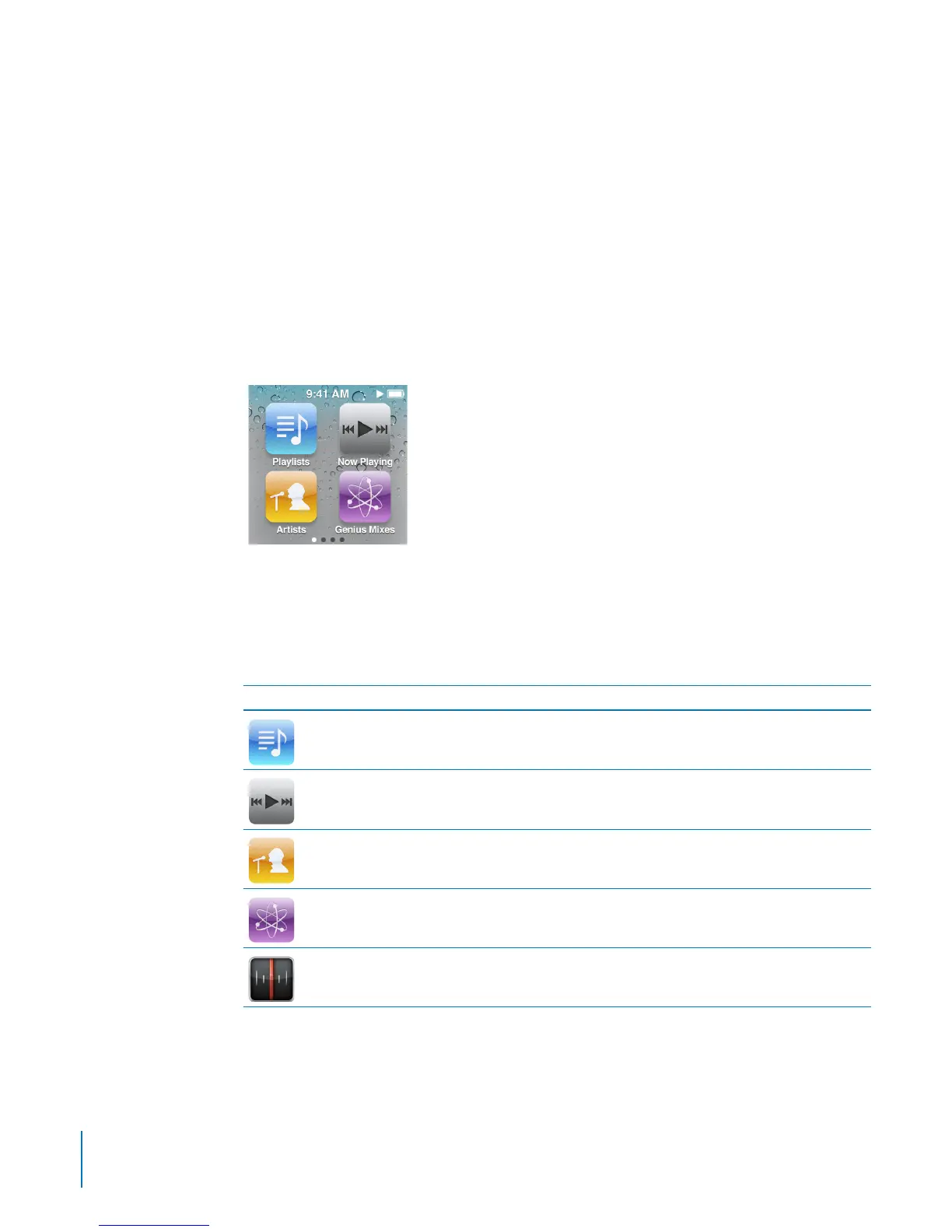
The Home Screen
When you turn on iPod nano, you see the Home screen. The dots at the bottom of
the screen indicate the number of Home screens. As you swipe left or right, the dot
representing the current screen is highlighted.
Each icon on the Home screen represents choices for listening to music or podcasts,
or for using features like the Stopwatch or Pedometer. Tap an icon to open it, then use
gestures to navigate (see “Using Multi-Touch” on page 11).
Here are all the Home screen icons:
Icon Function
Playlists Lists the playlists synced from your iTunes library or created on
iPod nano.
Now Playing Provides quick access to the currently playing audio.
Artists Lists songs synced from your iTunes library, organized by artist.
Genius Mixes Lists the Genius Mixes synced from your iTunes library.
Radio Opens the FM radio tuner, when you connect earphones to
iPod nano.
6
Chapter 1 iPod nano at a Glance



 To Next Page