QuickBooks for Mac 2014 User’s Guide 132
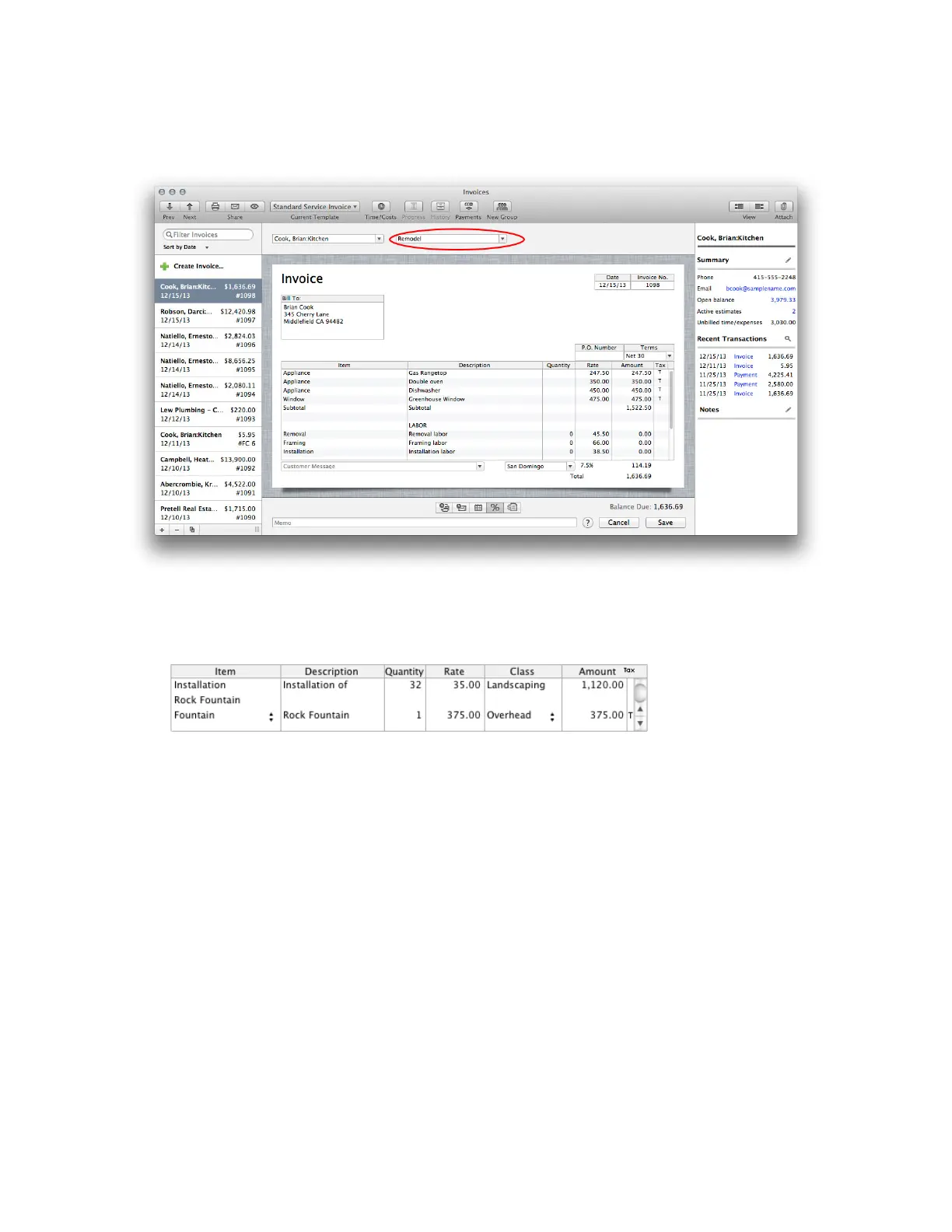
A cool thing you may not know about is that you can customize forms using Layout Designer and add Class to the
columns on the invoice. That way, you can assign a class to each item on the form as I’ve done below.
Using classes in reports
OK, so I’ve assigned classes in my transactions. What does that get me? Well, now when I run reports, I can filter
the report by Class. So for example, I can use my Expenses by Vendors Summary report and filter it by the class
Overhead. Now I have a report that shows me expenses by vendor for all my Overhead transactions.



 To Next Page