QuickBooks for Mac 2014 User’s Guide 136
• Get a map or driving directions. Select the name of a vendor and click Map or Directions. Intuit Maps
displays the map of or directions to the vendor's address. (You must be online to get maps and directions.) I'm
getting an error with Maps and Directions.
• Add vendor contact information to Address Book. Turn on Contact Sync (Company > Contact
Sync Settings). Select names of vendors you want to sync with Address Book, and then Control-click and select
Sync Vendor(s) with Address Book. A symbol ( ) displays to remind you which names are synced. How does
Contact Sync work?
• Filter the information you see. You can filter the vendor list as well as the transactions by using the filters
located under each list. For example, you can select “Vendors with Open Balances” from the View pulldown
menu under the customer list, then select a customer name. Then you can use the filters under the transactions
on the right pane to filter the transactions to view “Bills” filtered by “Open” in the date range of “This Month.”
Tips and tricks
Try these tips and tricks to make using Vendor Center even easier.
• Sort information by clicking the column titles.
• Rearrange the columns by clicking and dragging the top of a column to move it to another location.
• Show different columns or hide columns you don't need. Right-click (or Control+click) on the column headers,
then select the columns you want to see and unselect the ones you want to hide.
• Select multiple names in one of these ways:
o Shift-click to select a range of names. Select the first name you want, hold down the Shift key, and then
select the last name in the range.
o Command-click to select a group of nonadjacent names. Select a name, hold down the Command key ( ),
and then select each additional name.
o Command-A to select all names. No need to click; just press Command-A to select the entire list.
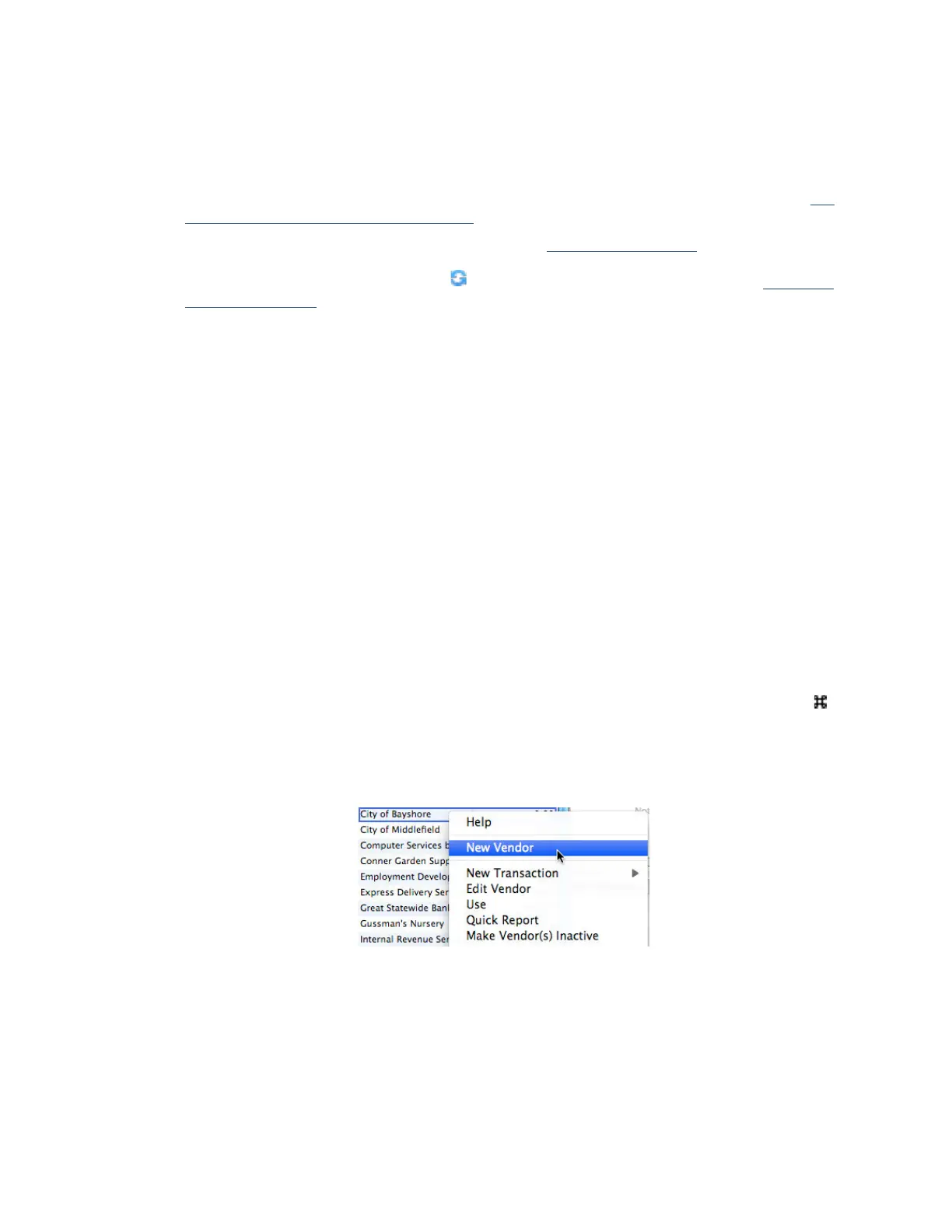
• Control-click a name in the left pane to access a shortcut menu to common tasks.
!



 To Next Page