QuickBooks for Mac 2014 User’s Guide 5
New to QuickBooks?
Welcome! Thanks for choosing QuickBooks. This section is just for you. I’m going to show you how to create your
company file, which is the file you’ll use each time you use QuickBooks.
Creating company file
QuickBooks walks you through a setup process that will create your company file for you.
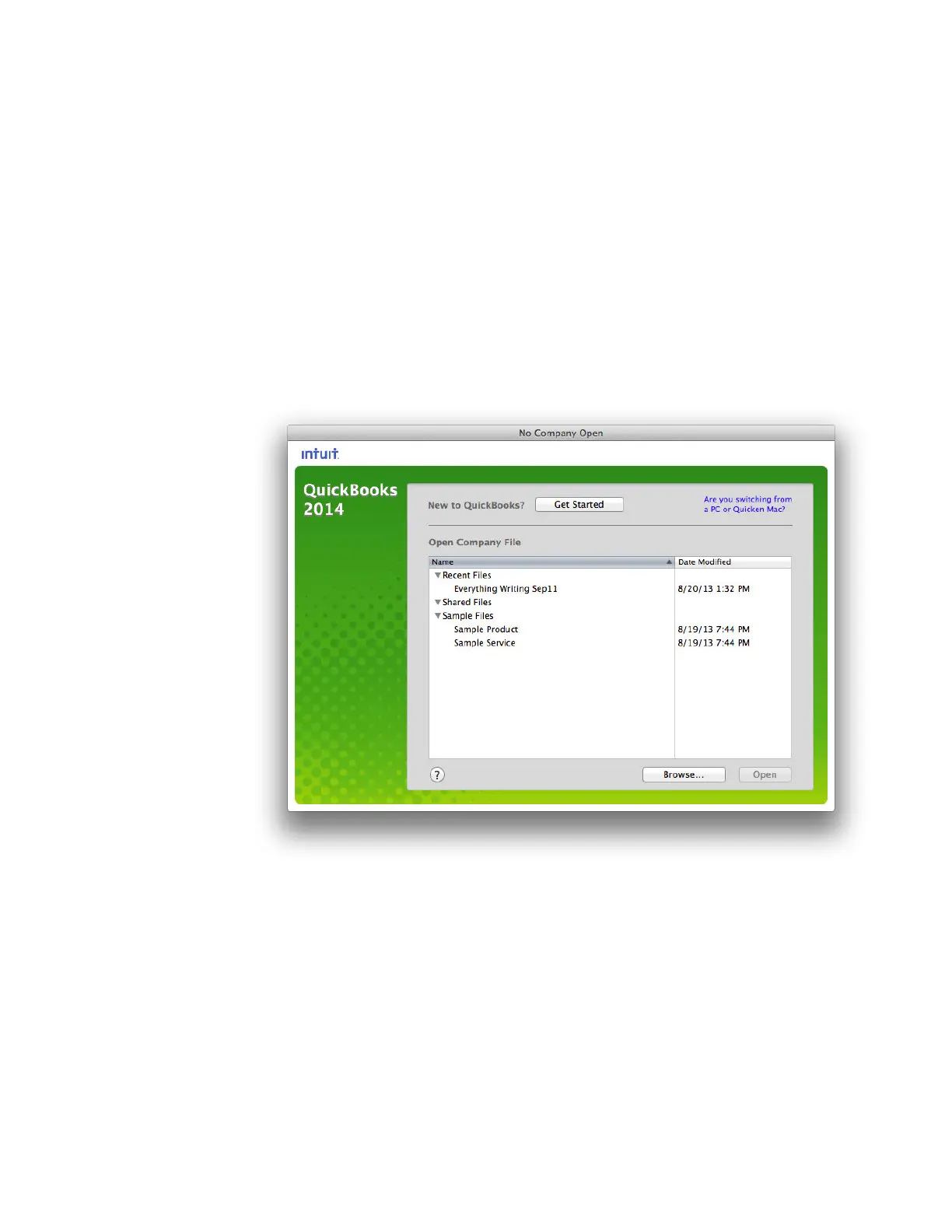
1 Open QuickBooks. You’ll see the No Company Open window.
2 Click Get Started.
3 On the Create New Company, enter information about your company and click Next.
o Company Name — What you call your company.
o Legal Name — Your company name as it appears on legal documents.
o Address/Country — The address for your company as you want it to appear on invoices, checks,
and other forms. You can also enter different addresses for Shipping and Billing.
o Company Start Date — The date you want to use to start tracking your business transactions in
QuickBooks. Usually this is the first day of your current fiscal year.



 To Next Page