QuickBooks for Mac 2014 User’s Guide 7
• Are you the kind of person who likes to have everything organized up front before you start? Then the best
place to start is creating your lists. Lists are the building blocks for QuickBooks. They include the things like what
you’re selling your customers and what you’re buying from your vendors. They also include the names and
contact info for all your customers and vendors and much more. I’ll talk about lists in the next chapter, and Set
Up and Go might work well for you too. I’ll talk about Set Up and Go in the next section.
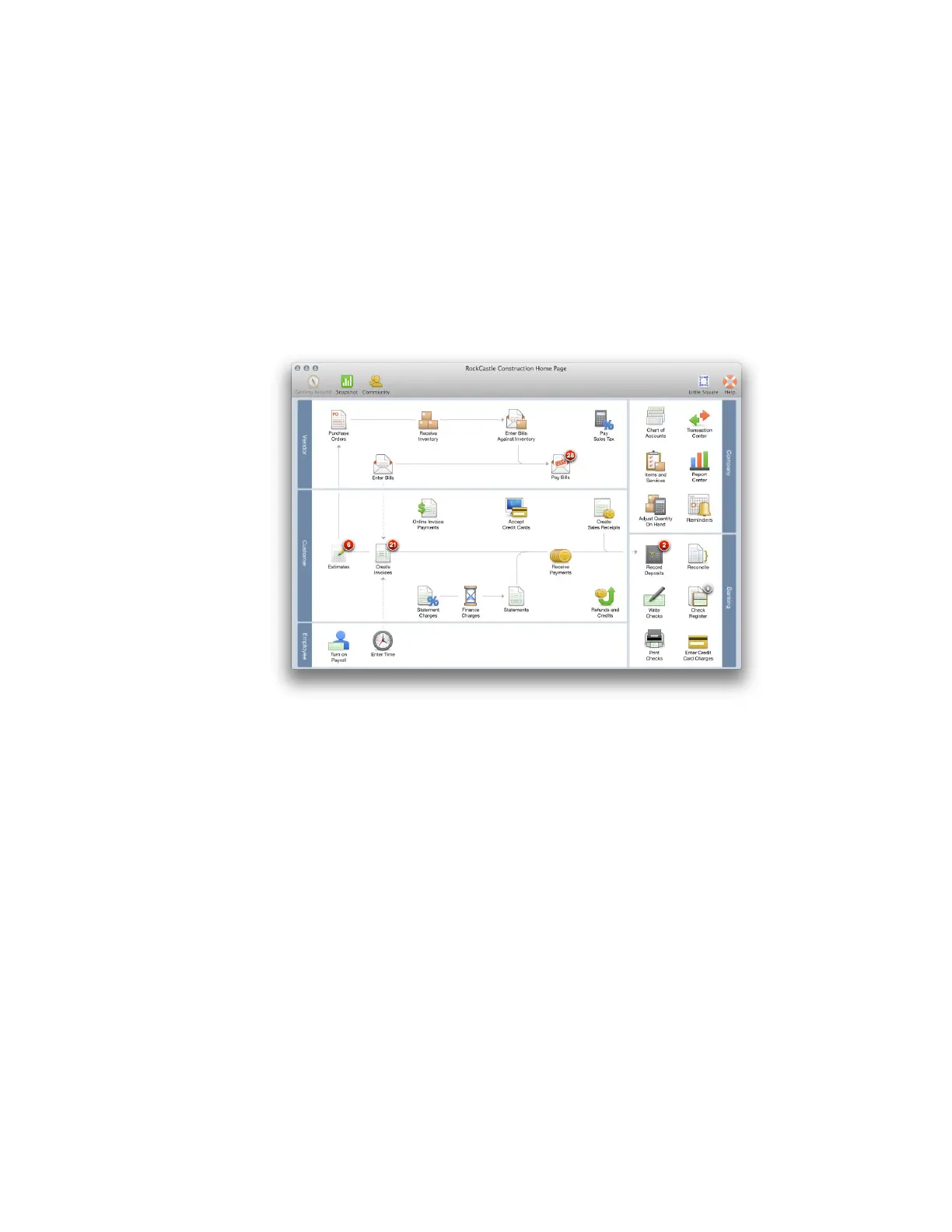
• Are you the kind of person who just wants to get started and fill in the details later? You can do that, too.
Go ahead and start entering transactions. QuickBooks will prompt you to enter information along the way. The
Home Page is a good place to start.



 To Next Page