QuickBooks for Mac 2014 User’s Guide 196
3 Choose whether you pay sales tax monthly, quarterly, or annually. This choice sets up the period of
time covered by your sale tax reports.
4 Choose when you owe tax to this tax agency:
o As of invoice date. You are liable for tax from the moment you write an invoice or make a sale
(accrual basis).
o Upon receipt of payment. You are liable for tax only when you receive cash from a customer
(cash basis).
Your choice determines the amount you owe in the Pay Sales Tax window, and determines the
amounts displayed in the sales tax liability report.
5 From the “Most common sales tax” list, choose the tax item or group you use most often.
Indicate who and what gets taxed
Now you tell QuickBooks what items and what customer are taxable.
Marking items you sell as taxable
You can set up QuickBooks to distinguish between taxable and non-taxable items when you make a sale. When
you add an item to your Item list, you can indicate whether you charge tax for the item. QuickBooks remembers
this information and automatically shows whether or not an item is taxable when you enter the item on a sales
form.
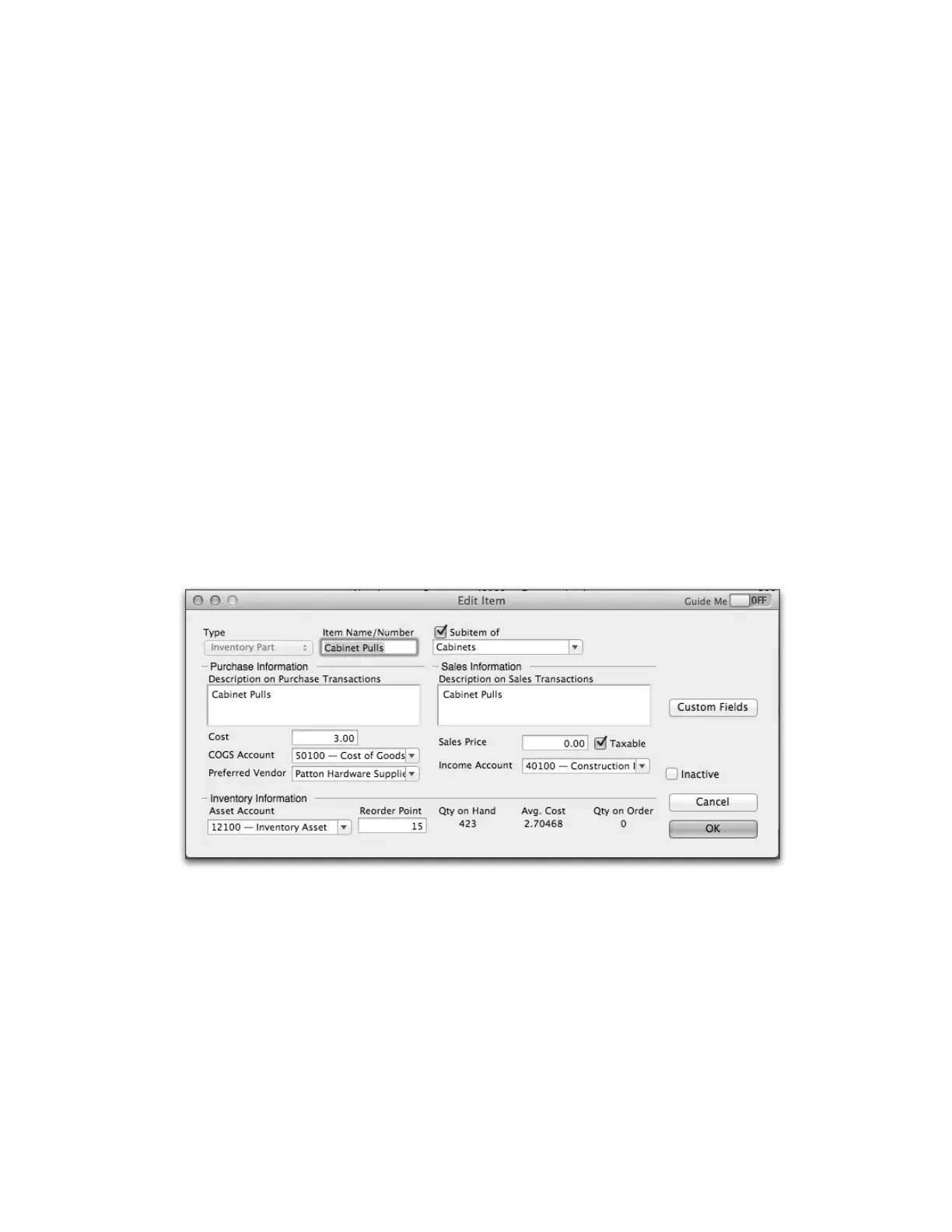
To set up an item as taxable:
1 Choose Lists > Items.
2 Add a new item or edit an existing item.
3 Select the Taxable checkbox.



 To Next Page