QuickBooks for Mac 2014 User’s Guide 201
CHAPTER 9
Finding out how you’re doing
In QuickBooks, you can use the Company Snapshot and reports to see how your business is doing. Reports are a
thorough way to dig deep into your data. And Company Snapshot is for the at-your-finger-tips data. And it’s a lot
of fun! And QuickBooks offers a budget feature.
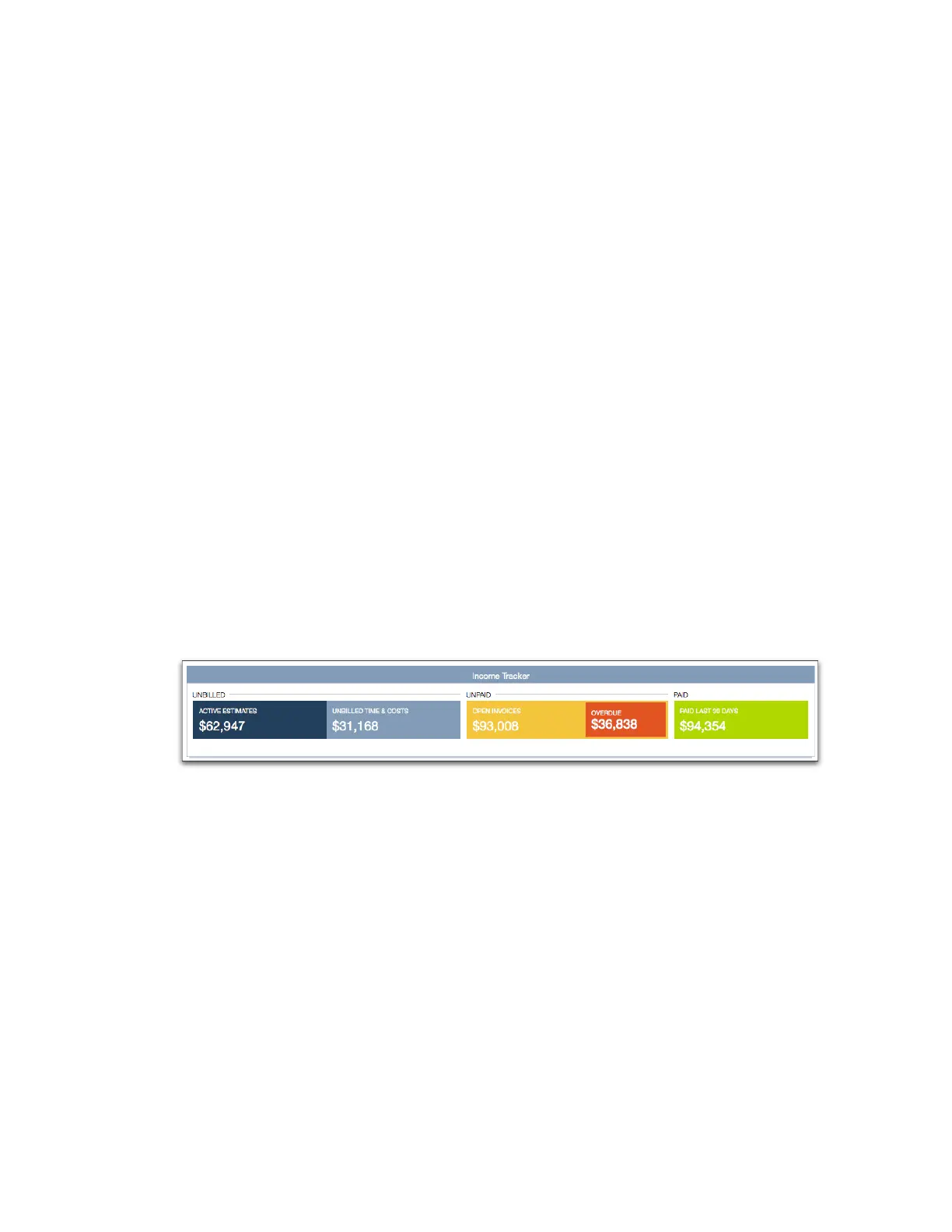
Income Tracker
The Income Tracker at the top of the Transaction Center shows you some basic info about how your business is
doing right now, today. But that's not all! You can click on the Income Tracker's regions to see those kinds of
transactions.
For example, click the gold Open Invoices bar. QuickBooks shows you a list of all your company's open invoices,
complete with details. From there, you can open individual transactions to double-check them or change them if
you need to.
Company snapshot
Use the Company Snapshot to get real-time company information and perform tasks in one place. Here you can
quickly see trends in your income and expenses, who owes you money, who you owe money, reminders of things to
do, and the balances in your accounts. You can also quickly access transactions for all your customers, such as sales
receipts, received payments, and statement charges.



 To Next Page