QuickBooks for Mac 2014 User’s Guide 213
CHAPTER 10
Other cool things about
QuickBooks
OK, I admit it. I have a bunch of things to tell you about QuickBooks that I couldn’t really find a place for
elsewhere in this eBook. So I put them all in one chapter. I hope that’s OK"
Your toolbar: Picking the icons you want
So you don't have employees but you use statements all the time. And there's a report you view every day. Guess
what? You can get to your common tasks quickly, using the toolbar.
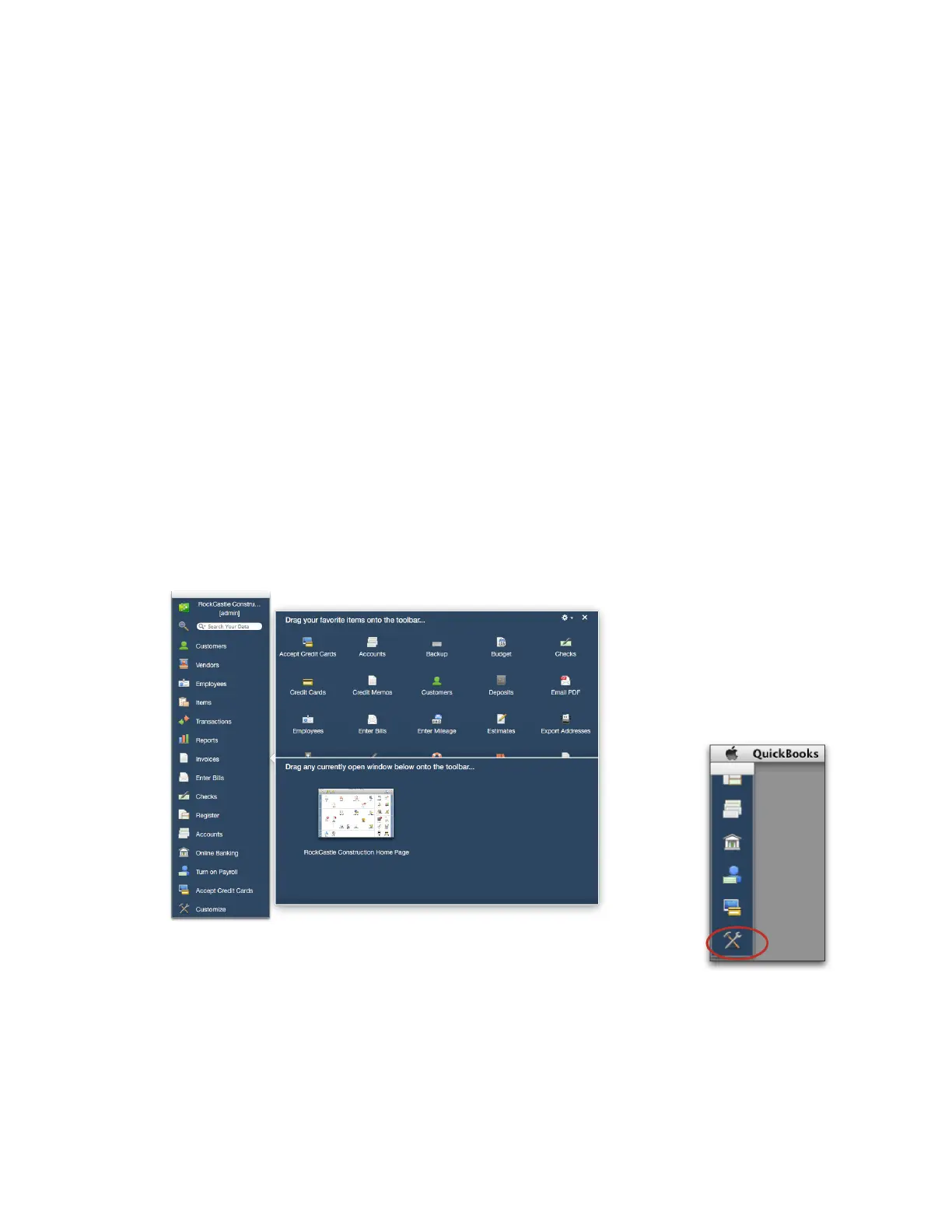
To customize your toolbar:
• Click Customize at the bottom of the toolbar.
On the sheet of icons, you can:
• Change the icons on the toolbar. Drag any icon you want to add to the toolbar. Drag an icon off the toolbar to
remove it. You can also drag icons around on the toolbar to rearrange them.
• Add a link to a window on the toolbar. You can add a link to a window, such as a report, to the toolbar. Open
the window you'd like to link to, and then click Customize on the Toolbar. Drag the window you want to add,



 To Next Page