QuickBooks for Mac 2014 User’s Guide 218
Layout Designer
Layout Designer is a QuickBooks tool you can use to customize your forms to give them a professional and
distinctive look for your business. You can use Layout Designer to customize the look of your invoices, sales
receipts, estimates, credit memos, statements, and purchase orders.
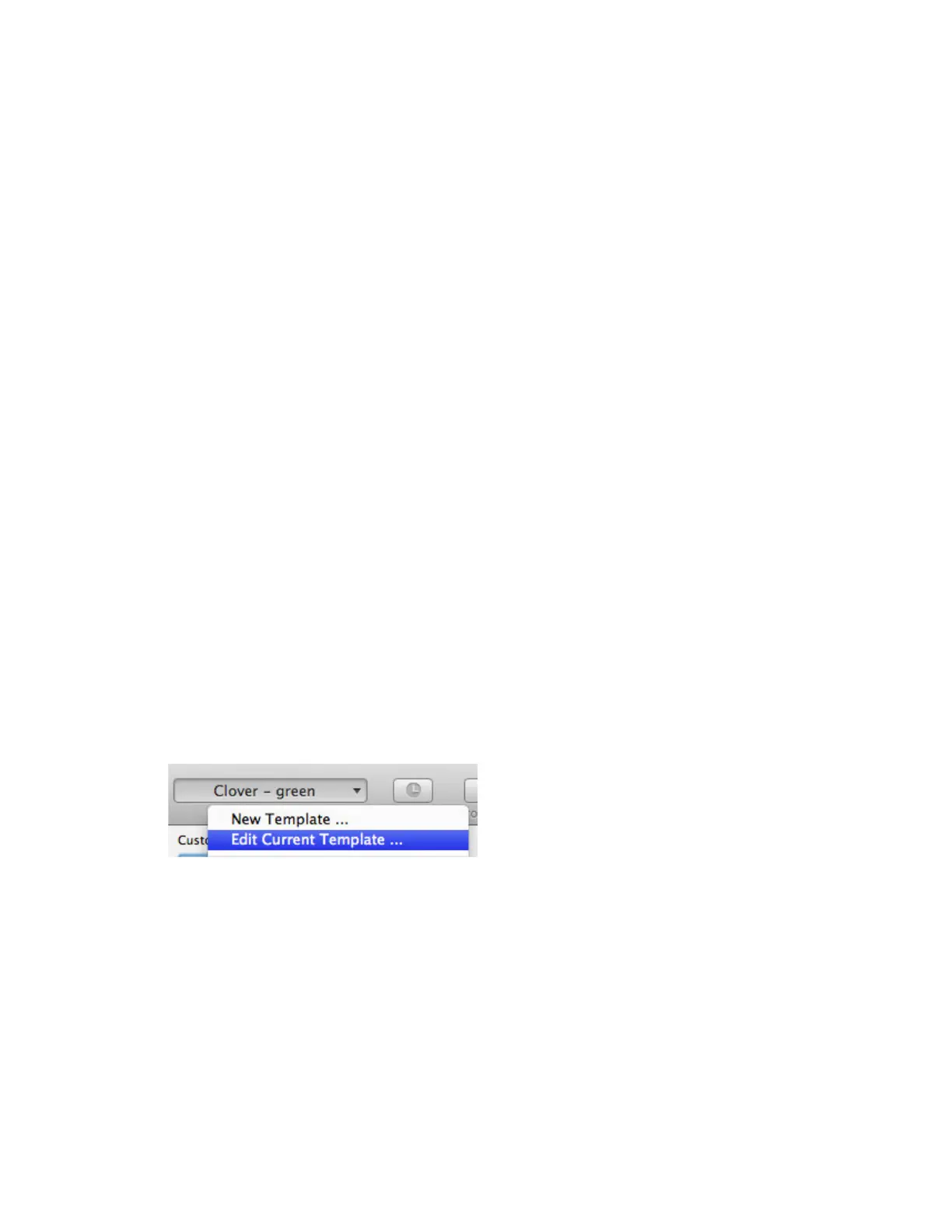
1 Open Layout Designer. At the top of each form, choose an existing template and click New
Template or Edit Current Template.
2 Choose what goes on the template. When you customize a template, you can choose what
information shows up on the form using the Fields window.
3 Format the template. Add a logo, change the fonts, add text boxes or borders or lines or a
background image. Your options are wide open.
Things to know:
• Add logos, background graphics, and other images to the template. In the template window, click Add Image
on the toolbar. Choose the image you want to add, and then click Open. You can add PDF, GIF, TIF, JPG, BMP,
PICT, and PNG images.
• Change the font. In the template window, select the text you want to change. In the Formatting Palette, use
the options under Text to change the font.
• Export a template. In Layout Designer, choose File > Export. Choose the format you want to export the
template to: .layoutdesigner (can be used with another QuickBooks company file), .tiff, or .pdf.
Opening Layout Designer
You customize the look of forms in QuickBooks (invoices, sales receipts, estimates, credit memos, statements, and
purchase orders) by applying a template to them.
Open the form, then choose a template from the Template pop-up menu at the top of the form.
Things to know:
• QuickBooks provides several standard templates. And if those templates don't work for you, keep reading.
• You can customize a template. Select the template in the Template menu and click Customize. Layout
Designer will open and you can use it to choose the information you want to see on the form or change the
form's format. You can't change the standard templates, but you can customize them and save them under a
different name.
• You can also create a new template from scratch. From the Template menu, select New Template. Layout
Designer opens, and you can design to your heart's content.



 To Next Page