QuickBooks for Mac 2014 User’s Guide 270
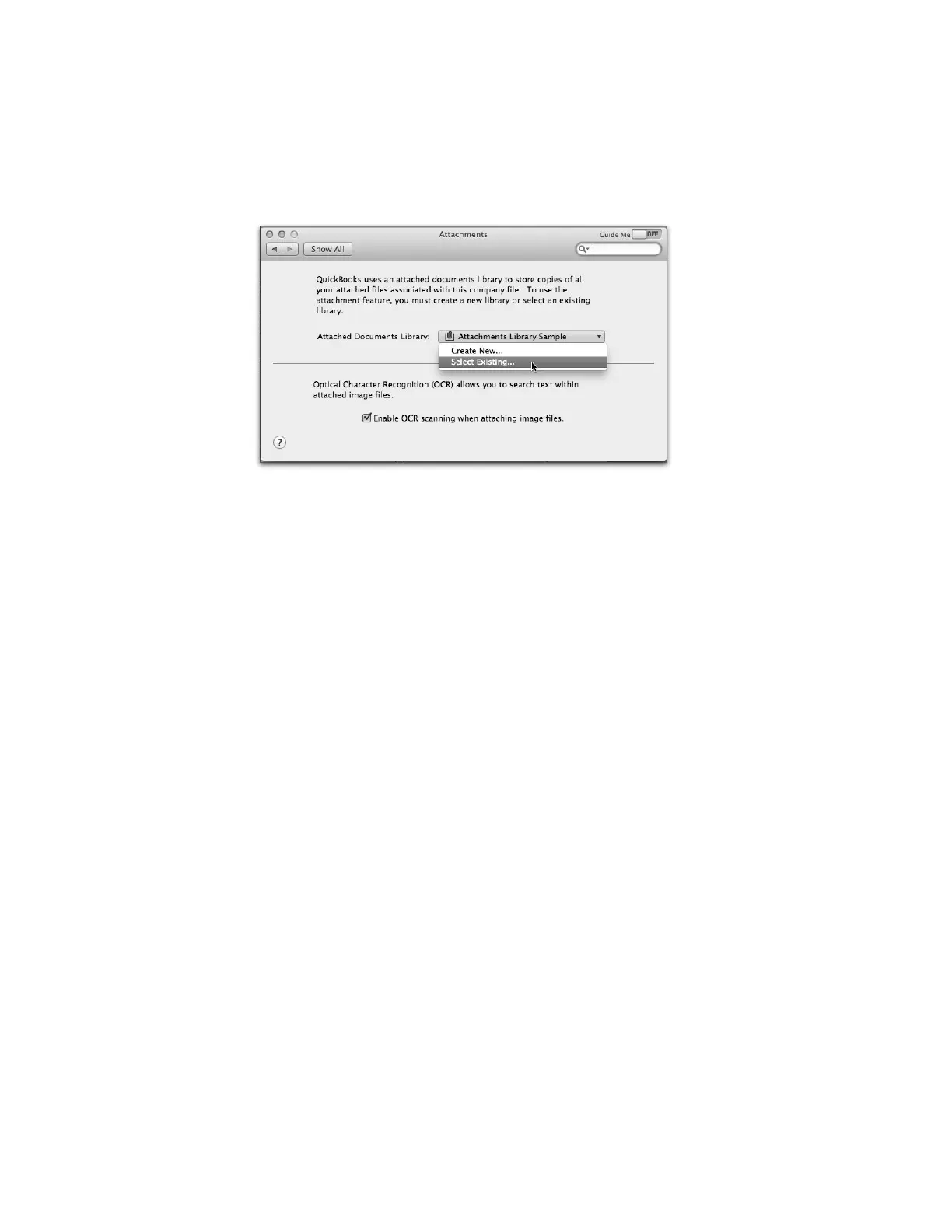
1 Click the Attached Documents Library menu and choose Select Existing.
2 Navigate to the Attached Documents Library folder you restored in Step 3 and choose it.
3 Click Open.
4 Close the Preferences window—your choice is saved automatically.
!
That’s it! Your company file is restored, and your Attached Documents Library is restored and connected to your
restored company file.



 To Previous Page