QuickBooks for Mac 2014 User’s Guide 20
Now you’re ready to go. Enter all
your unrecorded bank
transactions (the ones not
already in the bank account
register I asked you to look at
earlier in this article) between
your company file’s start date
and today. You can use the
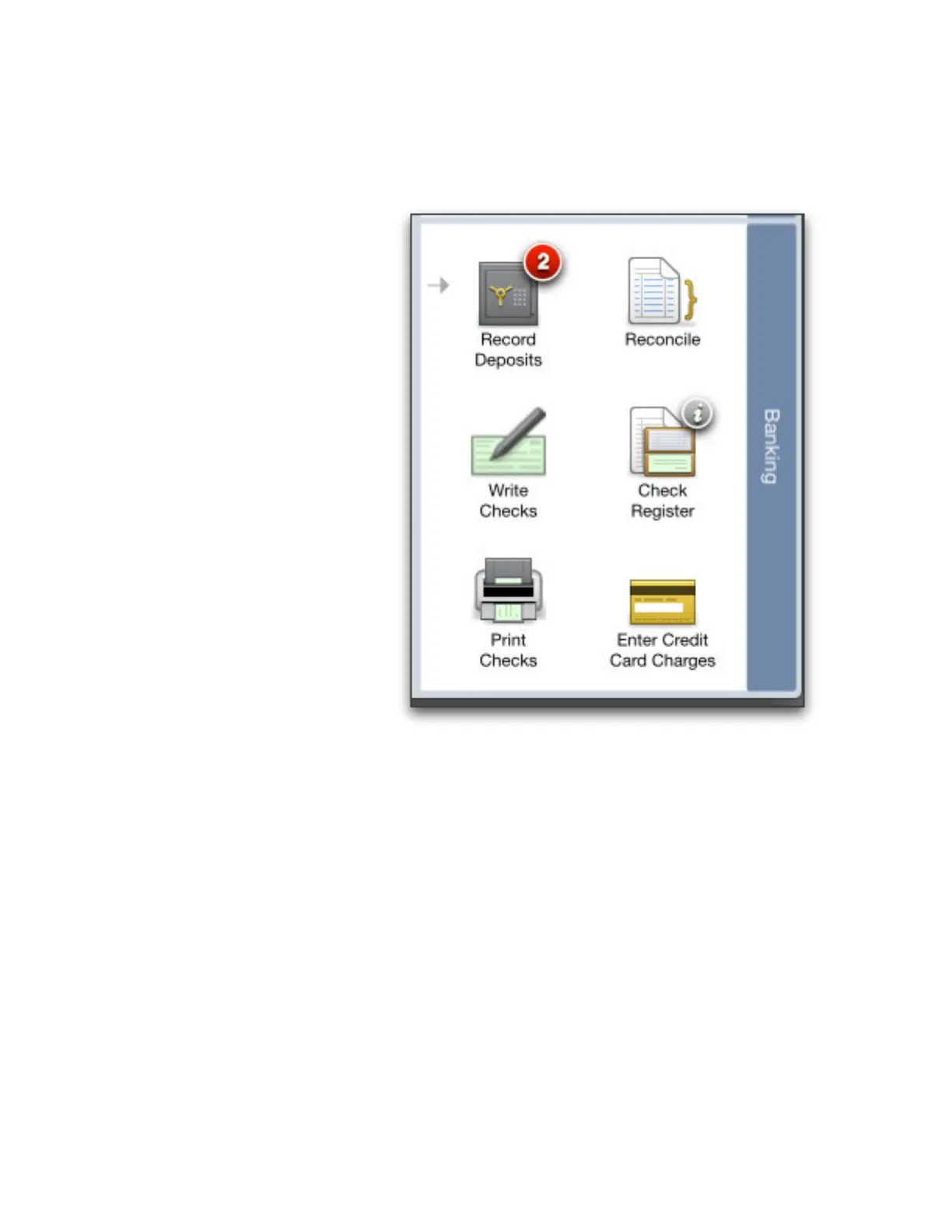
Banking area on the Home page
to enter many of these
transactions. Be sure you use the
actual transaction date rather
than today’s date. You can enter
these transactions in any order.
• Checks. Choose Write Checks
and enter all miscellaneous
checks that aren’t already in
your register. Be sure you
enter the actual check
number in the No. field. Since
you’ve already written these
checks, click to clear the To Be
Printed check box.
•
If the check is for an
expense, select the expense
account at the bottom of the
check.
•
If the check is a payment for
a liability you track (for example, a loan), enter the liability account at the bottom of the check.
•
If the check is for items on your items list, enter the item in the Item field of the Items pane.
• Deposits. Choose Record Deposits and enter your unrecorded deposits. Be sure to refer to your bank account
register so you don’t record a deposit that’s already in there.
• Fees and transfers. In your bank account’s register window, enter any other fees, charges, or interest earned
from your bank statement. Be sure to enter amounts in the correct column: Increase or Decrease. Also enter any
transfers between bank accounts. (You can also use Banking > Transfer Funds to record transfers.)
Entering credit card transactions
Now that you entered your unrecorded bank account transactions in QuickBooks, let’s look at your credit cards.
(Just to be clear, these are transactions on your credit cards. Accepting credit cards as payment from your
customers is another topic.)
How you enter these historical transactions depends on whether you pay your balance in full each month.
If you pay your balance in full each month, you can simply record a check (Banking > Write Checks) for each
payment. Here are a few things to keep in mind:



 To Next Page