QuickBooks for Mac 2014 User’s Guide 53
5 Change the account name so that it is the same as the account you're merging it with.
6 Click OK.
7 When prompted to merge the selected accounts, click Yes.
8 Click Merge Accounts to confirm that you want to merge the two accounts.
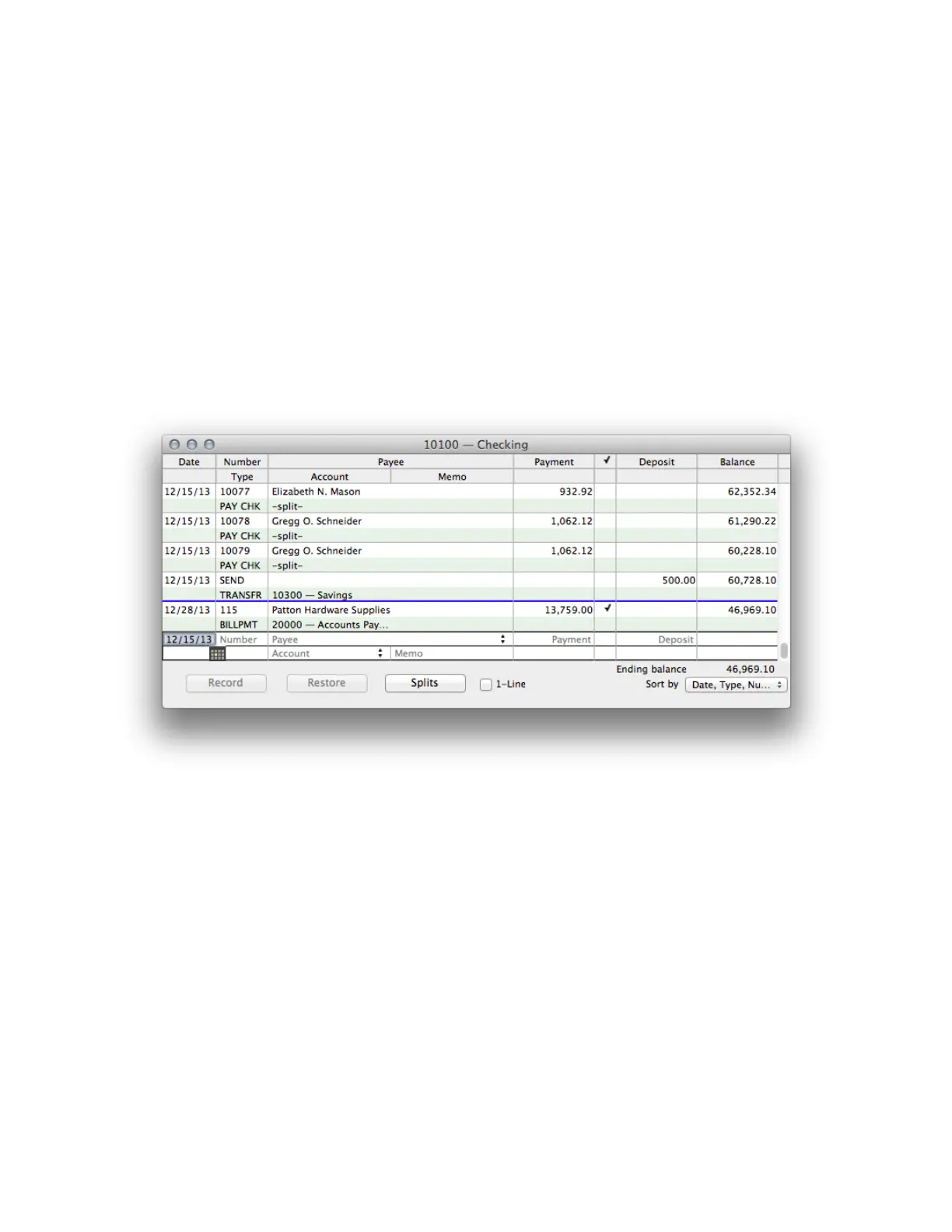
Working with registers
Registers help you track what goes on in your accounts. Every balance sheet account in your Chart of Accounts has
its own register that lists, in chronological order, all the transactions in the account. If you're familiar with
adjusting entries in a general journal, you can use the General Journal Entry window to enter debits and credits.
(QuickBooks provides the general journal for bookkeepers who know debits from credits and who prefer to enter
certain transactions in a general journal.)
Opening a register
You can open an account's register at any time.
From the Chart of Accounts:
•
Double-click the name of the balance sheet account whose register you'd like to open.



 To Next Page