QuickBooks for Mac 2014 User’s Guide 59
CHAPTER 4
Items
When the QuickBooks term “items” comes up, many users immediately think “inventory”—that is, things that retail
businesses sell. Service business owners may wonder why they need to fool around with items, since they sell
services rather than physical things.
Whatever your business, you’ll need to use items. If you buy it or sell it, it’s an item—whether it’s a physical thing
or a service. In a doctor’s office, an exam is an item. For a writer, a blog post is an item. For a lawyer, a courtroom
appearance is an item.
Items can also be discounts, sales tax, and subtotals. QuickBooks for Mac has ten different types of items you can
use for forms and reports.
Items permeate the QuickBooks landscape, acting as key components in everything from jobs to invoices, accounts
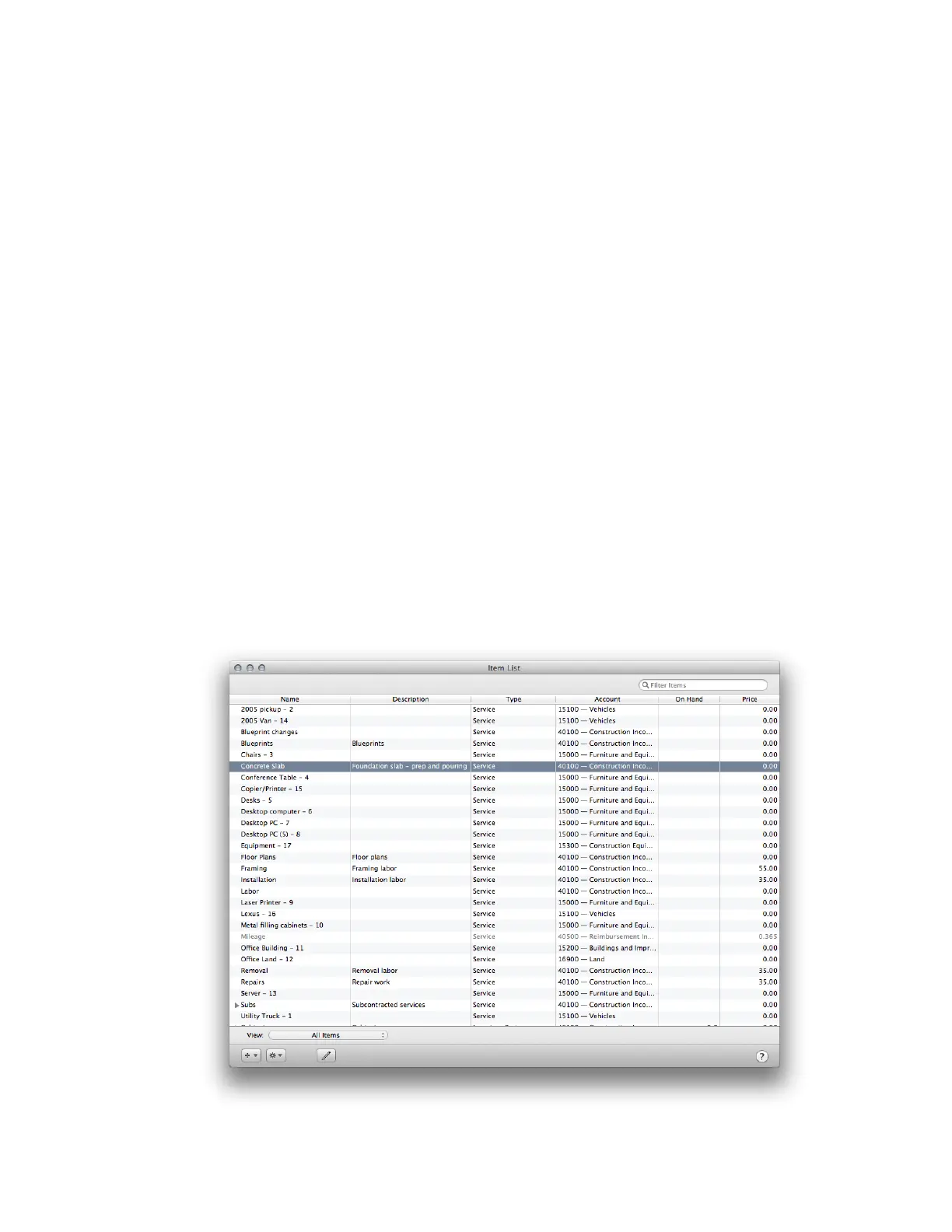
to reports. So where can you find all these items? First and foremost, in the Items list (List > Items)—one of the
three major lists in QuickBooks. (The other two are the customers and vendors lists.)



 To Next Page